Make your own habit tracker before January 1 (no coding)
Build a habit tracker that fits your New Year's resolutions exactly: streaks, daily reminders, a friends challenge, and an app you can install or publish before January 1.
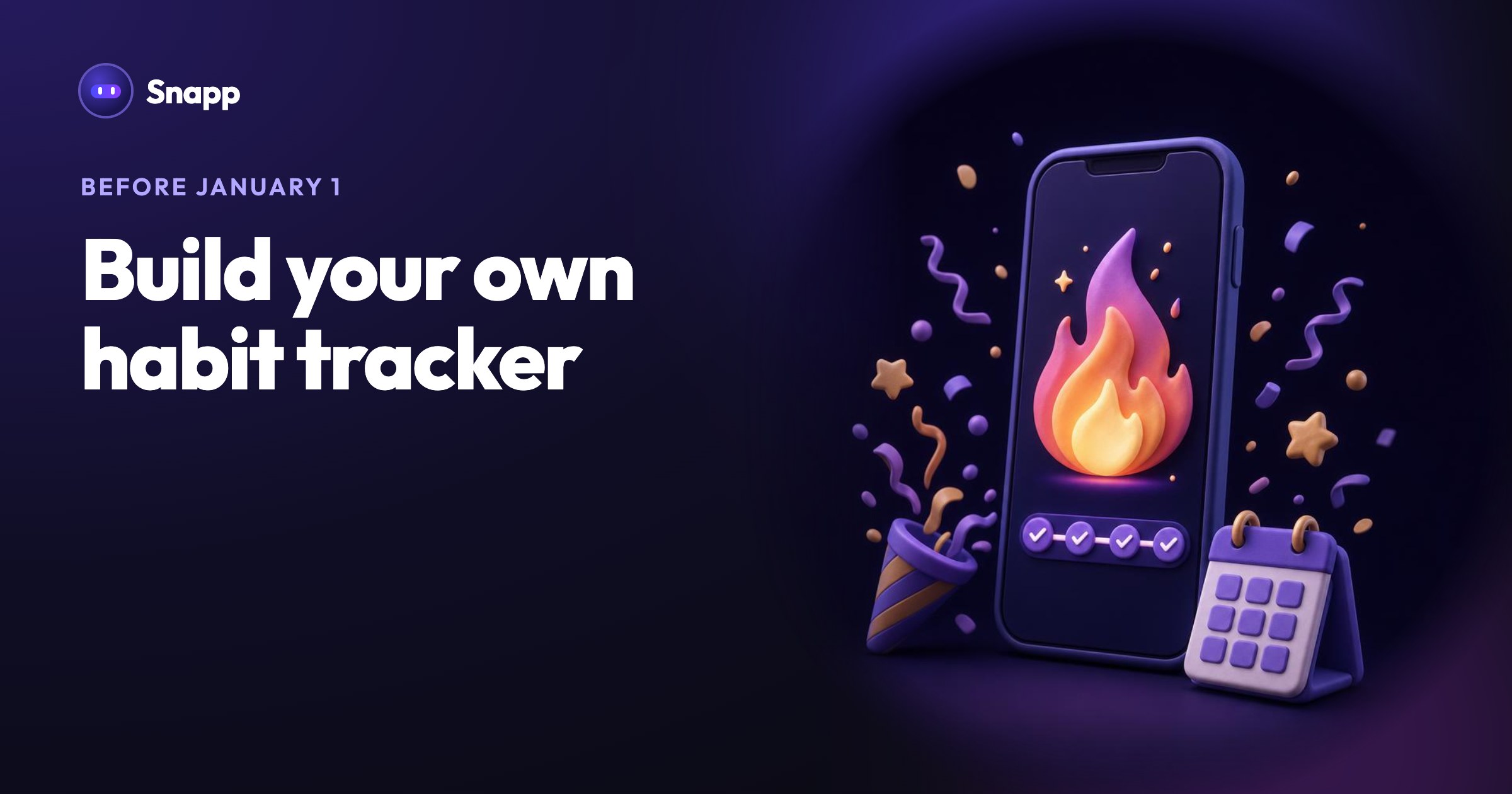
You can make your own habit tracker app in an afternoon, without coding: describe it to an AI app builder, try it on your phone, then add streaks and daily reminders one message at a time. Start in December and it is ready for January 1, 2027, which is a Friday. Here is an example prompt, the features worth adding, and how to share it with friends.
Key facts
- In a well known University College London study, new daily habits took a median of 66 days to become automatic, with a range of 18 to 254 days (Lally and colleagues, 2010; UCL summary). Plan for more than three weeks.
- The same study found that missing a single day did not materially affect forming the habit. That is a good reason to forgive one missed day in your streaks.
- On Snapp, a new app takes about 7.5 credits and a change about 3. You can build and test on the Free plan.
- Reminders scheduled on the phone work in every published Snapp app without any extra setup.
- "Show a flame and the number of days next to each habit's streak."
- "Allow one missed day per week without breaking the streak."
- "Add a daily reminder at a time I choose for each habit."
- "Add a Year screen with a dot for every day of 2027, filled in when I did all my habits."
- "Let me choose which days of the week a habit is for, like gym on Monday, Wednesday and Friday."
- Lally, van Jaarsveld, Potts and Wardle (2010), How are habits formed, European Journal of Social Psychology
- UCL Health Behaviour Research Centre: Busting the 21 days habit formation myth
- Google Play: developer registration fee
- Google Play: testing requirements for new personal accounts
- Apple Developer Program enrollment
Why make your own habit tracker?
Ready-made habit apps are fine, but they track what someone else decided. Your own tracker can follow your exact resolutions, use your words, and skip everything you will never tap. It is also a nice first app: a few screens, clear data, and you will use it every day, so you notice what to improve.
What should you tell the AI?
Say what the app is and its main actions, in one or two sentences. For example:
"A habit tracker for my New Year's resolutions: I add habits like 'read 10 pages' or 'no sugar', tick them off each day, and see my current streak and a calendar of the month."
Snapp builds it and draws a logo for it. It runs on your phone right away, so try ticking off a habit before you change anything.
Then add one feature per message:
Which features matter most?
| Feature | Why it helps |
|---|---|
| Streaks | A visible number you do not want to lose |
| Forgiving one missed day | The research above says one miss does not undo a habit, so the app should not punish it |
| Daily reminders | The study's volunteers did their habit in the same context every day, such as after breakfast; a reminder at a fixed time helps you do the same |
| A month or year view | You see progress even on a bad week |
| Notes | "Felt great after the run" makes the data personal |
How do reminders work?
Tap Add notifications in the chat, or ask for daily reminders in your own words. Snapp adds a reminder setting, and the phone asks for permission only when you turn reminders on. These reminders are scheduled on the phone, so they need no account and work in every published app.
Can I share my habit tracker with friends?
Yes, in two ways.
Share the app itself. Tap Share Now in the chat to get a link and a QR code. Friends can open it in a browser and add it to their home screen as a PWA, so it opens full screen with its own icon. On the Free plan the link works for 24 hours from your last share; on any paid plan it is permanent. See share your app with others.
Track habits together. If you want a group challenge ("who keeps their streak longest in January?"), the app needs a database and accounts:
1. Tap Add Database in the chat and connect your free Supabase project, before you ask for shared features.
2. Tap Add User Login so everyone has an account.
3. Ask: "Add a Challenge screen where friends join with a code and see each other's streaks for one habit."
4. Test with a second account in the preview before you invite anyone.
Can I publish it to Google Play and the App Store?
Yes. From the Starter plan ($24.99 a month, US price as of October 2026), Snapp publishes into your own developer accounts: it prepares the store page, screenshots and privacy policy, builds the app and follows the review. Google charges a US$25 one-time fee and Apple 99 USD a year. A new personal Google Play account must run a closed test with 12 testers for 14 days first, so if January 1 is your goal, start early in December. Store reviews usually take 1 to 3 days. Step by step: publish to the App Store and Google Play.
Where Snapp fits
Snapp turns a description into a real iPhone and Android app that runs on your phone while you build it. Describe your habit tracker at snappai.co today, and change it until it feels like yours. For more first app ideas, see app ideas for students.
Frequently asked questions
Is it free to make a habit tracker with Snapp?
Building and testing it is free on the Free plan. A permanent share link and publishing to the stores need a paid plan.
Will my data be lost if I change phones?
If the app saves only on the phone, yes, it can be. Connect a database and add login if you want your habits to follow you to a new phone.
How long until a habit sticks?
In the study by Lally and colleagues, the median was 66 days, with a range of 18 to 254 days. Set your tracker up for the long run, not just the first week of January.
Sources
Last updated: October 2026.
Snapp Team
Articles and content from the SNAPP team