Back

SNAPP Blog

Insights, guides, and success stories about building apps with AI

Loading...
Guides

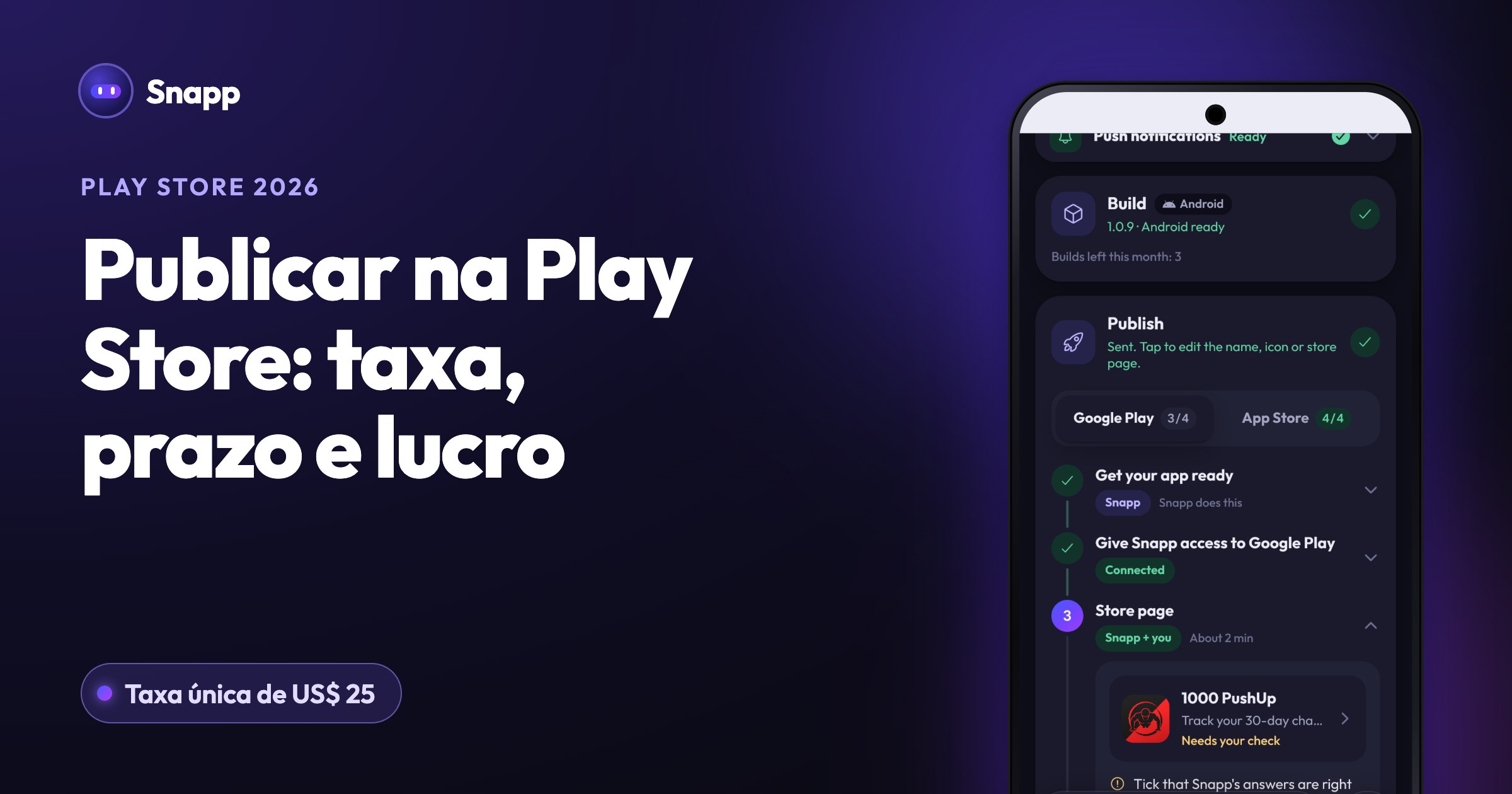
How to Publish Your Android App to Google Play

Snapp publishes your Android app to Google Play for you. Here are the one-time prerequisites and the exact steps — from creating your app to hands-free releases.

Snapp TeamAugust 6, 20263 min
Guides

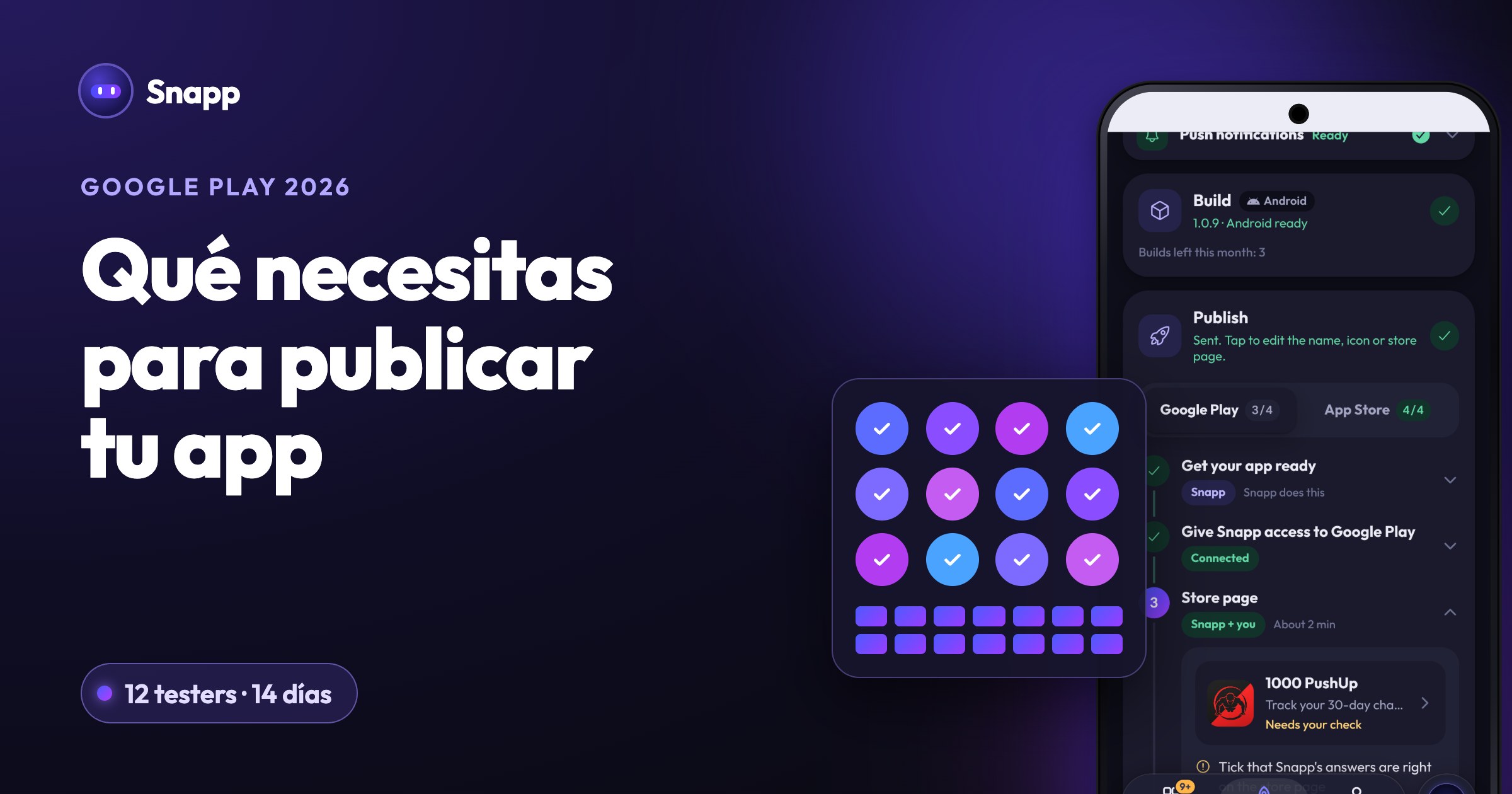
Complete Your Google Play Listing & Submit for Review

Snapp uploads your Android build to Google Play. Here is the one-time part you finish yourself — the store listing, App content declarations, and rolling out to production.

Snapp TeamAugust 6, 20263 min
Guides

How to Create a Google Play Developer Account

A Google Play Developer account is a one-time $25 and about 15 minutes. Here is exactly how to sign up and get verified so you can publish.

Snapp TeamAugust 6, 20262 min
Guides

Complete Your App Store Listing & Submit for Review

Snapp submits your iOS build to App Store Connect. Here is the one-time part you finish yourself — the store listing, App Privacy, selecting the build, and Submit for Review.

Snapp TeamAugust 6, 20263 min
Guides

How to Publish Your iOS App to the App Store

No Mac, no certificates. Snapp signs and submits your iOS app for you — you just connect your Apple account once. Here are the prerequisites and steps.

Snapp TeamAugust 6, 20263 min
Guides

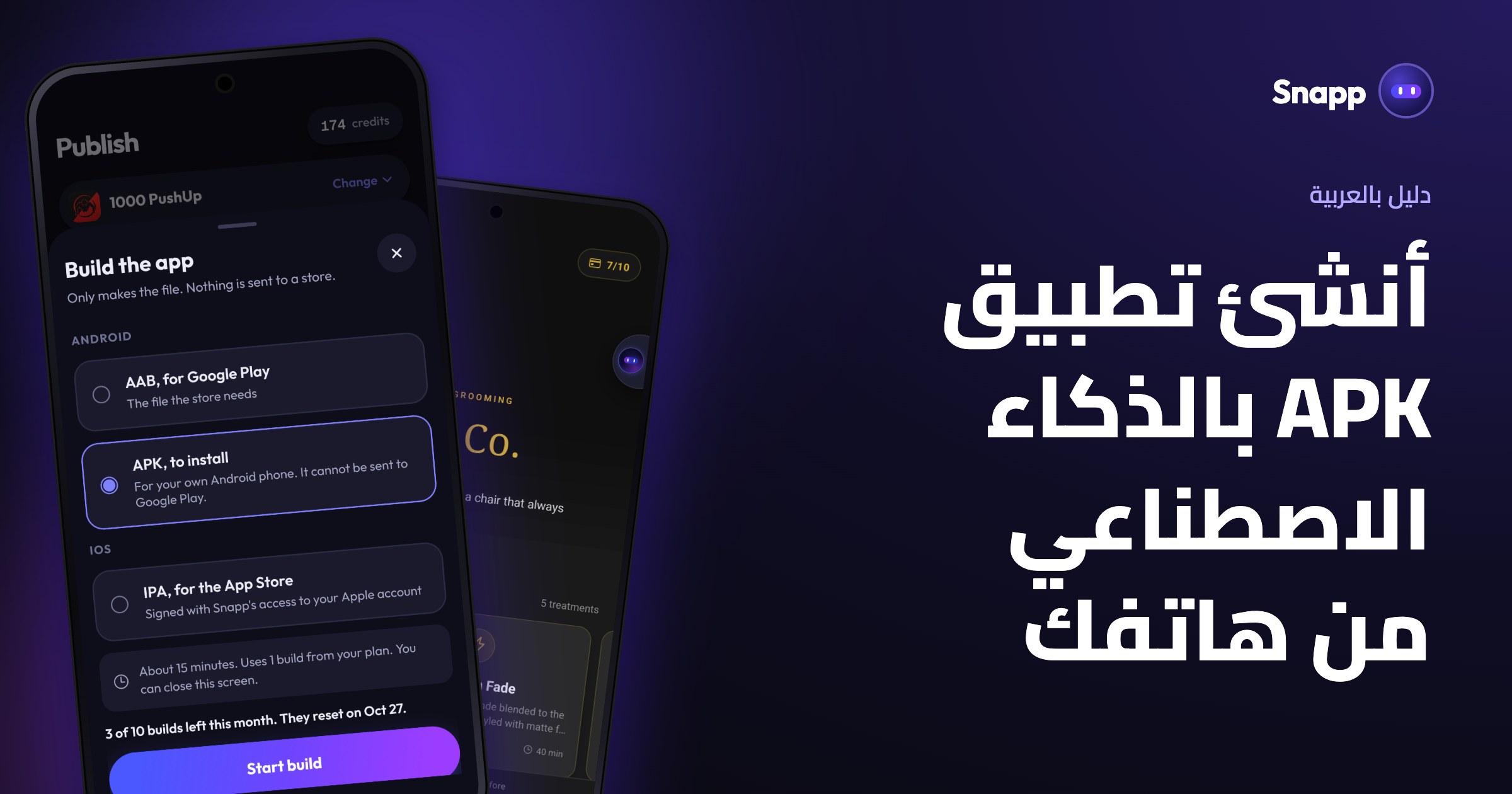
APK vs AAB: Getting Your Android App File

Building your Android app in Snapp asks for APK or AAB. Here is the simple difference and which one to pick for the store vs testing on a device.

Snapp TeamAugust 6, 20262 min
Guides

What Is OTA? Instant Updates Without a Rebuild

Snapp OTA pushes your latest changes to installed apps in seconds — no rebuild, no store review. Learn when it works and how Snapp offers it automatically.

Snapp TeamAugust 6, 20263 min
Guides

How to Create an Apple Developer Account

To publish on the App Store you need the Apple Developer Program ($99/year). Here is how to enroll and what you can do once you are in.

Snapp TeamAugust 6, 20262 min
Product Updates

Is My App Ready? See exactly what’s left before you publish

Unfinished pages and dead buttons made people think their app was broken. The new readiness report reads your app’s source code and tells you what’s actually left — with a score, a list, and a free way to remove what you never wanted.

SavasAugust 5, 20264 min
Snapp — the first 1,000 builders
Success Stories

1,000 People Built an App With Snapp. Here's What They Actually Built.

All 1,594 apps ever built on Snapp cost $992.53 in AI to generate — 62 cents each. But the numbers that stayed with me were the ideas: a blood-donor app, a labourer's wage notebook, a cafe manager written in Amharic.

SavasJuly 13, 20264 min
Guides

Meet the Data Panel: Manage Your App's Database Without SQL

Snapp's redesigned Data Panel is a full dashboard for your app's database — overview stats and charts, browse/search/edit any table, instant insights, and a Users tab for Supabase Auth. All without SQL.

SNAPP TeamJuly 10, 20264 min
Product Updates

Smarter Share Links: 24-Hour Previews on Free, Permanent on Premium

Your Snapp projects are now private by default. Free share links stay live for 24 hours, while Premium keeps them permanent and unlocks the community gallery.

SavasJuly 9, 20263 min
Product Updates

Introducing Visual Edit: change your app by hand — no AI credits needed

Tap any element in your Snapp app and edit text, colors, and styles directly — instantly, with no AI chat and no credits burned. Now in the builder and on Android & iOS.

SavasJuly 9, 20263 min
Guides

How to Connect Supabase to Your App (Add a Real Database)

Add a real database to your Snapp app in two minutes by connecting your own Supabase project. No SQL required, and your data always belongs to you.

SNAPP TeamJune 24, 20263 min
Guides

How to Publish Your App to the App Store & Google Play

Snapp now publishes your app to the App Store and Google Play for you — right from the app, no Mac or command line. Here's the overview and where to start.

Snapp TeamJune 24, 20263 min
Guides

How to Pull Your Project into Your Own GitHub

Copy your full app source code into your own GitHub account with one click. The real Expo / React Native project, ready to clone and build.

SNAPP TeamJune 24, 20262 min
Guides

How to Add Login & User Accounts to Your App

Add sign-up and login to your app in minutes. Snapp uses your connected Supabase project, so you own the user list.

SNAPP TeamJune 24, 20263 min
Guides

How to Accept Payments with Stripe

Connect your own Stripe account and start charging with a Stripe Payment Link. Revenue goes straight to you, Snapp never sits in the middle.

SNAPP TeamJune 24, 20263 min
Guides

How to Add API Keys (OpenAI, Claude, and More)

Securely add API keys like OPENAI_API_KEY or CLAUDE_API_KEY to your app, and learn how to keep secret keys safe.

SNAPP TeamJune 24, 20263 min

Join Our Newsletter

Subscribe for the latest blog posts and updates