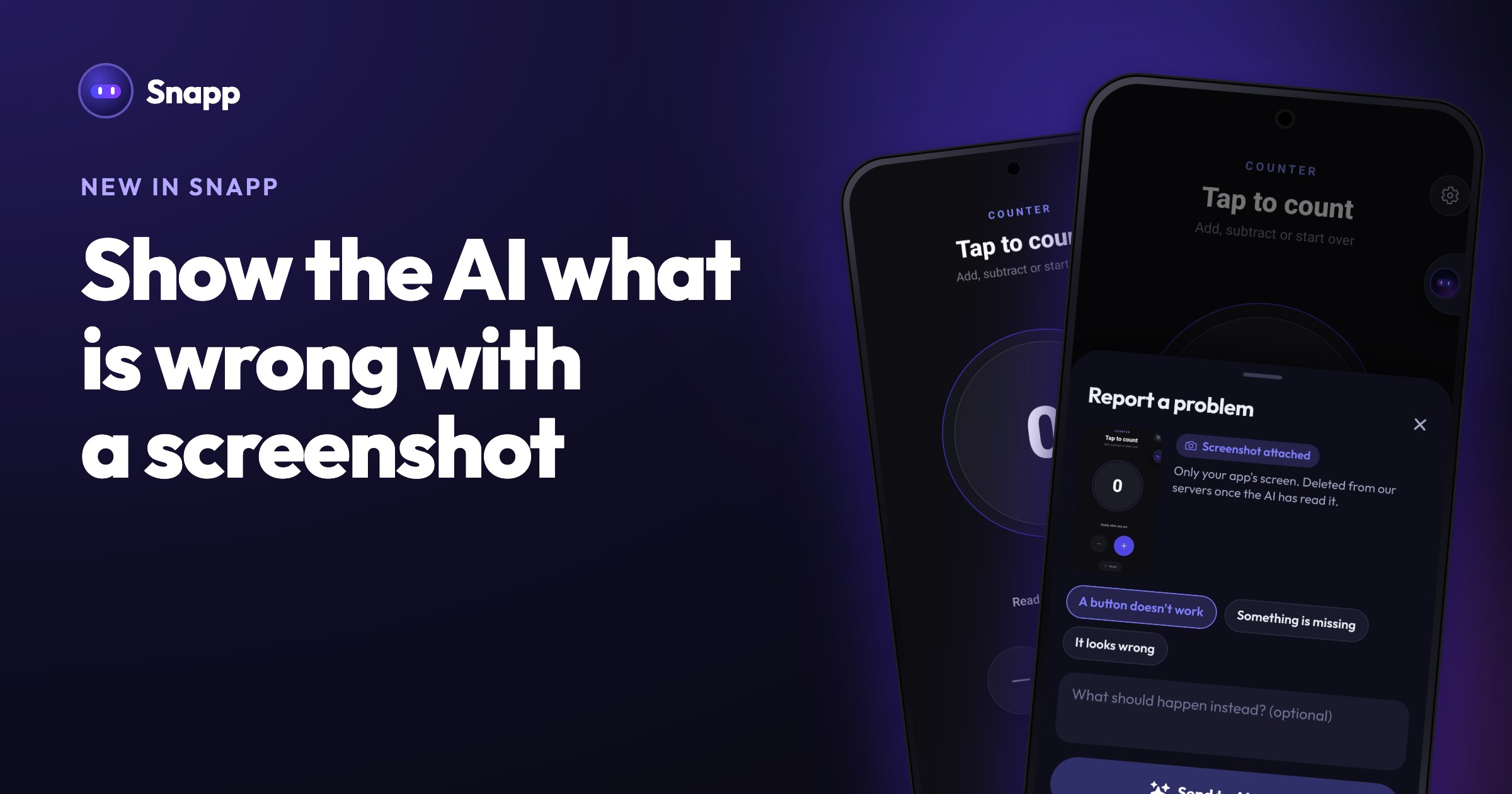
Show the AI what is wrong with a screenshot
Something in your app looks off? Tap the bug button in the chat. Snapp takes a screenshot of your app, you pick what is wrong, and the AI fixes it.
Describing a problem in words is hard. "The button on the second screen is a bit off" can mean many things. Now you can just show it.
Report a problem
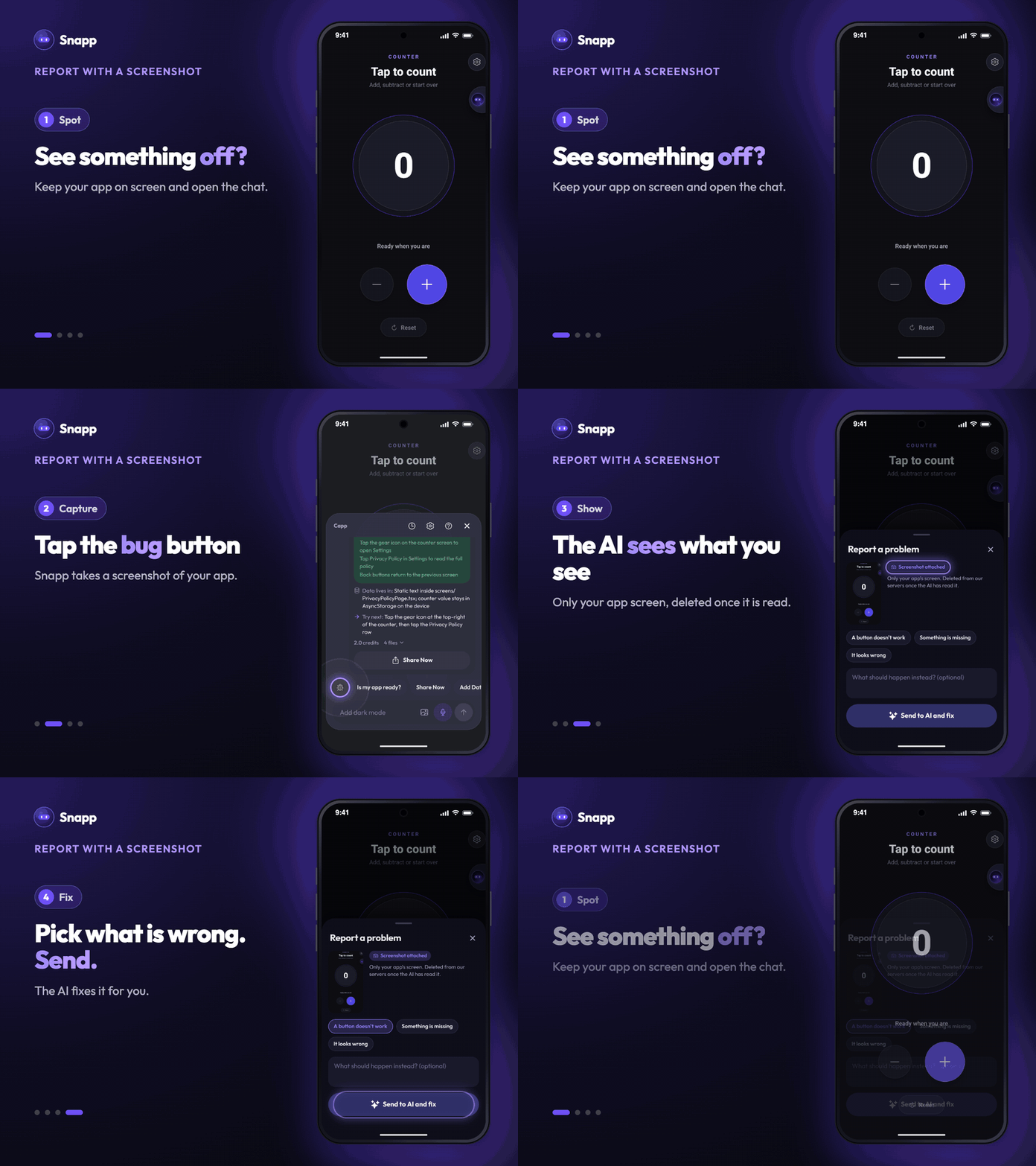
1. Open your app in Snapp and go to the screen with the problem. 2. Open the chat and tap the bug button at the start of the shortcuts. 3. Snapp takes a screenshot of your app and attaches it. 4. Pick what is wrong: A button doesn't work, Something is missing or It looks wrong. Add a few words if you like. 5. Tap Send to AI and fix.
The AI looks at the screenshot together with your note and fixes the right thing.
Your screenshots stay private
- Only your app's screen is captured, not the rest of your phone.
- The screenshot is deleted from our servers once the AI has read it. A copy stays in the chat on your phone so you can see what you sent.
- Does it cost credits? Sending a fix is a change to your app, so it uses credits like any other change.
- Can I take a screenshot the usual way? Yes. On iPhone and on newer Android phones, Snapp notices it and offers to send it to the AI.
Images in the chat
You can also add any image to a chat message with the picture button. Snapp works out what it is for: a design you like, a picture for your app, or a screenshot of a problem.
Good to know
Open your app in Snapp, find the screen that is not right, and tap the bug button.
Snapp Team
Articles and content from the SNAPP team