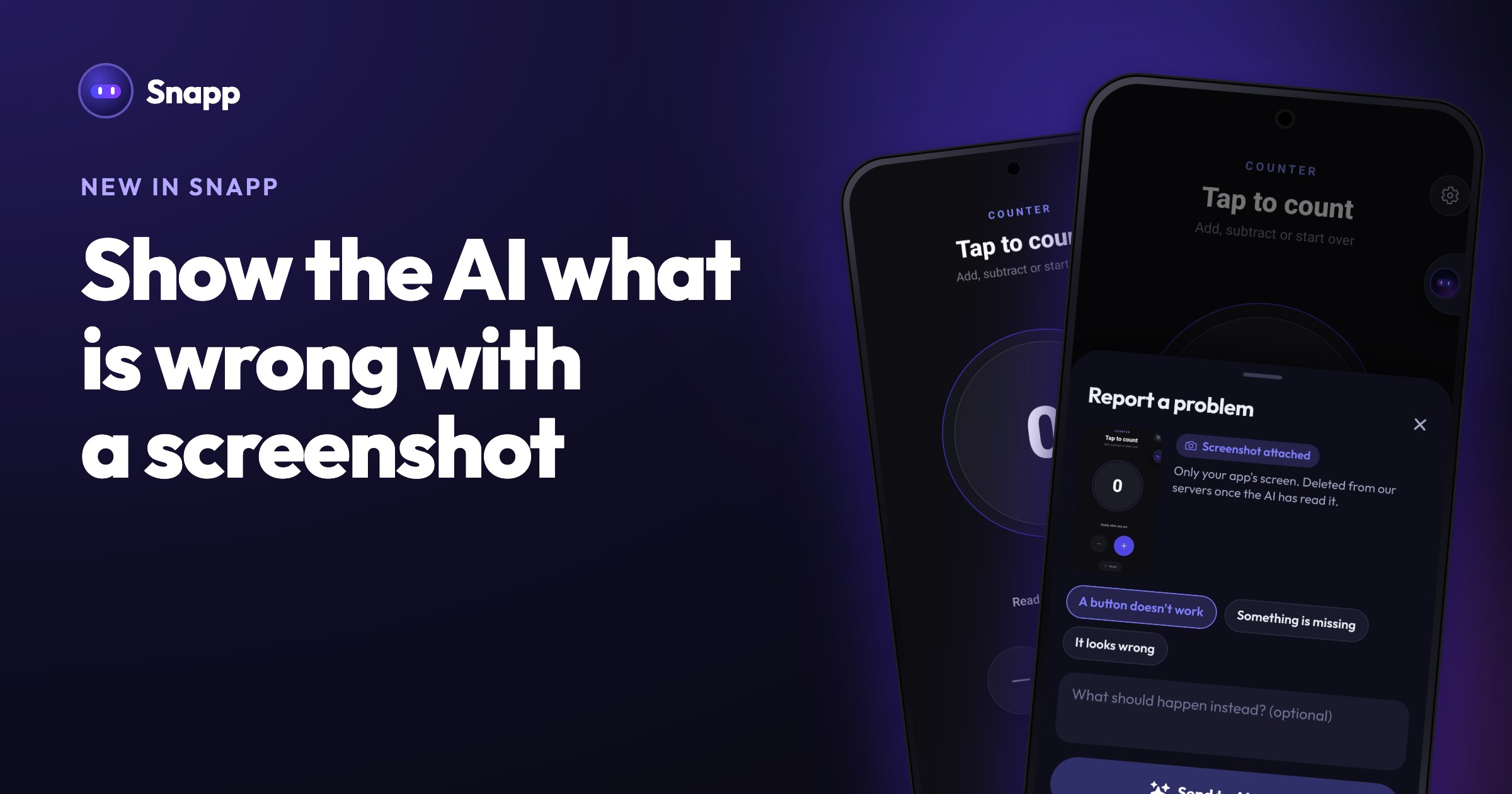
Sell subscriptions and premium features in your app
Add monthly and yearly plans, premium unlocks or coins to the app you built with Snapp. Snapp adds the paywall and sets up the products in the stores when you publish.
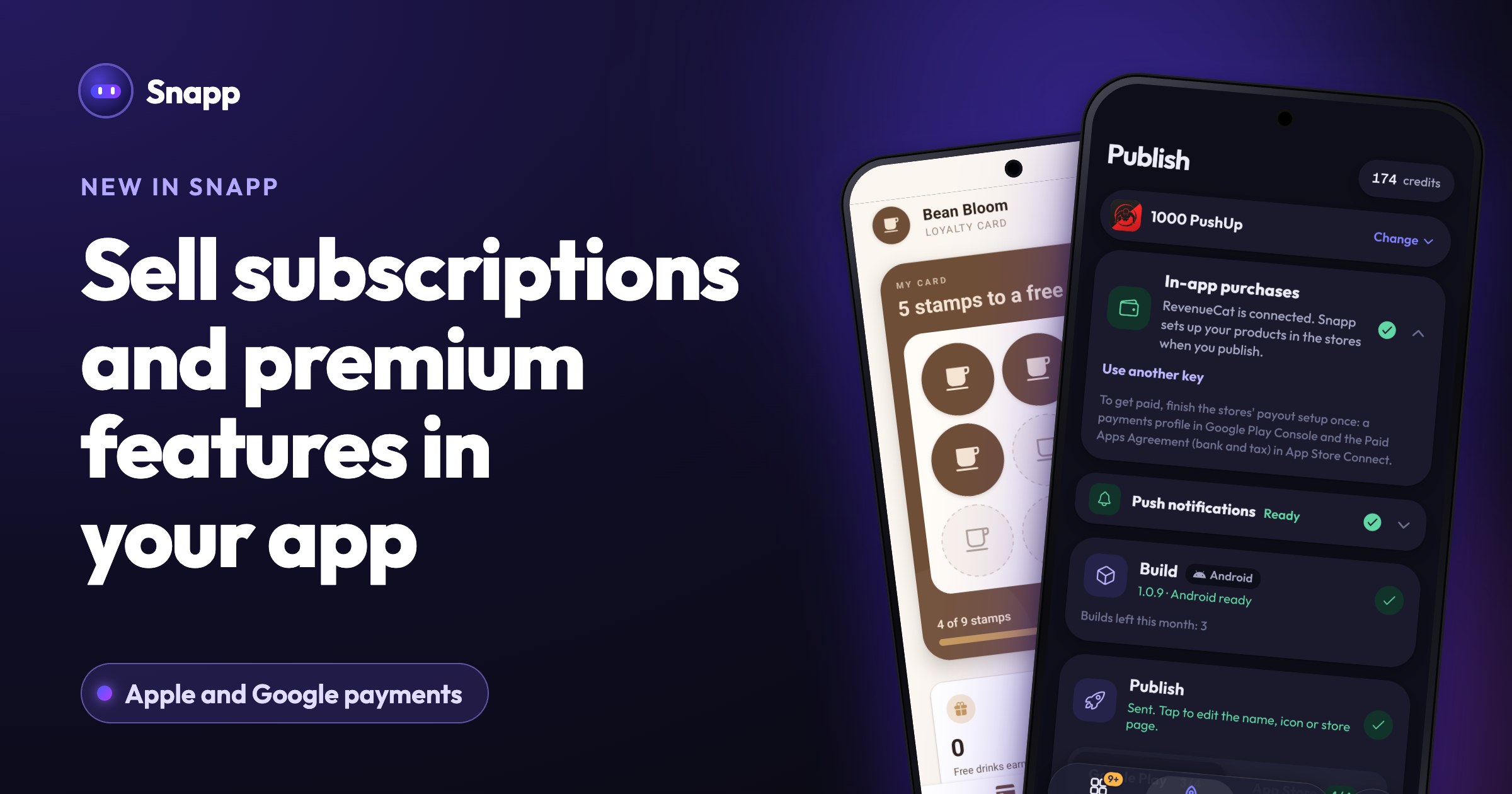
Your app can now earn money. Add a premium subscription, a one-time unlock or coins, and your users pay with Apple or Google, the way they already pay in other apps.
Add purchases to your app
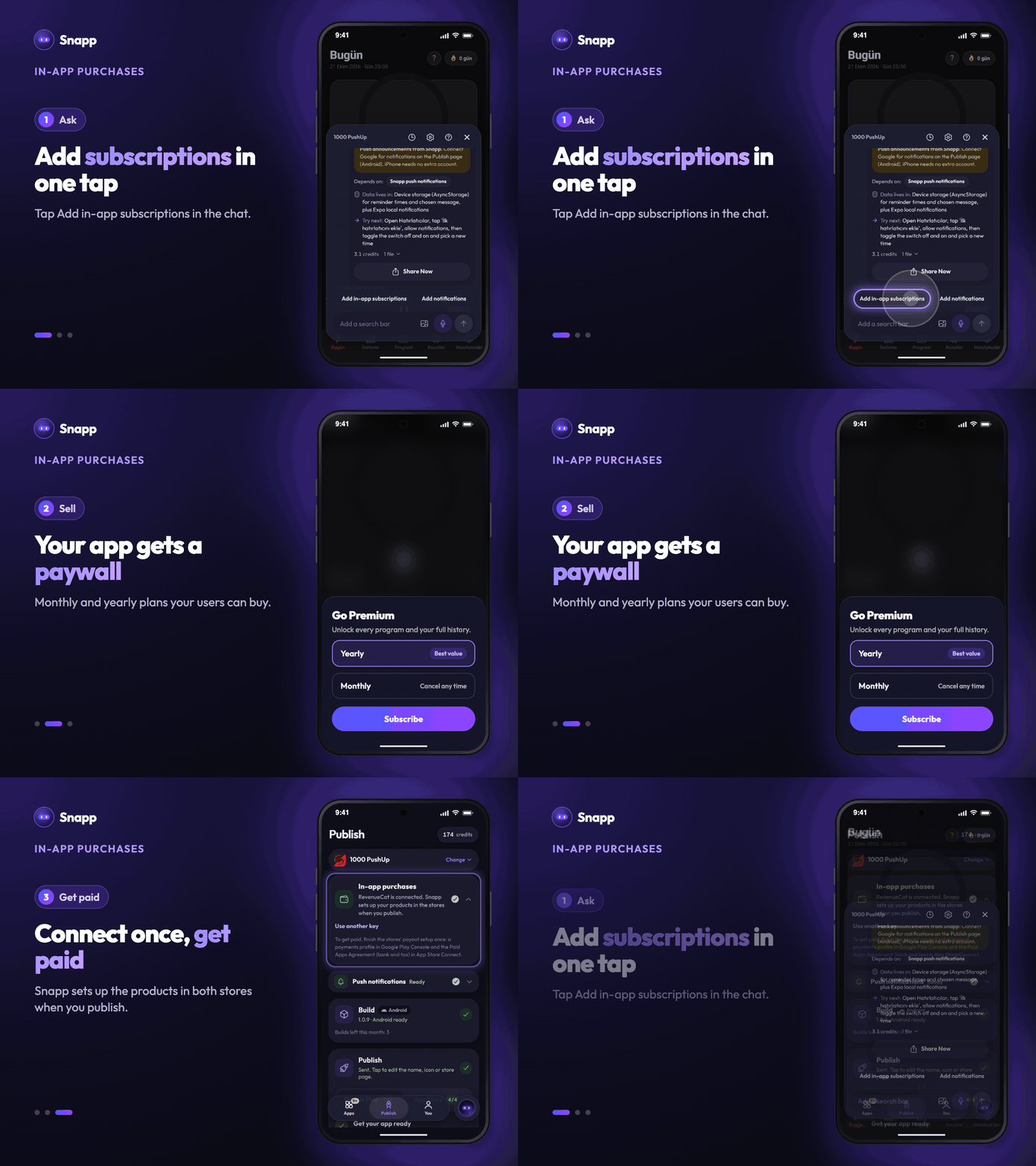
1. Open your app in Snapp and open the chat. 2. Tap Add in-app subscriptions. Snapp adds a paywall with monthly and yearly plans. 3. Want something else? Ask in your own words: "add a premium unlock for the advanced programs" or "let people buy 100 coins".
Try it right away in the preview. Purchases there are test purchases and nothing is charged.
Connect once before you publish
Open Publish and the In-app purchases card. Connect a free RevenueCat account there; it checks every purchase so the right people get premium. The card shows each step.
Snapp sets up the products
When you publish, Snapp creates the products your app sells in Google Play and the App Store for you. No product forms to fill in by hand.
Get paid
The money goes straight to your own developer account. Finish the stores' payout setup once:
- Google Play: a payments profile in Google Play Console.
- App Store: the Paid Apps Agreement (bank and tax details) in App Store Connect.
- Which store takes a share? Apple and Google keep their usual commission on purchases made in apps.
- Can I sell physical products? Use in-app purchases for digital things in your app. For physical goods and real-world services, ask Snapp to add Stripe payments instead.
Good to know
Open your app in Snapp and tap Add in-app subscriptions to start.
Snapp Team
Articles and content from the SNAPP team