Every new app gets its own logo
When you create an app, Snapp now draws a logo made for it. It shows on your home screen and on your store page, and you can upload your own at any time.
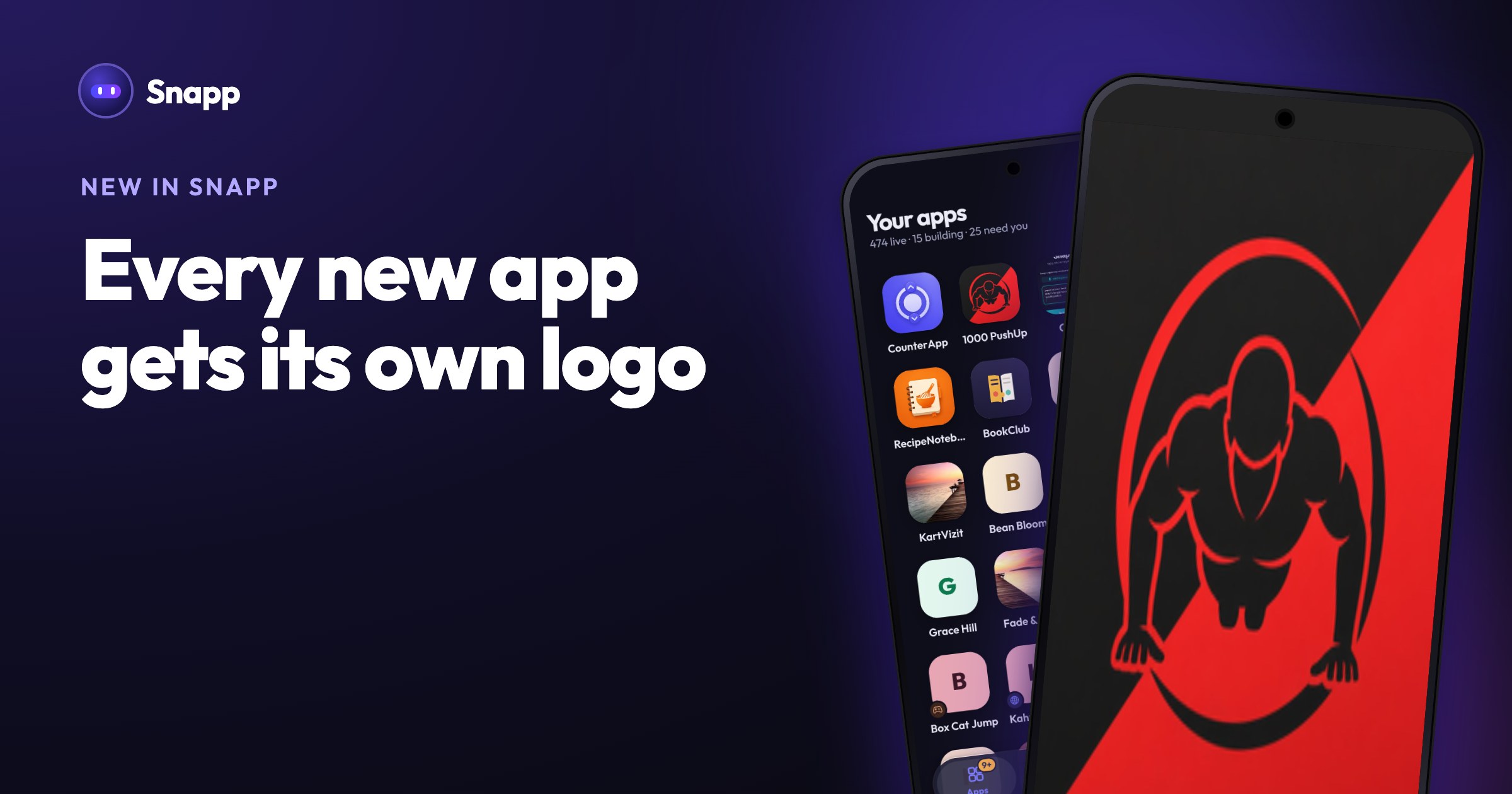
A good app deserves a good icon. When you create a new app, Snapp now draws a logo for it, based on what the app does. No design tools, no extra step.
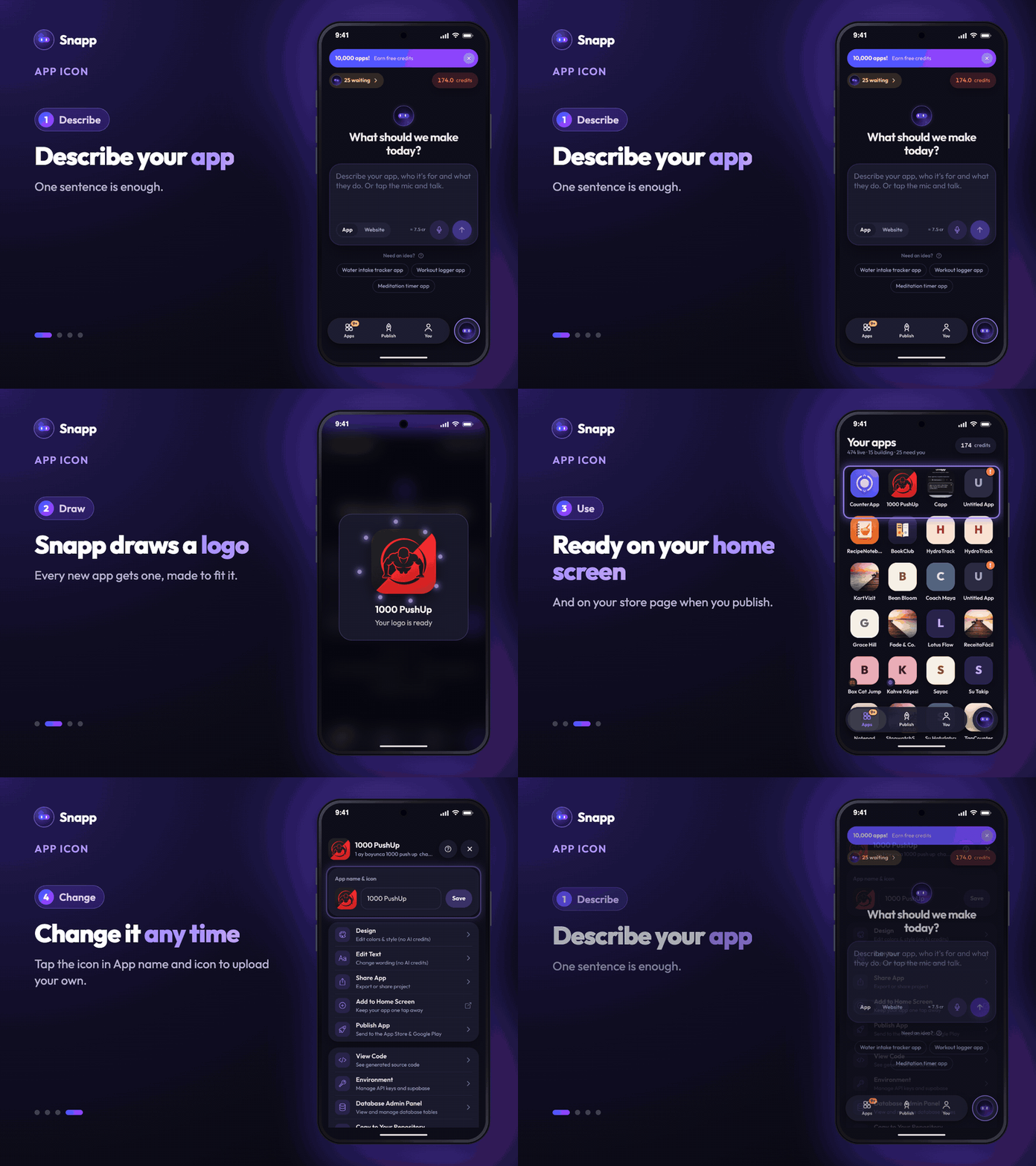
How it works
1. Describe your app in a sentence, as always. 2. While your app is being built, Snapp draws a logo that fits it. 3. The logo appears on your apps list, in the preview and on the phone's home screen when you add your app to it.
Where your logo is used
- Your apps list in Snapp.
- The home screen shortcut of your app.
- Your store page on Google Play and the App Store when you publish. Stores need an icon before an app can be sent to review, so this step is already done for you.
- Do older apps get one? The logo is drawn when a new app is created. For an older app, upload your own in App name & icon.
- Does it cost credits? No. The logo comes with creating your app.
Use your own logo
1. Open your app and its Settings. 2. In App name & icon, tap the icon. 3. Pick an image and tap Save.
A square image works best, at least 1024 by 1024 pixels, without text that is too small to read.
Good to know
Create a new app in Snapp and see its logo appear.
Snapp Team
Articles and content from the SNAPP team