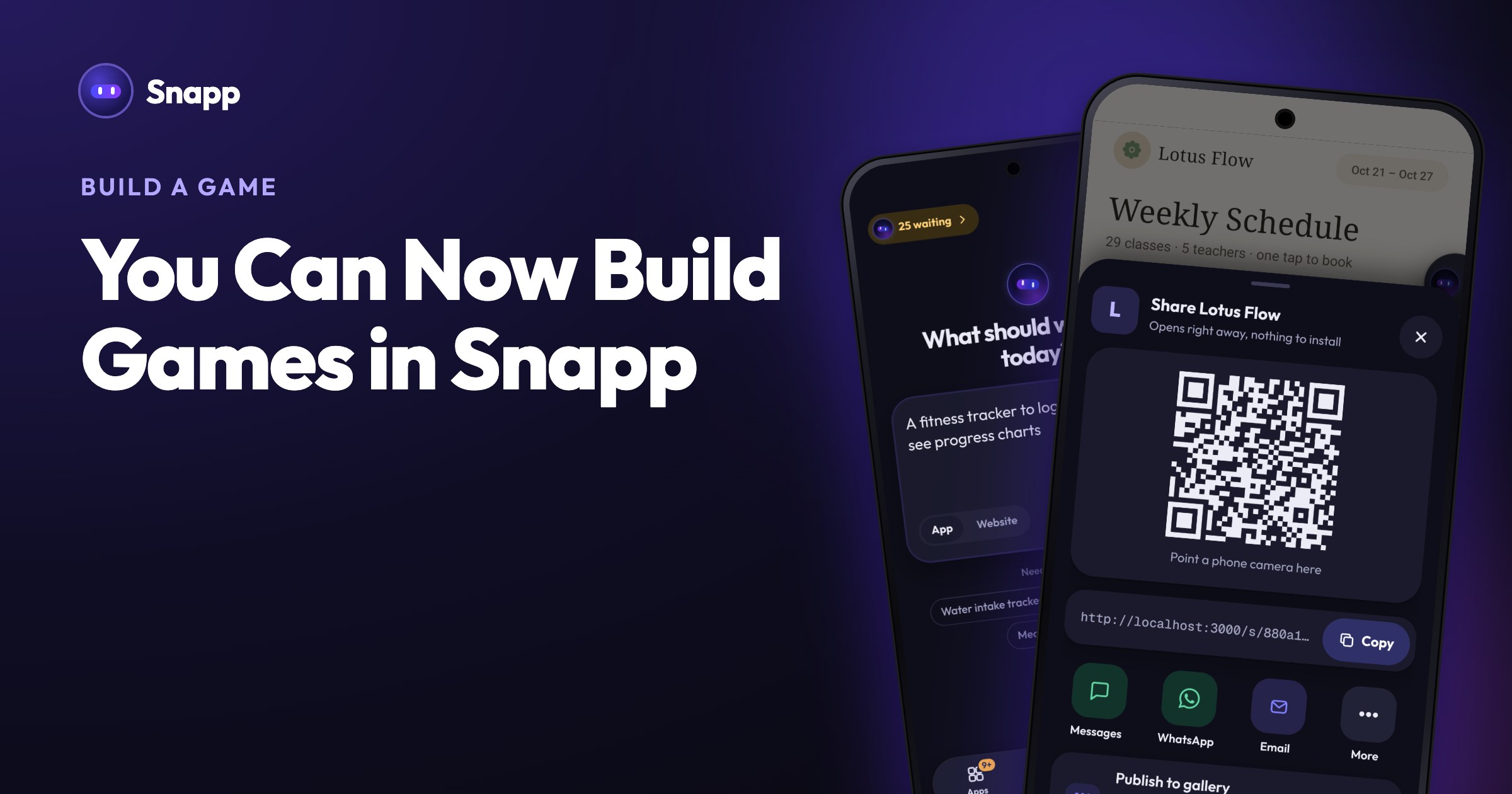
Introducing Snapp Vault: Your App's Secret Keys, Locked Away
Snapp Vault keeps the secret keys your app uses for AI, databases and payments on our servers instead of inside your app, so they don't appear in your mobile app or on your website.
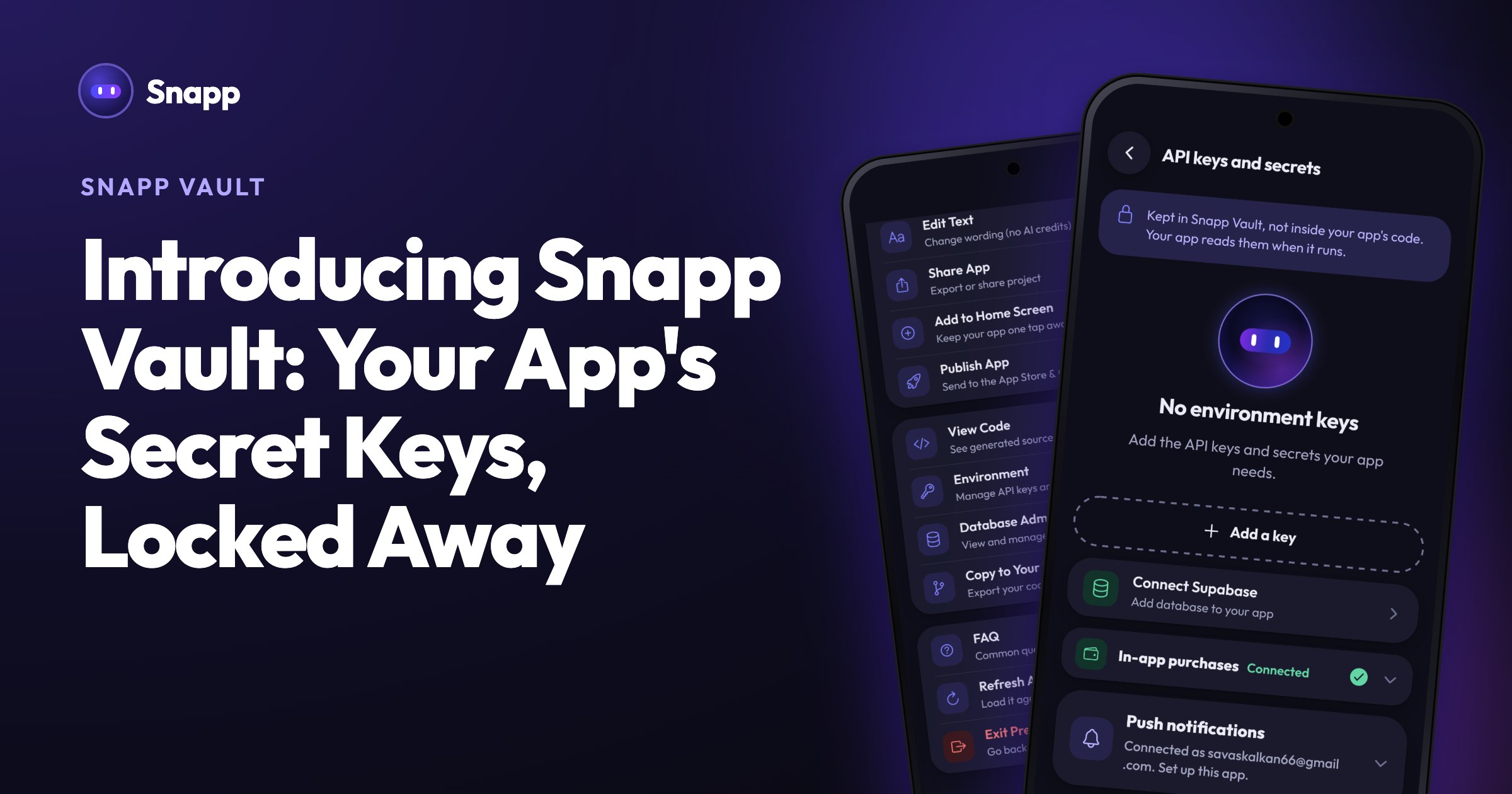
When you connect your app to an outside service, like an AI model, a database or a payment provider, you give Snapp a key for that service. Snapp Vault keeps those keys where they belong: locked away with Snapp, not inside your app.
Why your keys matter
A key works like the key to your house. Whoever holds it can act as you. If a secret key ends up in the wrong hands, someone can run up charges on your AI account, read or change the data in your database, or make requests in your name.
It's an easy mistake to make. When a key is placed directly inside an app, anyone who downloads the app or opens the website's files can dig it out. Getting this right usually takes security know-how, and you shouldn't need it to ship an app.
What Snapp Vault does
Snapp Vault takes that job off your plate:
- Your secret keys stay out of your app. They're stored encrypted with Snapp, so they don't appear in your mobile app or on your website.
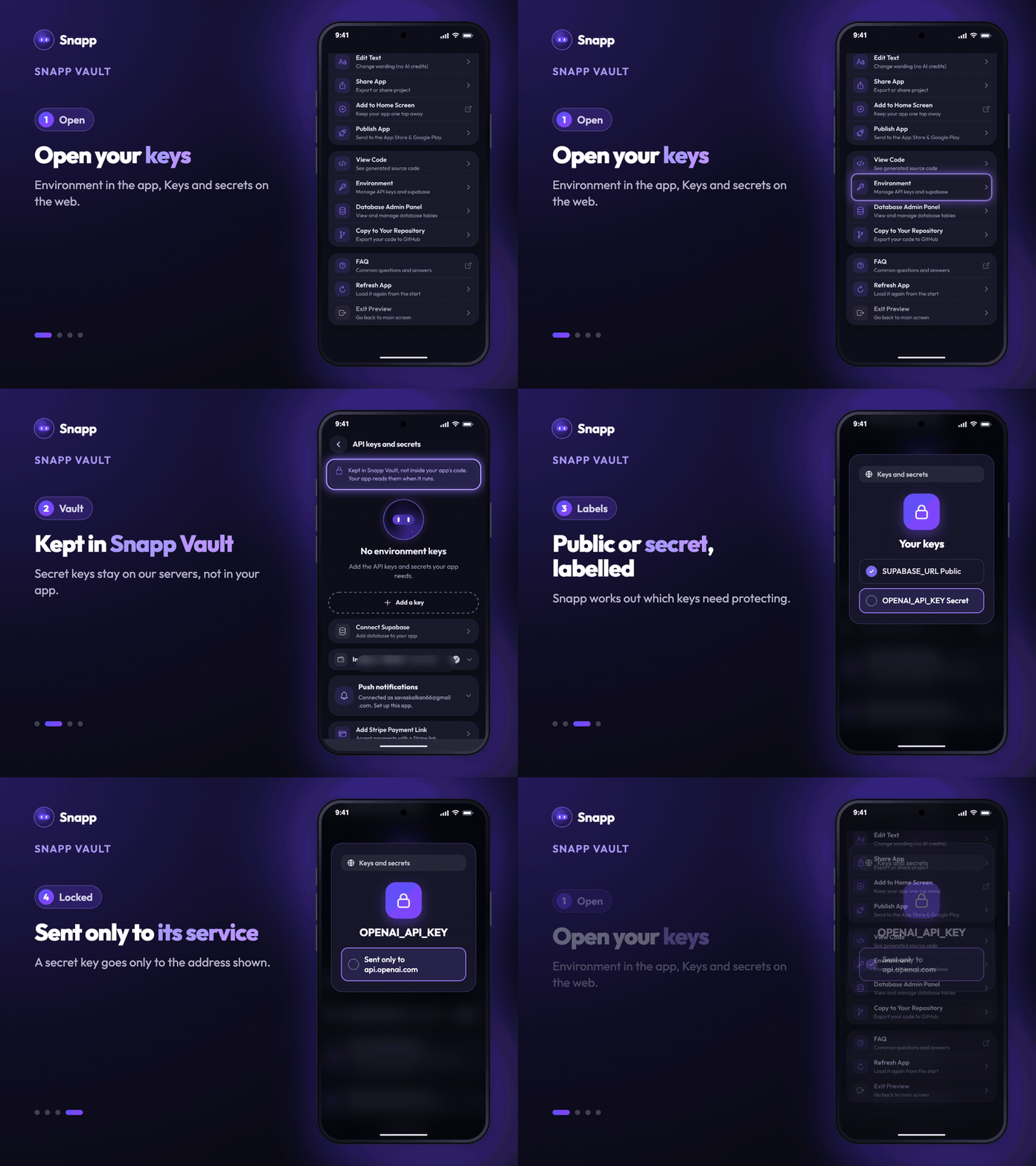
- It knows which keys are secret. When you add a key, Snapp works out whether it needs protecting. Keys that are designed to be public, like a Supabase project URL or a Stripe Payment Link, stay in your app as intended. Secret ones stay with us. Each key on your keys screen shows a label, so you can see which is which.
- Secret keys only go where they belong. A secret key is only sent to its own service, and your keys screen shows the address, for example "Sent only to api.openai.com".
- Your app's files are locked. Only you and the people you share your app with can open its preview files.
- There's nothing to set up. Add your keys on your app's keys screen as usual (Environment in the Snapp app, Keys and secrets on the web), and Snapp Vault does the rest.
Free and paid plans
| Free | Paid plans | |
|---|---|---|
| While you build and preview | Included | Included |
| Apps published to the stores | 100 requests a day | From 1,000 up to 100,000 a day |
Common questions
Do I need to change anything in my app?
No. Snapp Vault works automatically with the keys on your app's keys screen.
Which keys does it protect?
Any secret key you add: AI providers like OpenAI and Claude, your database's secret keys, payment keys and more.
Can I still see and change my keys?
Yes. Your keys are listed on your app's keys screen, where you can update or delete them any time.
A key says "No target address set". What do I do?
Tap it and type the address of the service the key belongs to, for example api.openweathermap.org. Then the key is only sent there.
Build with peace of mind
Security shouldn't be something you have to become an expert in before you can ship an app. With Snapp Vault, it's handled for you, so you can spend your time on the part that matters: building something people want to use.
Read more: How to add API keys.
---
Snapp Team
Articles and content from the SNAPP team