How to Make Your Own App for Your Business (Steps, Examples and Real Costs)
Booking, loyalty stamps, ordering or a client portal: how to make your own app for your business without coding, what to prepare and what it costs in the first year.
To make your own app for your business, pick one thing your customers do again and again (book, order, collect stamps, check their progress), describe that app in plain words to a no-code AI app builder, test it with a few real customers and publish it under your own developer account. You can build and test it for free. Being in both app stores costs about $149 in the first year if you use Snapp's Starter plan for one month, or about $374 if you keep Starter all year (US prices, as of October 2026).
Key facts
- A Google Play developer account costs $25 once (Google). The Apple Developer Program costs $99 a year (Apple).
- New personal Google Play accounts must run a closed test with 12 testers for 14 days before going public. Organization accounts do not (Google).
- Apple rejects apps made from an app generation service unless they are submitted by the provider of the app's content (App Review Guideline 4.2.6). Publish from your own business's account.
- Payments for real-world services and physical goods go through a payment provider like Stripe. Digital features unlocked inside the app must use Apple and Google in-app purchases (Guidelines 3.1.1 and 3.1.3(e)).
- A business email and phone number. Apple asks for a phone number with the country code for App Review.
- A privacy policy. Snapp makes one for your store page; read it and check it matches what your app does.
- Account deletion. If customers can create an account, Apple requires a way to delete it inside the app (Guideline 5.1.1(v)). Ask Snapp to add it.
- Time for review. Store reviews usually take 1 to 3 days. A new personal Google Play account first needs its 14 day closed test (the 12 testers rule). Snapp tells you when this applies, but you find the testers yourself.
- Google Play developer registration fee
- Google Play testing requirements for new personal accounts
- Apple Developer Program: how it works
- Apple App Review Guidelines
- Stripe pricing
- Snapp pricing
Does your business need an app?
An app pays off when customers come back often: weekly classes, regular haircuts, daily coffee, ongoing coaching. Each time they open your app instead of searching for you, you skip a step between them and a booking.
If customers find you once a year, a good website is usually enough. Apple says the same thing in its own way: an app should offer more than "a repackaged website" (Guideline 4.2). So give your app a job a website does not do well, like saving a customer's bookings, stamps or progress.
What kind of app can a small business make?
These are four of Snapp's own demo apps, described in general terms, plus two more common patterns:
| Business | The app | Main features |
|---|---|---|
| Yoga studio | Class schedule and booking | Timetable, book a spot, reminders before class |
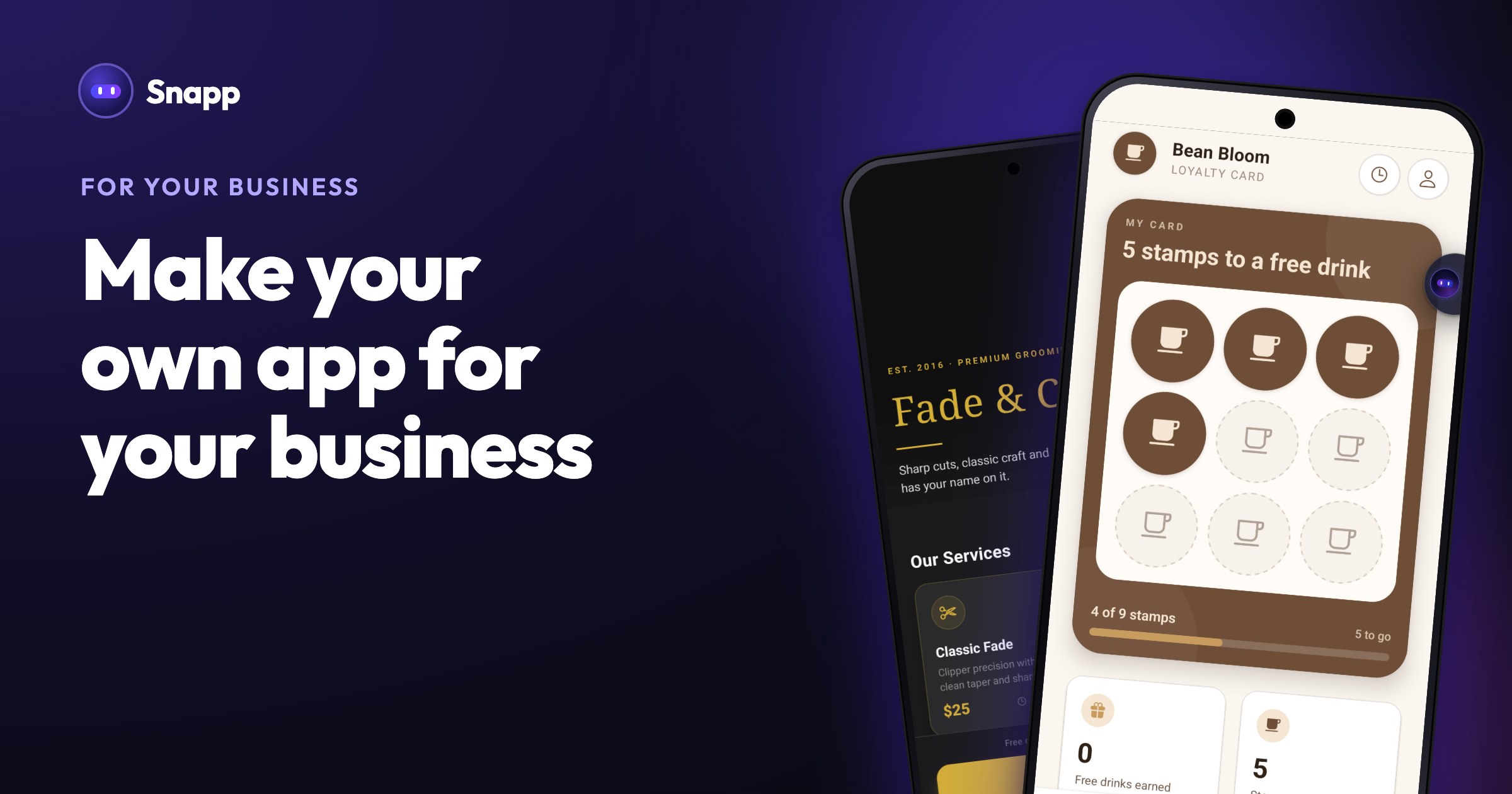
| Coffee shop | Loyalty stamp card | Customer login, a stamp per visit, a reward when the card is full |
| Barbershop | Services and booking | Services with prices, pick a time, pay a deposit |
| Fitness coach | Coaching app | Programs, check-ins, a premium plan |
| Bakery or restaurant | Order for pickup | Menu, cart, pay by card, pickup time |
| Accountant, tutor or agency | Client portal | Login, status updates, documents, messages |
How to set up an app for your business, step by step
1. Pick one job for version one. "Book a class" is a good first app. "Everything my business does" is not. You can add more later.
2. Gather what the app should show. Your services and prices, opening hours, address, photos, your logo and brand colors, and your cancellation policy. Snapp draws a logo for every new app, and you can replace it with your own in App name & icon.
3. Describe the app in Snapp. For example: "A booking app for my barbershop. Customers see services with prices, pick a barber and a time, and get a confirmation. I can see all bookings for the day." Tips: How to write a good prompt.
4. Add the database before data features. Tap Add Database and connect your own Supabase project, then tap Add User Login. If you skip this, the app is built with sample content and has to be rebuilt later. Guide: Connect Supabase.
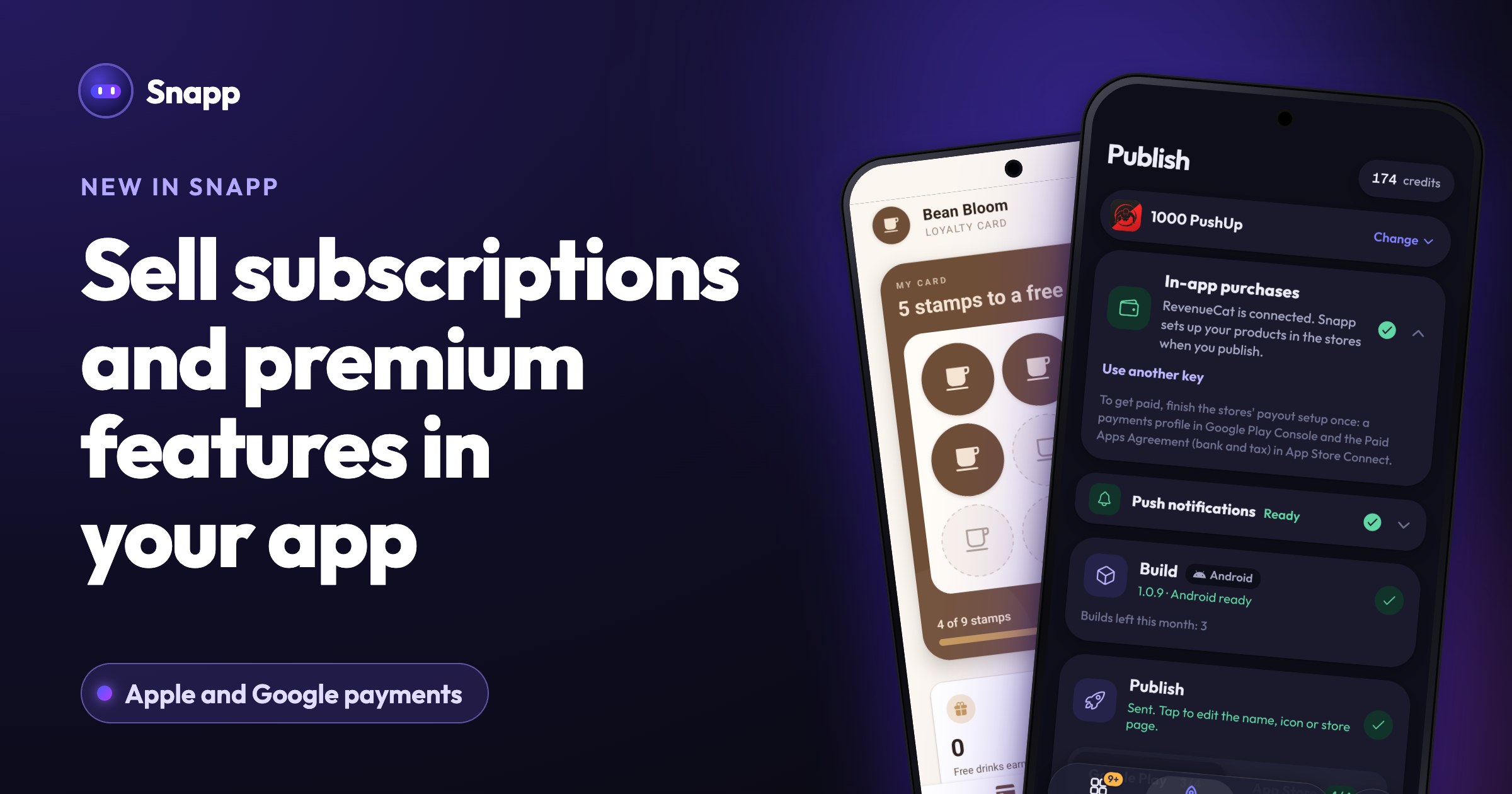
5. Add payments that fit what you sell. For a deposit, an order or a class pass used in person, tap Add Payment (Stripe) and add a Stripe Payment Link (guide). For a digital premium plan inside the app, tap Add in-app subscriptions. The money goes to your own Stripe or developer account.
6. Test with five real customers. Send them a share link (how). Watch where they get stuck, then fix one thing per message.
7. Check it before you publish. Tap Is my app ready? for a list of what to fix first (guide).
8. Create your developer accounts and publish. An organization account shows your company name and skips Google's 12 tester rule, but needs a D-U-N-S number (personal or organization?). Then open Publish in Snapp. You invite Snapp once, and Snapp creates the store listing, writes the store text, takes screenshots, makes a privacy policy, fills in the store forms, builds the app and follows the review (publishing guide).
How much does it cost to make an app for your business?
Doing it yourself with Snapp, US prices as of October 2026:
| Item | Cost | Notes |
|---|---|---|
| Try it on Snapp's Free plan | $0 | 15 credits to start, free top-ups on up to 5 days a month |
| Snapp Starter | $24.99 a month or $249.99 a year | 150 credits a month, 3 store builds a month |
| Google Play developer account | $25 once | Paid to Google |
| Apple Developer Program | $99 a year | Paid to Apple |
| Database (Supabase) | Free plan available | Your own project, with its own paid plans |
| Card payments (Stripe) | A fee per payment | See Stripe pricing for your country |
Can you make an app for your business for free?
You can build it, test it on your phone and show it to customers for free. On the Free plan a share link stays live for 24 hours from your last share; on paid plans it is permanent. Putting the app in Google Play or the App Store needs a paid Snapp plan plus the stores' own fees.
What to prepare before you publish
Where Snapp fits
Snapp builds iPhone and Android apps from a description, with your own database, login, Stripe payment links, in-app purchases and push notifications. You do not need a Mac: Snapp builds the iPhone app for you. The app is published under your own developer accounts, so it stays yours. Snapp does not turn an existing website into an app; you describe the app and Snapp builds it.
Start your business app for free at snappai.co.
Frequently asked questions
How long does it take to make an app for my business? A first version can be ready the same day. Plan a week or two for testing with customers, developer account checks (Google verifies your identity, which can take a few days) and store review.
Can customers pay in the app? Yes. For services and physical goods, the app opens a Stripe payment page, so card details never touch your app. For digital extras inside the app, use in-app purchases. Apple and Google keep a commission on those.
Do I own the app? The app is published under your developer account. On paid plans you can also copy the code to your own GitHub account (how).
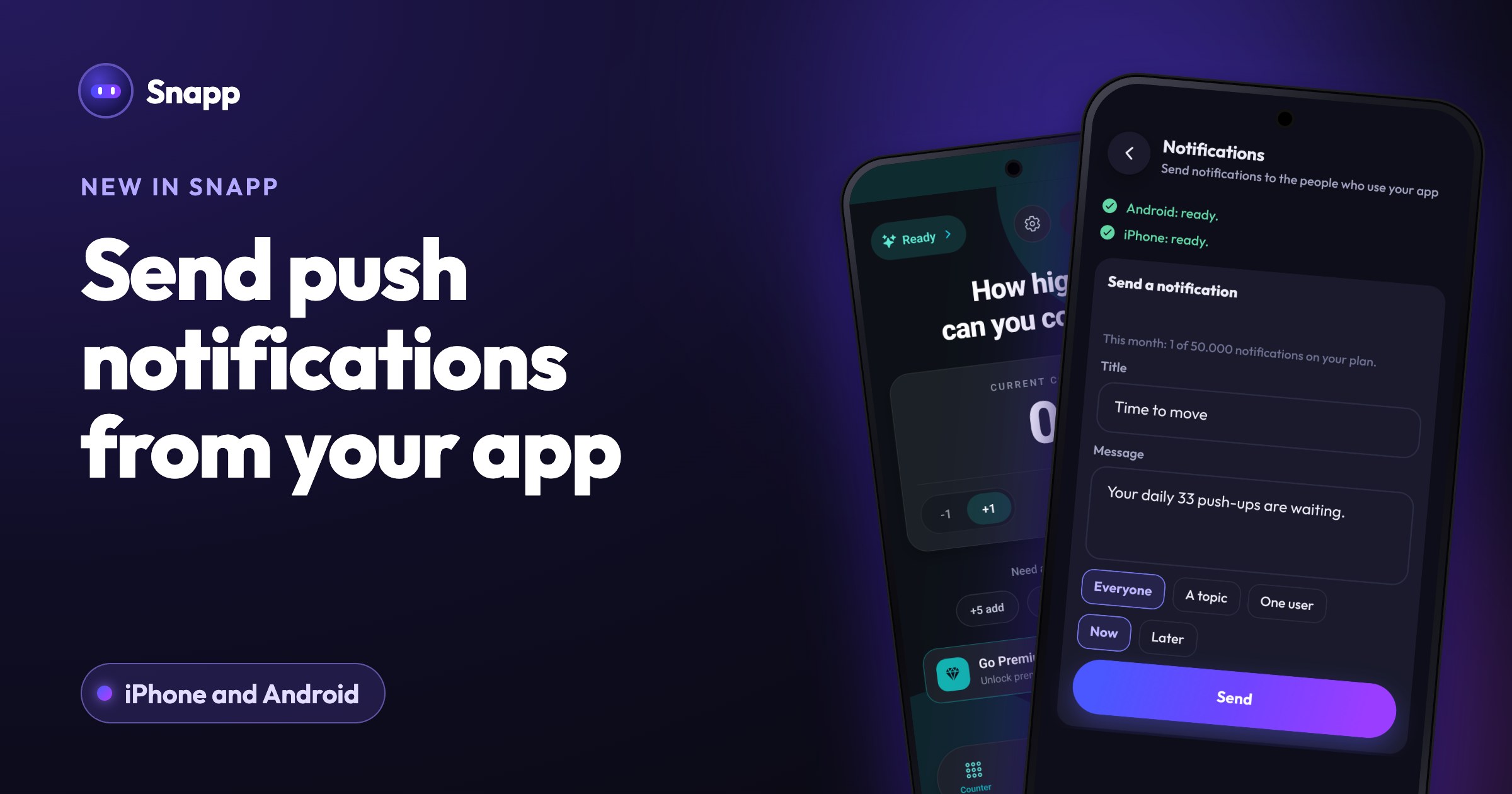
Can I send offers to customers? Yes. Once people install the published app and allow notifications, you can send a message to everyone, to a group or to one person from your app's settings.
Sources
Last updated: October 2026.
Snapp Team
Articles and content from the SNAPP team