Google Play's 12 testers rule in 2026 (what counts, what resets the 14 days, how to pass)
New personal Google Play accounts must run a closed test with 12 testers for 14 days in a row. Here is exactly what Google requires, what breaks the count and how the production application works.
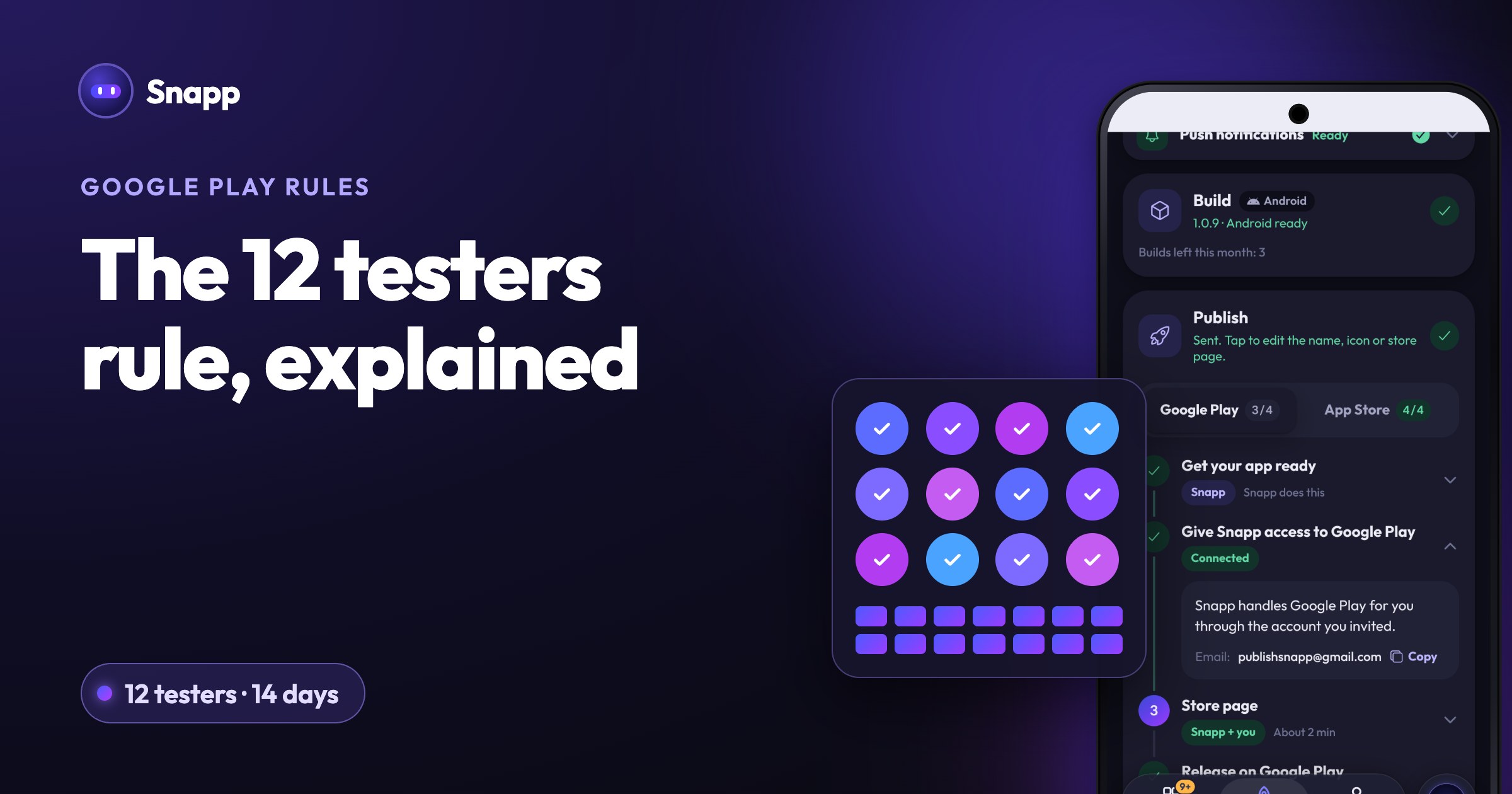
Google Play's 12 testers rule says that a personal developer account created after November 13, 2023 must run a closed test with at least 12 testers, each opted in for at least 14 days in a row, before its app can go public. When you meet that, you apply for production access in Play Console and Google reviews your answers, usually within seven days. Organization accounts and older personal accounts are not covered by the rule.
Key facts
- Who: personal Play Console accounts created after November 13, 2023 (Google).
- What: a closed test with at least 12 testers who have been opted in continuously for the 14 days before you apply.
- Then: you apply for production access on the Play Console Dashboard and answer questions in three parts.
- Review: Google says the review "usually takes seven days or less, but can occasionally take longer."
- Until then: Production and pre-registration stay disabled for the app. Internal testing works right away.
- They have a Google Account. Google says users need a Google Account or a Google Workspace account to join a test (Google).
- They are on your closed test's list. You add testers by email list or by Google Group in Play Console.
- They opted in. Being on the list is not enough. Each tester opens your opt-in link and accepts. Google says a user must "be included in the managed track configuration" and "actively opt into the corresponding test program."
- They stayed opted in. At the moment you apply, at least 12 testers must have been opted in continuously for the preceding 14 days.
- Google does not say that uploading a new version resets the count. It actually recommends updating your app in closed testing while you fix what testers report.
- Google does not set a minimum number of app opens per day. But it lists "insufficient tester engagement" as a reason to ask for more testing, so testers who install once and never open the app are a risk.
- Recruit testers who look like your future users, with different phones.
- Give clear instructions on what to try and how to send feedback.
- Tell testers to stay opted in for at least 14 days.
- Read feedback in Play Console (Testing feedback under Ratings and reviews) and keep a record. You have to summarize it in the application.
- Fix what testers find and update the app during the test.
- Check policy compliance before you apply. Google says review "is not a troubleshooting step."
- App testing requirements for new personal developer accounts
- Set up an open, closed, or internal test
- Choose a developer account type
You may still see older guides that say 20 testers. Google's current help page says 12.
Who does the 12 testers rule apply to?
| Account | Does the rule apply? |
|---|---|
| Personal account created after November 13, 2023 | Yes |
| Personal account created on or before November 13, 2023 | Not covered by Google's page |
| Organization account | Not covered by Google's page |
What counts as an opted-in tester?
A tester counts when all of this is true:
Two details trip people up:
1. The opt-in link only works once the test is published. Google says the link "displays only when an app status is 'Published'." Google also says a first test link can take several hours to become available. So your testers cannot join, and the 14 days cannot start, until the closed test release is published.
2. Internal testers are not closed testers. Google says users who opt into internal testing "aren't eligible for open and closed testing, even if included as testers on those tracks." Someone who joined your internal test has to opt out of it, then opt in to the closed test.
What resets the 14 days?
Google's FAQ answers this directly: testers who opt in, test for fewer than 14 days and then opt out do not count. If a tester opts out and opts back in later, "the 14 days must be consecutive." So the clock is per tester, and leaving the test restarts that tester's clock.
What Google does not say:
Google also does not say whether uninstalling the app counts as opting out. Do not test it: ask testers to keep the app installed and to actually use it during the 14 days.
How to set up the closed test
You need to finish your app setup first: Google opens closed testing after the app setup is complete. Then, following Google's steps:
1. In Play Console, go to Test and release, then Testing, then Closed testing, and click Manage track.
2. Open the Testers tab and create an email list (or enter a Google Group address).
3. Add a feedback email or URL. It shows on your opt-in page.
4. Create a release in the track with your app file, and roll it out.
5. When the test is published, copy the shareable link and send it to your testers.
Plan for more than 12. A list can hold up to 2,000 people, and a margin protects you if someone leaves.
How to apply for production access
When at least 12 testers have 14 continuous days, open the Dashboard in Play Console and click Apply for production. The form has three parts (Google):
| Part | What Google asks |
|---|---|
| About your closed test | How easy it was to recruit testers, whether testers used all features, whether their use matched how real users will use it, a summary of the feedback and how you collected it |
| About your app/game | Your target audience (be specific), your app's value or what makes your game unique, the install range you expect in the first year |
| About your production readiness | What you changed because of the test, and how you decided the app is ready |
What happens after you apply?
Google reviews the application and emails the account owner. If it is approved, the Production page and Open testing unlock. If not, you "may need to continue running your closed test." Google names two reasons: fewer than 12 opted-in testers, or not enough tester engagement. What to fix is in Google Play production access rejected?.
How to pass the first time
Google's own advice, in short:
Finding people is usually the hard part. See How to get 12 testers for Google Play without paying.
Where Snapp fits
Snapp publishes into your own Play Console account. When you tap Make it public on Google Play, Snapp tells you if Google asks for the closed test first. You then start the closed test in Play Console and try again after 14 days. Snapp does not recruit testers for you. The full flow is in How to publish an app on Google Play.
Frequently asked questions
Does my own account count as one of the 12 testers? Google's page does not say. To be safe, recruit 12 people besides yourself, and a few extra.
Do I need 12 testers for every new app? Google describes the requirement per app: these accounts must run a closed test for their app before it can be distributed. Plan a closed test for each new app on a new personal account.
Can I run the test with internal testing instead? No. It must be a closed test. Internal testing is useful before that, but Google does not count it, and internal testers are not eligible for your closed test until they opt out of the internal one.
Does an organization account avoid the rule? Google's requirement covers personal accounts created after November 13, 2023. An organization account needs a real organization and a D-U-N-S number, so it is only an option if you have one.
How long does the whole thing take? At least 14 days of testing after your closed test is live, plus the production access review, which Google says usually takes seven days or less. Then your app goes through the normal store review.
Building an Android app? Start at snappai.co.
Sources
Last updated: October 2026.
Snapp Team
Articles and content from the SNAPP team