How to get 12 testers for Google Play without paying (honest options)
You need 12 real people in your closed test for 14 days. Here are five free ways to find them, a message you can send, a 14 day plan, and what Google's policies mean for paid testers.
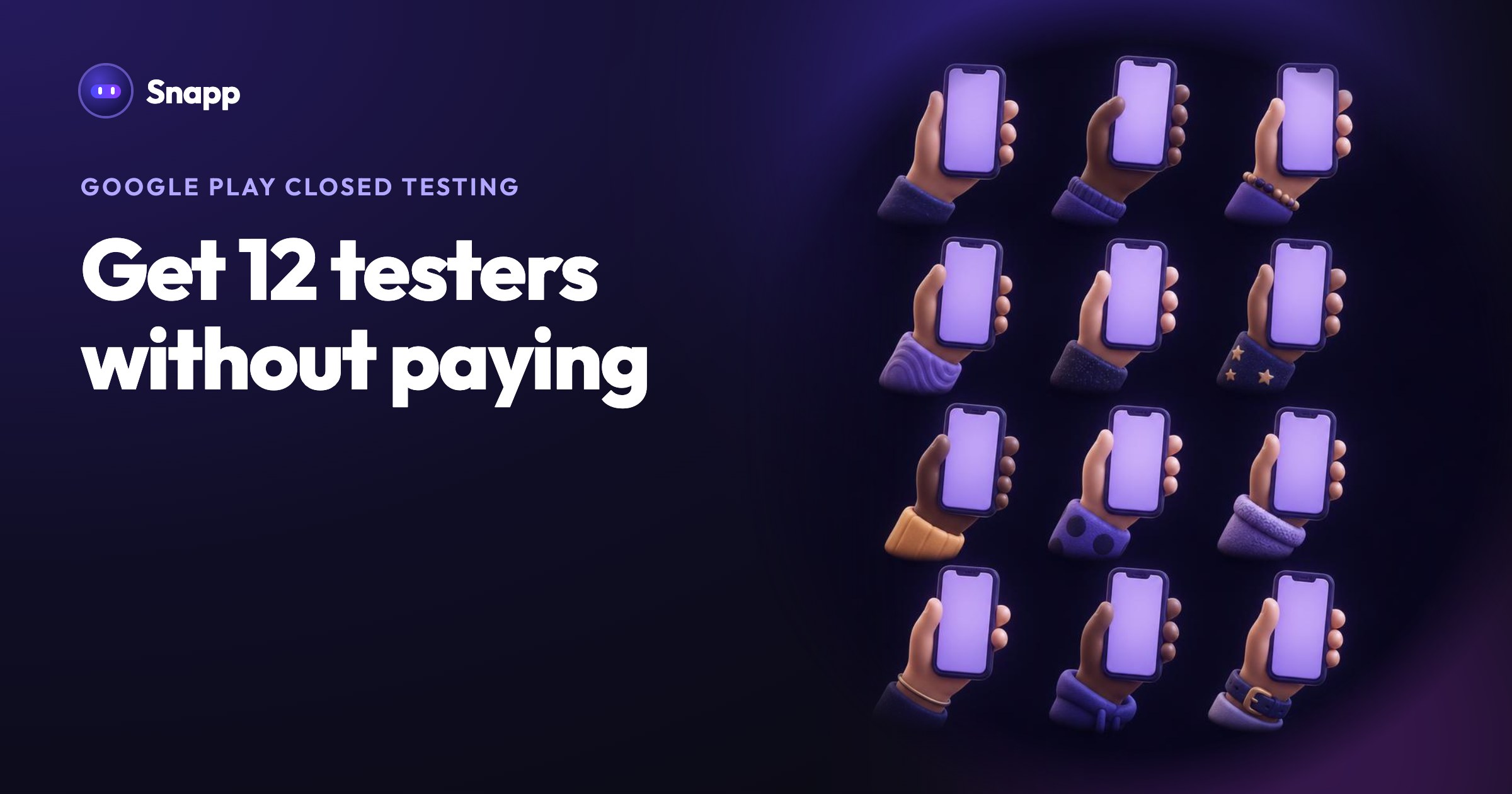
You can get 12 testers for Google Play without paying by asking people who will really use your app: friends and family, people in groups where your future users already are, other developers who need testers too, and anyone already using your app through a link. Google's own advice starts with exactly these. The hard part is not finding 12 names, it is keeping 12 people opted in and active for 14 days in a row.
Key facts
- The rule: personal Google Play accounts created after November 13, 2023 need a closed test with at least 12 testers opted in continuously for 14 days (Google).
- What testers need: a Google Account, an Android phone, your opt-in link, and 14 days without leaving the test (Google).
- Google's advice: "The most common way to recruit testers is to use personal and professional networks." It also suggests communities and social media.
- What gets checked: Google can ask for more testing when there are fewer than 12 opted-in testers or "insufficient tester engagement."
New to the rule? Read Google Play's 12 testers rule in 2026 first.
Who can be one of your 12 testers?
Anyone with a Google Account and an Android phone who opens your opt-in link, accepts, installs the app and stays in the test. They do not need to be developers. Testers who leave before 14 days do not count, and if they come back, their 14 days start again.
Aim for 15 to 20 people, not 12. Someone always forgets, changes phones or leaves the test by mistake. A closed test list can hold up to 2,000 people, so extra testers cost you nothing.
1. Friends, family and coworkers
This is where most people get their first testers, and Google lists it first. Ask people one by one rather than posting once in a big group, and tell each person why it matters to you.
Make it easy. Send the link, two lines on what the app does and what you want them to try. For example:
Hi! I made an Android app called [name] and Google needs 12 people to test it for 14 days before it can go public.
1. Open this link on your Android phone and tap "Become a tester": [your opt-in link]
2. Install the app from Google Play.
3. Use it a few times this week and tell me one thing you liked and one thing that confused you.
Please do not leave the test for 14 days. Thank you!
Check the wording on your own opt-in page before you send it, and replace the button name if yours is different.
2. People who would actually use your app
Google's example: if you build a fitness app, ask local clubs or online groups of your target users. This gives you better testers, because they use the app the way real users will, and you need to describe exactly that in your production access application.
Where to look:
Read each group's rules before you post. Many groups do not allow promotion; ask the moderators first.
3. Other developers who need testers too
Many new developers are in the same situation, so tester exchanges exist on forums, chat servers and social groups: you test someone's app for 14 days, they test yours.
What to know before you join one:
If you build with Snapp, you can also meet other makers in the Snapp community (in Snapp, Settings, then Join Community). Snapp itself does not recruit testers.
4. Your own users
If people already use your app through a link, they are your most useful testers. With Snapp you can send a share link or install the app on a phone as a web app before it is in the store (see Share your app with others). Ask those people to join the closed test: they already care about the app, and their feedback is real.
Other places: your newsletter, your customers if the app is for your business, or the members of the club or class the app is for.
5. Make joining easy with a Google Group
Instead of collecting email addresses one by one, you can add a Google Group to your closed test in Play Console. Only members of that group can join, and people add themselves to the group. Google notes that with a Group, users must join the group before they opt in to your test.
What about paying for testers?
There are services that sell testers for the 12 testers rule. We do not recommend any, and we do not list them. Here is what Google's own pages say, so you can decide for yourself:
Google does not publish a rule that names paid tester services. But if testers are fake or automated, you risk failing the engagement check, and your application answers would not describe a real test. Real people who use your app avoid both problems and give you feedback you can act on.
A simple 14 day plan
| When | What to do |
|---|---|
| Before day 1 | Finish your app setup, create the closed test, add a feedback email, publish the release. Invite 15 to 20 people. |
| Day 1 to 3 | Ask each person to confirm they joined and installed the app. Thank them and send what to try. |
| Day 4 to 7 | Ask for feedback. Fix the first problems and update the app in the closed test. |
| Day 8 to 13 | Send a second round of things to try. Check that nobody left. Keep a record of the feedback. |
| Day 14 or later | When 12 or more testers have 14 continuous days, apply for production on the Dashboard. |
Where Snapp fits
Snapp builds your app and publishes it into your own Play Console account. When you tap Make it public on Google Play, Snapp tells you if Google asks for the closed test first. Snapp does not run the closed test or find testers for you. The full flow is in How to publish an app on Google Play.
Frequently asked questions
Can I use my own second Google account as a tester? Google does not document this. Your application has to describe real testing and real feedback, so a list made of your own accounts does not help you there. Recruit real people.
Do testers have to open the app every day? Google does not set a daily minimum. It does say low tester engagement is a reason to ask for more testing, so ask testers to use the app several times during the 14 days.
What if a tester leaves the test? They stop counting. If they rejoin, their 14 days start again. That is why you invite more than 12.
Do testers pay anything? Not for a free app. Google notes that testers must buy paid apps in closed tests, so keep the app free during the test if you can.
My app was refused after the test. What now? See Google Play production access rejected? for what to fix before you apply again.
Want an Android app to test? Build it at snappai.co.
Sources
Last updated: October 2026.
Snapp Team
Articles and content from the SNAPP team