Apps that create apps: free AI app makers for Android (2026)
Many AI app makers say "free", but free means different things. Here is what the free plan of Snapp, Lovable, Rork, Base44, Bolt, Replit, FlutterFlow and Adalo includes, as of October 2026.
Apps that create apps for free do exist in 2026: with an AI app maker you describe the app you want, and it builds one you can try on your phone without paying. What "free" includes is very different from one tool to the next, and publishing to Google Play always costs something. Here is what each free plan really gives you, from the official pages.
Key facts (as of October 2026)
- Most AI app makers have a free plan for building and testing. Publishing to the stores needs a paid plan on most of them.
- Google charges a US$25 one-time fee for a Google Play developer account. Apple charges 99 USD per membership year.
- Snapp's Free plan gives new accounts 15 credits, and on up to 5 days a month tops your balance back up to 7.5 credits when you open the app. A new app takes about 7.5 credits.
- Some free plans are for designing only (Rork) or count usage per day (Lovable, Bolt, Base44).
- Describe an app and get a first version.
- Change it a few times by chatting.
- Try it on your phone or in a browser.
- Publishing to Google Play or the App Store.
- An installable Android file (APK) to keep.
- Downloading or exporting the code.
- Removing the tool's badge or using your own domain.
- 15 credits when you sign up.
- On up to 5 days a month, your balance is topped back up to 7.5 credits when you open Snapp (enough for one new app).
- Build apps and preview them on your phone.
- Change your app by hand with Design and Edit Text, which use no credits, and restore earlier versions from History for free.
- Share links that stay live for 24 hours from your last share.
- Publishing to Google Play and the App Store. Snapp creates the store listing, writes the store text, takes screenshots and fills the store forms for you.
- Downloading an APK to install on your own Android phone.
- Copying your code to your own GitHub account.
- Permanent share links.
- Lovable docs: subscription plans
- Lovable FAQ
- Rork docs: pricing and plans
- Base44 docs: billing and plans
- Base44 docs: submitting to app stores
- Bolt help center: billing
- Bolt help center: Expo for mobile apps
- Replit docs: Starter plan
- Replit docs: Native Mobile Apps
- FlutterFlow pricing
- Adalo pricing
- Google Play: developer account registration fee
- Google Play: app testing requirements for new personal accounts
- Apple Developer Program enrollment
What can you do with a free app maker?
Free plans usually let you:
They usually do not include:
So a free plan is a good way to find out whether your idea works. Plan to pay once you want strangers to download your app.
Free AI app makers compared
All facts from each tool's official pricing page or docs, as of October 2026.
| Tool | Builds | What the free plan includes | Store publishing needs |
|---|---|---|---|
| Snapp | Android and iPhone apps, websites, games | 15 credits at sign-up, top-ups on up to 5 days a month; build and preview on your phone | Starter, $24.99/month |
| Lovable | Web apps | 5 build credits a day, up to 30 a month; 20 Cloud credits a month | Not offered (web only) |
| Rork | iPhone, Android and web apps | Design mode only: 5 design credits a day, up to 35 a month in major markets | Pro, $20/month |
| Base44 | Web apps, with store files | 25 message credits a month, up to 5 a day, up to 5 apps | Builder plan for store files |
| Bolt | Web and mobile apps | 1M tokens a month, 300K a day, hosting on a bolt.host address | Your own computer and Expo account |
| Replit | Web and mobile apps | Daily Agent credits up to a monthly cap, 1 published app for 30 days | App Store only, Google Play not yet |
| FlutterFlow | Mobile, web and desktop apps | Up to 2 projects, 5 AI generation requests per lifetime | Basic, $39/month |
| Adalo | Web, iPhone and Android apps | Unlimited test apps, 5 AI prompts a month, one free app build | Builder, $65/month |
Snapp: what the Free plan includes
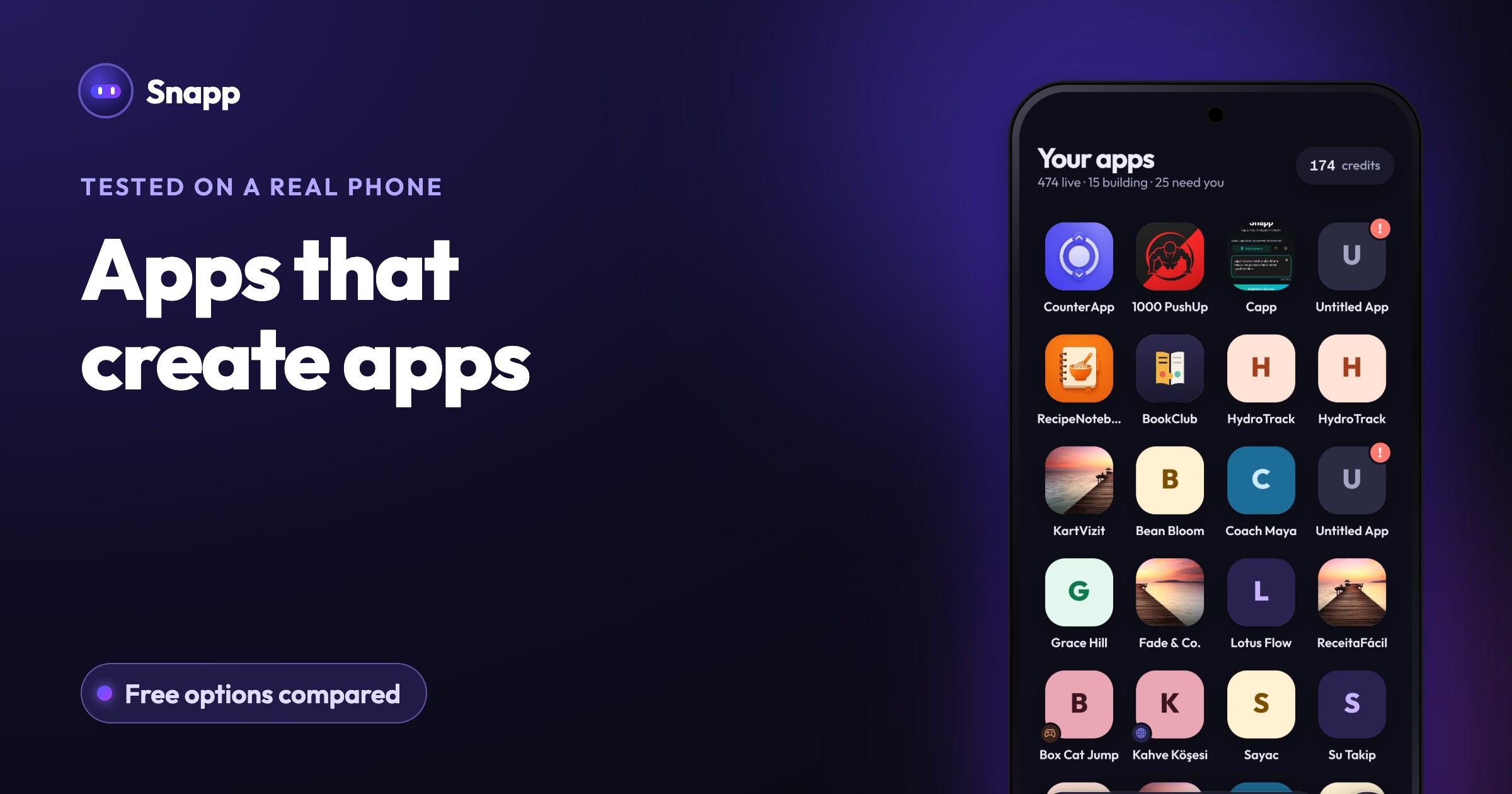
Snapp is an app on Google Play and the App Store, and it also runs in any browser. You describe the app in plain words and Snapp builds it. Your app runs inside the Snapp app on your phone while you build, so you can tap through it right away.
Free:
Needs a paid plan (Starter and up):
Starter costs $24.99 a month (US price; Google Play shows your local price) and includes 150 credits and 3 store builds a month. A change to an existing app takes about 3 credits, so 150 credits is roughly 20 new apps or 50 changes, or a mix. Credits never expire.
The other free app makers in short
Lovable: free plan with 5 build credits a day (up to 30 a month). Lovable builds web apps; its FAQ says it does not make native mobile apps, and suggests a home-screen web app (PWA) instead (Lovable FAQ). Lovable has its own Android app for building, but it does not turn your project into a store app.
Rork: free plan runs in Design mode, which proposes your app's screens. Building a working app needs Rork Pro at $20 a month (Rork pricing docs).
Base44: free plan with 25 message credits a month and up to 5 apps. Its store docs say the mobile app runs your published web app inside a web view, and that downloading the files for store submission needs the Builder plan or higher (Base44 store docs).
Bolt: free plan with 1M tokens a month and a daily cap of 300K. Publishing a mobile app to the stores uses Expo's command-line tools on your own computer (Bolt Expo docs).
Replit: free Starter plan with daily Agent credits up to a monthly cap and one published app that goes down after 30 days. Its docs say Google Play publishing is not yet supported (Replit mobile docs).
FlutterFlow: free plan with up to 2 projects and 5 AI generation requests in total. APK download and store deployment start at Basic, $39 a month.
Adalo: free plan with unlimited test apps, 5 AI prompts a month and one free app build. Store publishing starts at Builder, $65 a month (first month $30 on monthly billing, per Adalo's pricing page).
Can you publish an app for free?
Not completely. Even if a tool's plan were free, Google charges a US$25 one-time developer fee and Apple 99 USD a year. New personal Google Play accounts also need a closed test with at least 12 testers for 14 days before the app can go public (Google Play Console Help).
What you can do for free is build the app, test it on your phone and show it to friends. For the full cost of going live, see Can you publish an app for free? and How to create a Google Play developer account.
How to get the most out of a free plan
1. Write one clear first message. Say what kind of app it is before listing features. Clear messages use fewer credits. See How to write a good prompt.
2. Change one thing per message. It is easier to check, and you waste less.
3. Make small edits by hand. In Snapp, colors and wording changes in Design and Edit Text are free.
4. Decide where the app has to live. If a home-screen web app is enough, a free plan may go a long way; check how long each tool keeps your app online for free. If you want Google Play, budget for the developer fee and a paid plan from the start.
Ready to try? Get Snapp from Google Play or open snappai.co, describe your first app, and see it running on your phone in a few minutes.
Frequently asked questions
What is the best free app that creates apps on Android? It depends on what you need. If you want a phone app you can later publish to Google Play, pick a tool that builds mobile apps and has an Android app, such as Snapp. If a website is enough, a web builder's free plan may do.
Can I make an APK for free? On Snapp, downloading an APK needs a paid plan (Starter and up). On FlutterFlow, APK download starts at the Basic plan. Check each tool's pricing page before you start.
Do free AI app makers put ads or badges in my app? Some add a badge on free plans: Replit shows a "Made with Replit" badge on Starter, and Bolt shows Bolt branding on free websites, per their docs. Paid plans remove it.
Do I own the app I make for free? Check each tool's terms. On Snapp, code export to your own GitHub account is available on paid plans.
Sources
Last updated: October 2026.
Snapp Team
Articles and content from the SNAPP team