How to Create a Google Play Developer Account
A Google Play developer account costs a one-time 25 USD and takes about 15 minutes. Here is how to sign up, get verified and connect it to Snapp.
How to Create a Google Play Developer Account
To put an app on Google Play, you need a Google Play developer account. Your apps are published under it, so they stay yours. It costs a one time 25 USD and takes about 15 minutes to set up. Then Google checks your identity, which can take a few days. Here is how.
Before you start
- A Google account (a regular Gmail works). Use the one you want to keep for your apps.
- A payment method for the 25 USD one time fee (not yearly).
- For most accounts, an ID for identity verification.
- Publish your app to Google Play with Snapp
- APK vs AAB: getting your Android app file
Step by step
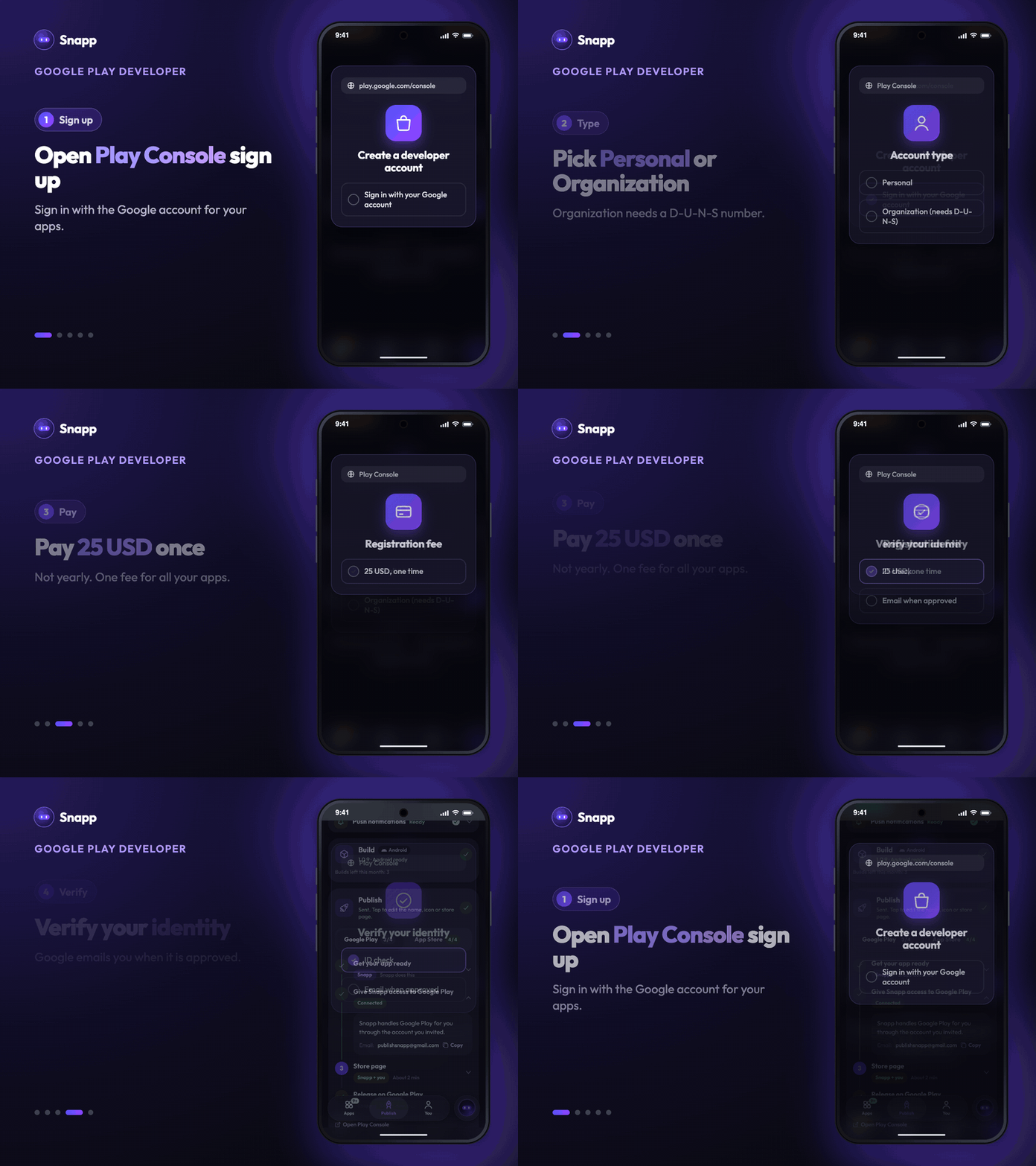
1. Go to the Google Play Console sign up page. 2. Sign in with your Google account. 3. Choose your account type: - Personal: you are an individual. - Organization: you are registering a business. You need a D-U-N-S number for your company. 4. Enter your developer name (it is shown on your store page), your contact details, and accept the agreement. 5. Pay the 25 USD one time registration fee. 6. Complete identity verification. Google may ask for a photo of your ID and your address. This can take from a few hours to a few days. Google emails you when it is done.
Connect it to Snapp
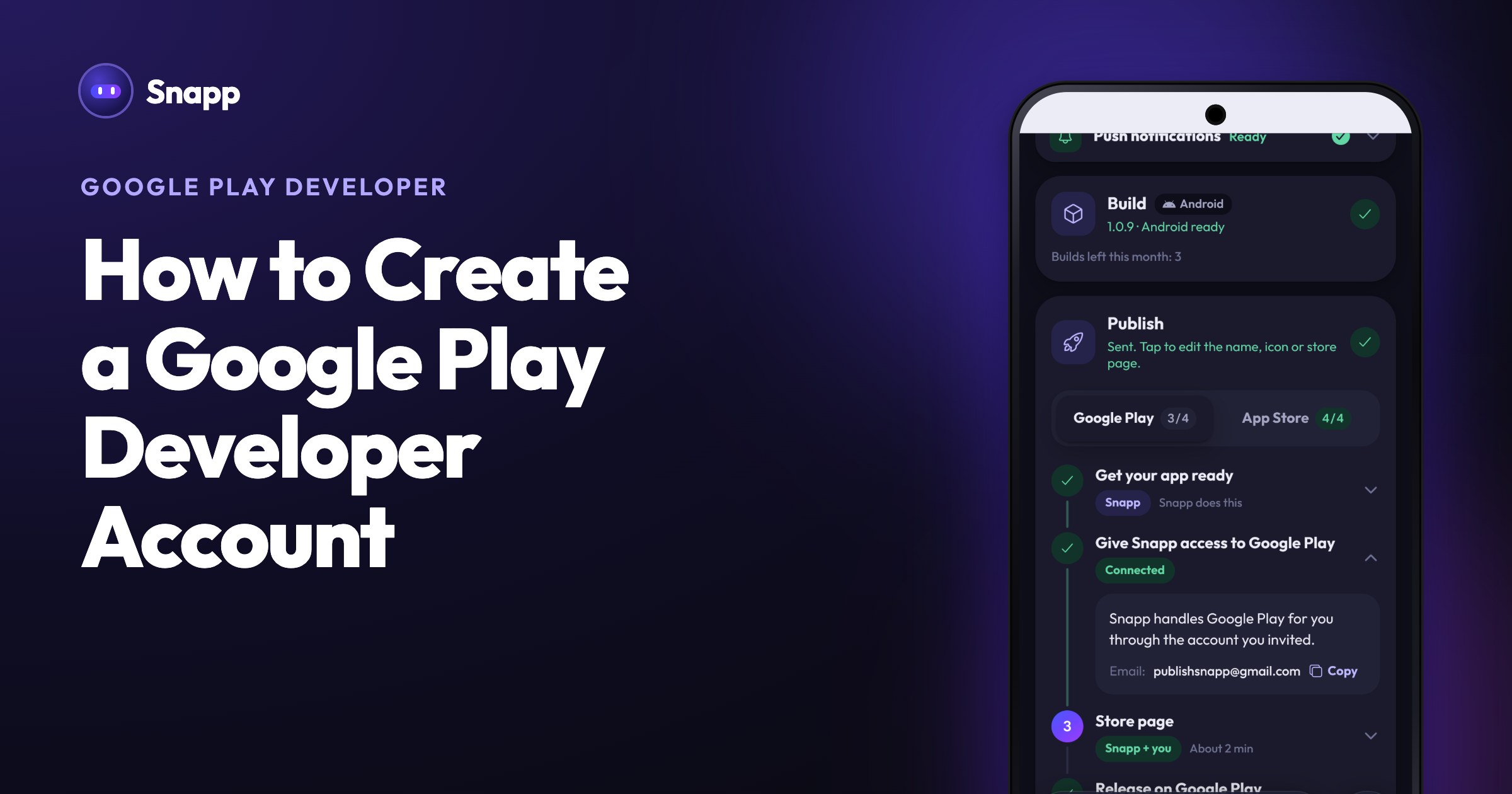
You do not need to create your app in Play Console. Snapp does that for you. You only invite Snapp once.
1. In Snapp, open the Publish tab, pick your app and select the Google Play tab on the Publish card. 2. Open step 2, Give Snapp access to Google Play. If Snapp asks Do you have a Google Play developer account?, tap Yes, I have one. If you tapped No, not yet earlier, tap I have an account now. 3. In Play Console, press Manage account, open Users and permissions and press Invite new users. Enter the email shown in Snapp, tick Admin (all permissions) and press Invite user. 4. Back in Snapp, press I invited Snapp. When the step shows Connected, you are done.
The full walkthrough is in Publish your app to Google Play with Snapp.
Good to know: the closed test for personal accounts
A new personal account must test an app with 12 testers for 14 days before it can go public on Google Play. An organization account does not. You can still release to internal testing right away. When you tap Make it public on Google Play, Snapp tells you if Google asks for the closed test first.
Common questions
Is it a yearly fee? No. Google charges 25 USD once. (Apple's developer program is yearly.)
Personal or Organization? Personal is fine for a solo maker, but remember the 12 testers for 14 days rule above. Choose Organization if you publish under a registered company: it needs a D-U-N-S number and has no closed test rule.
How long does verification take? Often a few hours, sometimes a few days. You get an email when you are approved.
What's next
Snapp Team
Articles and content from the SNAPP team