How to Make a Mobile Game With AI and Publish It on Google Play
Describe a game, play it on your phone minutes later, make it your own and publish it on Google Play. The steps, the store rules on copycats, the costs and the limits.
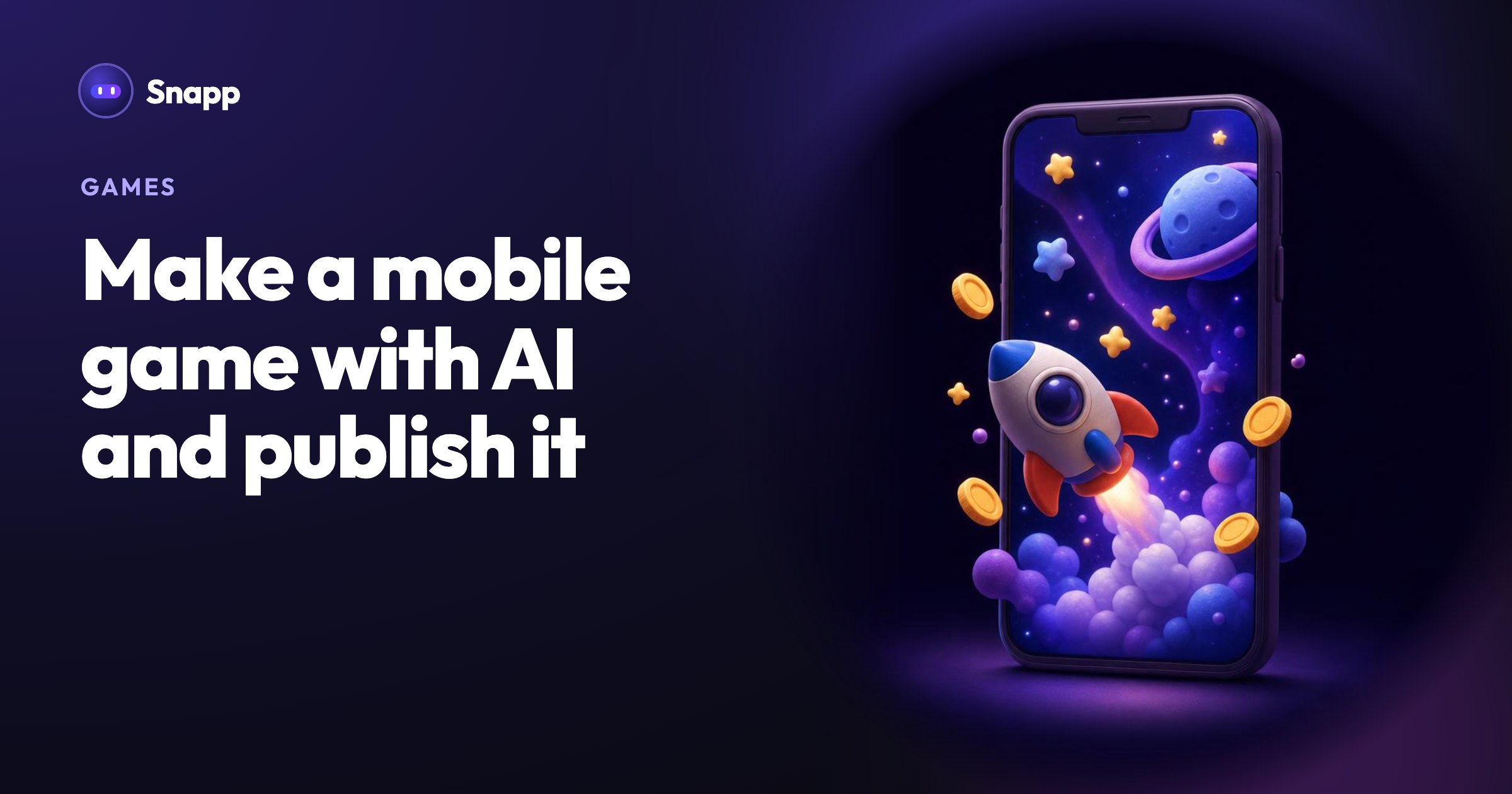
To make a mobile game with AI, describe the game in a sentence, play the first version on your phone, change it by chatting until it feels like yours, and then publish it as a real Android app on Google Play. A game that only plays in a browser is great for sharing, but a store needs an installable app, a store listing, a content rating and a developer account. This guide covers the whole path and how to keep your game original.
In short
- Build: describe the game, play it on your phone, change it in chat or by hand.
- Publish on Google Play: you need a Google Play developer account ($25 once, Google) and, in Snapp, a Starter plan or higher.
- New personal Google Play accounts must run a closed test with 12 testers for 14 days before going public (Google).
- Copies get rejected: Apple tells developers not to "simply copy the latest popular app" (Guideline 4.1), and Google Play bans apps that infringe others' intellectual property (Google Play policy).
- Jumpers and flyers: tap to jump or flap through obstacles.
- Platformers: run, jump, collect, avoid.
- Endless runners: switch lanes, jump and slide.
- Top-down action: move in every direction, shoot or dodge, waves and levels.
- Grid and maze games: puzzles, board games, maze chases.
- Idle and tycoon games: tap, earn, upgrade.
- Tower defense: place towers, hold back the waves.
- Simulation and story games: management sims, quizzes, interactive stories.
- Sports and racing: penalty shootouts, mini golf, racing through traffic.
- Adventure and RPG: explore, fight monsters, find loot, level up.
- Add one twist. A runner where you collect words instead of coins. A tower defense game set in your kitchen.
- Pick your own theme and name. Never use another game's name, characters, logo or music.
- Use your own art. Upload your own images in Customize Game, or describe a style of your own.
- Tune the feel. Speed, gravity, lives and difficulty curves are what make two similar games feel different. Play, change one number, play again.
- Games are 2D and single-player. No online multiplayer.
- Best scores are saved on the player's own phone. For a shared leaderboard, tap Add Database, then ask for a leaderboard.
- Very large, open-world games are out of reach. Snapp is built for games you pick up for a few minutes.
- Google Play developer registration fee
- Google Play testing requirements for new personal accounts
- Google Play Intellectual Property policy
- Apple App Review Guidelines 4.1 and 4.3
- Apple Developer Program: how it works
- Kotaku, AI clones of indie games (July 15, 2026)
- Kotaku, AI cloning and public playtests (October 19, 2026)
What kind of games can you make with AI?
Snapp starts from the kind of game that fits your idea. Games are the most built category on Snapp, and these are the starting points:
Card games, word games and other ideas are built from general game building blocks. Characters, backgrounds, sound effects and music come from a built-in library, so the first version already looks and sounds finished.
How to make a mobile game with AI, step by step
1. Describe the game the way you would tell a friend. For example: "A ball that rolls through an endless mine and digs up hidden ores" or "A word puzzle on a 5x5 grid". Say what the player does, how they win or lose, and what makes it different.
2. Build it as a game. When your idea reads like a game, Snapp asks Build this as a game? Tap Build as game. A few minutes later you have a title screen, controls made for a phone, sound, a score and a game-over screen.
3. Play it on your phone. On Android the game plays full screen inside Snapp. On iPhone, tap Play Game to open it in Safari.
4. Change what does not feel right. Ask in chat: "Make the jumps higher", "Slow down the first level". Or open Customize Game (the edit button next to Ask, or in your game's settings) to swap characters, music and sounds, change colors and texts, tune numbers like speed or lives, or upload your own image. Customize Game uses no AI credits.
5. Share it with friends. Every game gets a link that plays in any browser, so friends can try it without downloading anything. Their reactions tell you what to fix before you go further (sharing guide).
6. Publish it. Tap Publish App in your game's settings and follow the Publish steps, the same as for any Snapp app.
More detail: Build games with Snapp.
How do you publish an AI-made game on Google Play?
1. Create a Google Play developer account. It costs $25 once and Google checks your identity, which can take a few days (guide).
2. Build the store file. In Publish, tap Build the app and pick AAB, for Google Play. It takes about 15 minutes and uses one build from your plan (Starter 3 a month, Popular 10, Pro 40). What is an AAB? See APK vs AAB.
3. Give Snapp access once. Invite the email Snapp shows into your Play Console as an admin, then tap I invited Snapp.
4. Approve your store page. Tap Prepare. Snapp writes the store text, takes screenshots, makes a privacy policy and answers Google's forms, including the content rating. Check the answers and tap Approve.
5. Release. Your game first goes to internal testing so you can install it. Then tap Make it public on Google Play to send it to Google's review. Reviews usually take a few days, and Snapp sends you a notification and an email when Google decides.
On a new personal account, Google asks for the closed test first. Snapp tells you when that applies, and you invite the 12 testers yourself (the 12 testers rule). Full walkthrough: Publish to Google Play with Snapp. The same game can also go to the App Store with an Apple Developer Program membership ($99 a year, Apple).
Why your AI game should be original
AI makes copying fast, and players and developers have noticed. In July 2026, Kotaku reported that people were using AI tools to clone indie games within days, sometimes before the originals came out (Kotaku, July 15, 2026). On October 19, 2026, Kotaku reported that the studio Digital Sun had moved the playtest of its next game, ReVamp, away from a public Steam playtest to a smaller Discord group because of worries about AI clones (Kotaku).
The stores push back too. Apple's guideline 4.1 asks developers to "come up with your own ideas" and says you cannot use another developer's icon, brand or product name without approval. Guideline 4.3 asks developers not to submit apps that are "indistinguishable from what's already widely available" (Apple). Google Play does not allow apps that infringe trademarks or copyrights (Google).
How to make a game that is really yours:
What can AI-made games not do yet?
Being straight about the limits in Snapp today:
Where Snapp fits
Snapp builds the game from your description, lets you play it on your phone right away, change it in chat or with Customize Game, share a browser link, and publish it to Google Play and the App Store under your own developer account (Starter plan and up). You do not need a Mac for the iPhone version.
Describe your first game at snappai.co.
Frequently asked questions
Can I make a game with AI for free? Yes. You can build, play and share a game on Snapp's free plan. On the Free plan a share link stays live for 24 hours from your last share. Publishing to Google Play needs a paid Snapp plan and Google's $25 fee.
Do I need to know how to code? No. You describe the game and change it with words or with Customize Game.
How much does it cost to publish a game on Google Play? Google charges $25 once for a developer account. With Snapp you also need a paid plan for the build, from $24.99 a month (US price, as of October 2026). More: the cost to publish an app.
Can the same game go on the App Store? Yes. With an Apple Developer Program membership ($99 a year) you publish it from the same Publish screen. You do not need a Mac: Snapp builds the iPhone version for you.
Sources
Last updated: October 2026.
Snapp Team
Articles and content from the SNAPP team