App Store Custom Product Pages With Keywords: How a Small App Can Use 2 or 3
Custom product pages can now show up in App Store search for the keywords you assign. You can make 70, but a small app usually needs 2 or 3. Here is how to plan them.
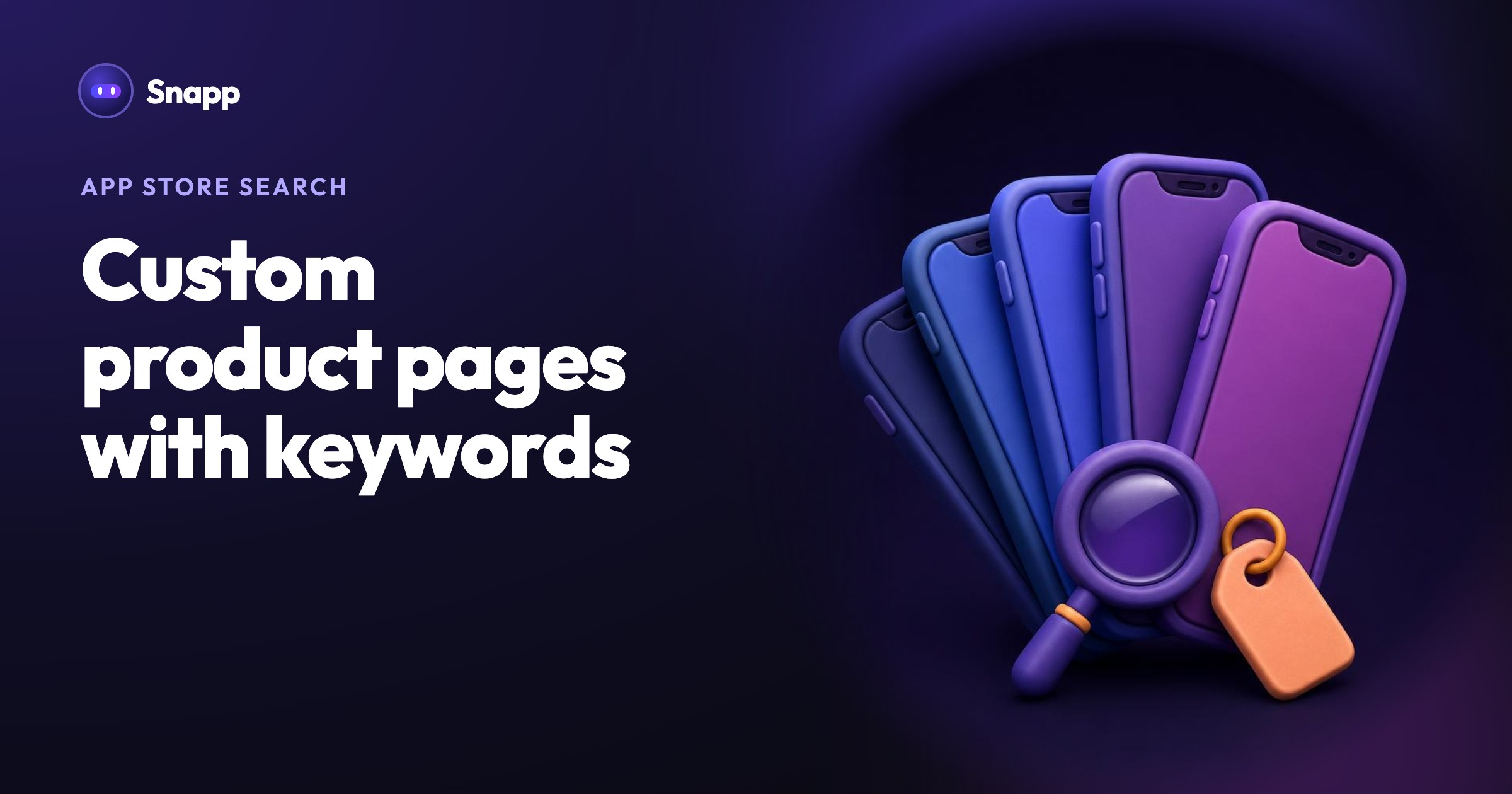
Custom product pages are extra versions of your App Store page, and when you give one keywords, people who search for those words can see that page instead of your default one. Apple allows up to 70 per app, but a small app usually gets the most from 2 or 3 pages, one for each real group of people who search for it in different words.
Key facts
- Up to 70 custom product pages per app, each with its own screenshots, app previews, promotional text and keywords (Apple Help).
- Keywords come from your latest approved app version. Apple says you "can assign keywords from your latest approved app version to a custom product page" (same page).
- A page shows in search only after it is approved and set to visible. Your app must be Ready for Distribution in at least one country or region before you can make one.
- Results: Phiture reports an average conversion lift of 5.9% for apps using custom product pages (Phiture, 2026). For context, the average App Store page view to install rate in the US was 8.56% in 2025 (AppTweak).
- The keywords should match the intent of that page.
- They should be unique to that one page. Apple's help page says the same: "select a unique set of keywords for each page."
- The same keyword on two pages. Apple asks for a unique set per page. Pick the page that fits the word best.
- Keywords that are not in the approved version. You cannot assign them yet. Ship a version that includes them first.
- Pages that look the same. If page 2 has the same first screenshot as the default page, it gives searchers nothing new.
- Too many pages too early. Start with 2. Add a third once the first ones have real numbers.
- Weak basics. A custom page does not fix unclear screenshots or few ratings. Start with your first 100 downloads and getting honest reviews.
- Apple Help: Configure multiple product page versions
- Apple: App Store search
- Apple Help: Platform version information (keywords, promotional text)
- Phiture: ASO trends in 2026
- AppTweak: Average app conversion rate per category
- Play Console Help: Custom store listings
- Play Console Help: Store listing experiments
This guide is about custom product pages and keywords. For the new header image, search results asset and Asset Library that Apple added in October 2026, see App Store product page header and search results assets.
What is a custom product page?
It is a second (or third, or tenth) version of your App Store product page. Some parts can change and some cannot:
| Can be different on each page | Stays the same on every page |
|---|---|
| Screenshots | App name and icon |
| App previews (short videos) | Subtitle |
| Promotional text (up to 170 characters) | Description |
| Keywords assigned to the page | Ratings and reviews |
| An optional deep link into a screen of your app (iOS 18 and later) | Category |
How do custom product page keywords work?
This is the part most guides skip. Your app has one keyword field per language: 100 bytes, words separated by commas, and you should not repeat your app name or company name there (Apple Help). The keyword field belongs to an app version, so it goes through App Review with that version.
A custom product page does not get a new keyword field. You pick its keywords from the list in your latest approved version. So the words you want each page to own must already be in your main keyword field.
Apple gives two rules for choosing them (App Store search):
One more thing to know: assigning a keyword decides which page people see when your app appears for that word. Apple's pages do not say it makes your app rank higher for the word. Ranking still depends on things like your name, subtitle, keywords, category, downloads, and ratings and reviews.
How many custom product pages does a small app need?
Two or three, in most cases. Each page needs its own set of screenshots, and App Analytics shows a page's numbers only after it has at least 5 first-time downloads. If your app gets a few hundred visitors a week, 10 pages would split them so thinly that you could not tell what works.
Make a page when all three are true:
1. A group of people searches for your app with different words than your main audience.
2. They care about a different screen or feature, so a different first screenshot would make sense to them.
3. You can name two to four keywords that clearly belong to that group.
Example: a meal planner with three pages
| Page | Who it is for | Keywords assigned | First screenshot shows |
|---|---|---|---|
| Default | People planning meals | (the rest of the list) | The weekly plan |
| Page 2 | People cooking on a budget | budget,cheap,grocery | The shopping list with prices |
| Page 3 | People on a vegetarian diet | vegetarian,vegan,plant | A vegetarian week |
Write screenshot captions in the words people search for. Phiture reports that Apple started reading the text in screenshot captions for search in June 2025 (Phiture). Apple has not documented this, so treat it as a bonus, not a plan. Clear captions help people decide either way.
How to set up your first custom product page
1. Publish first. Your app must be live (Ready for Distribution) in at least one country or region.
2. Plan the words. Write down the 2 or 3 groups, and 2 to 4 keywords for each. Add any missing words to the keyword field of your next app version, then send that version to review.
3. Create the page in App Store Connect under your app's custom product pages. You need the Account Holder, Admin, App Manager or Marketing role.
4. Add screenshots and promotional text that speak to that group. Lead with the screen they care about.
5. Assign keywords in the page's Keywords section. Use each keyword on only one page.
6. Submit the page to App Review. A page can be reviewed on its own, without a new app version. After approval, make sure it is set to visible.
7. Measure. In App Analytics, compare impressions, downloads and conversion rate for each page against your default page. Give it a few weeks before you judge.
Common mistakes
Is there something like this on Google Play?
Yes. Google Play has custom store listings: up to 50 per app, targeted by country, by people who search for specific keywords, by Google Ads campaign, by pre-registration, or at people who stopped using your app (Play Console Help). You can also test listing changes with store listing experiments (Play Console Help). More in how to promote your app on Google Play.
Where Snapp fits
Snapp builds your iPhone and Android app and publishes it into your own Apple and Google developer accounts. On the way it prepares your default store page: the name, description, screenshots, privacy policy and the store forms, which you check and approve. See your store page with Snapp.
Custom product pages are an extra marketing step you add yourself. Because the app is in your own App Store Connect account, you can create them whenever you are ready, and they do not need a new build. If your app is not live yet, start at snappai.co and publish first.
Frequently asked questions
Do custom product pages need a new app version?
No. A page is submitted for review on its own. But the keywords you assign must already be in your latest approved version, and changing that keyword field does need a new version.
Can a custom product page have a different app name or icon?
No. The name, icon, subtitle and description are shared. Only screenshots, app previews, promotional text, keywords and the deep link change.
How many keywords can I assign to one page?
Apple's help page does not give a number. All your keywords share one 100-byte field, so in practice a small app gives each page a handful of words that clearly belong to it.
Do I need Apple Ads to use custom product pages?
No. With keywords, a page can appear in normal search. You can also use the same pages in Apple Ads if you run ads later.
Sources
Last updated: November 2026.
Snapp Team
Articles and content from the SNAPP team