Google Play private apps from AI Studio: what they are, the limits, and how to go public
Since October 13, 2026, Google Play can install apps you built in Google AI Studio on your own phone, with no developer account. Here is what that means, the limits, and when you still need a real store listing.
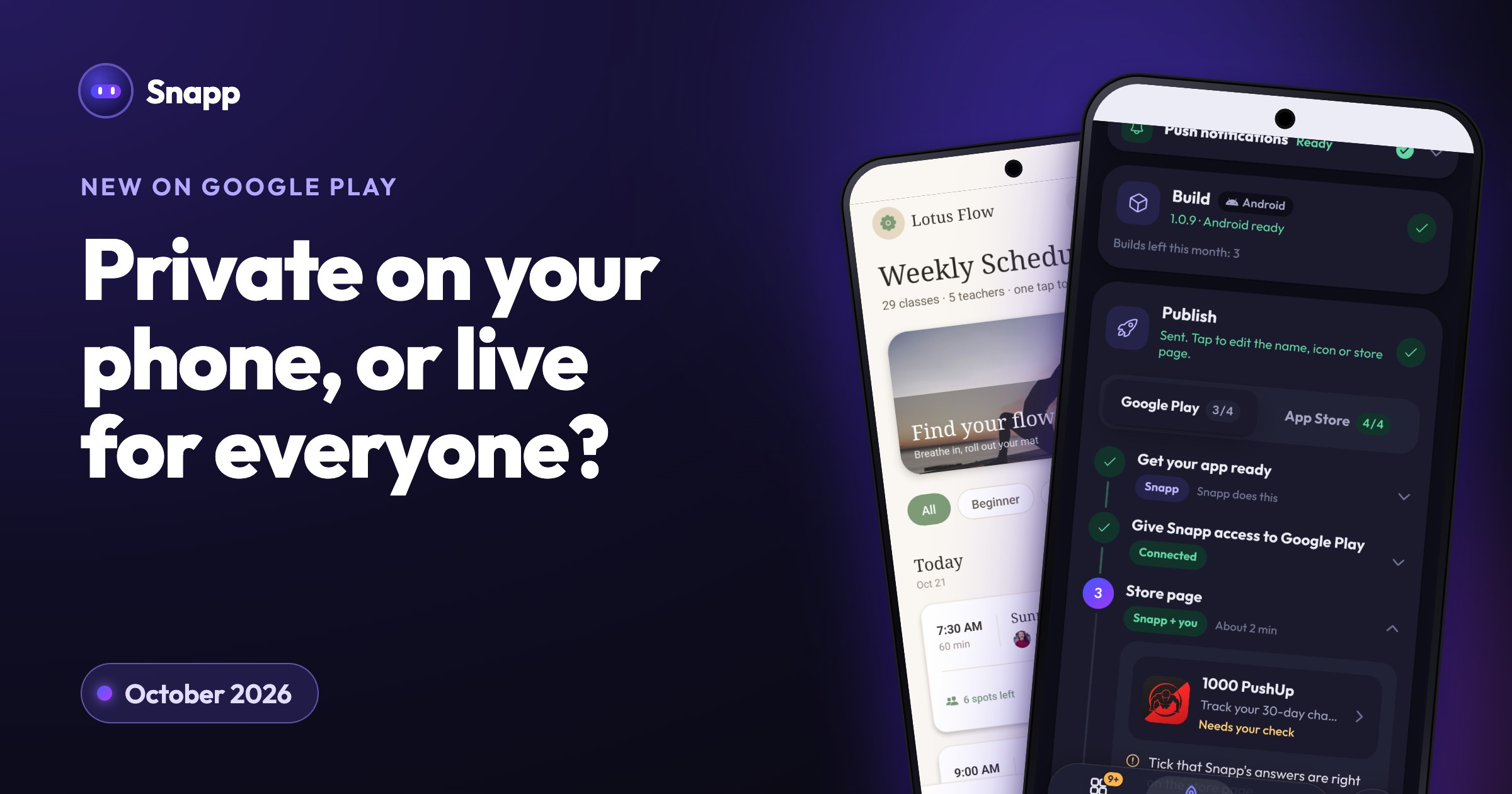
Google Play private apps (Google calls them "personal apps") let you install an app you built in Google AI Studio on your own Android phone, using only your normal Google account. Google launched them on October 13, 2026. No Google Play developer account is needed, but for now only you can install the app and it never shows up in the public store.
Key facts
- Launched: October 13, 2026, announced by Google Play (Google).
- Who can use it: users 18 and over, rolling out "to select markets, including the U.S." (Google).
- Account: "only your standard Google account", "no developer account required" (Google).
- Who can install: only you. The app stays out of public search and listings (TechCrunch).
- Coming later: sharing with "a close circle of friends and family" in the coming months (Google). No date yet.
- You must be 18 or older.
- It is rolling out in select markets, including the US. If you live elsewhere, you may not see it yet.
- You need a normal Google account. No developer account and no developer fee.
- Only you can install it. You cannot send it to a customer, a client or your team yet.
- No public listing. The app does not appear in Google Play search, so nobody can find it.
- Android only. It installs through Google Play on Android. It does nothing for iPhone users.
- Built in Google AI Studio. The announcement covers apps made in AI Studio, not apps from other tools.
- Sharing comes later. Google says sharing with friends and family is coming "in the coming months", without a date.
- Other people should install it: customers, students, members of your club, your team.
- People should find it in the store. Only public apps appear in search.
- You want an iPhone version. Google Play personal apps do not cover the App Store.
- You want to sell something in the app. Selling through Google Play needs a payments profile on a developer account.
- You are not in a supported market yet.
- Install with a USB cable from AI Studio. Google's AI Studio guide shows an "Install via USB" option with developer options turned on.
- Install as a web app. Many builders let you add an app to your home screen from the browser. It opens full screen with its own icon. See install your app as a PWA.
- New on Google Play: More ways to create, discover, and play (Google, October 13, 2026)
- Google Play now supports private vibe-coded apps built just for you (TechCrunch)
- Google Play Store now accepts AI-built Android apps without developer account (Quartz)
- Google AI Studio can now build Android apps (9to5Google)
- Build and publish your first Android app with AI Studio (Google Codelabs)
- Play Console registration fee (Google)
- Testing requirements for new personal developer accounts (Google)
- Apple Developer Program enrollment (Apple)
What are Google Play private apps?
Google AI Studio is Google's website where you describe an app in plain words and Google's AI writes it. Since May 2026 it can build Android apps (9to5Google).
Until now, getting that app onto your phone meant a cable to your computer or a Google Play developer account. The new option is simpler. You send the app from AI Studio to Google Play, and it appears in a private "personal library" on your own devices (Quartz). You install it from Google Play like any other app.
Google describes these as apps that "start out as personal projects": small tools made for you, not for the whole world.
Who can use it right now?
According to Google's announcement:
Your app still has to follow Google Play's existing policies (TechCrunch).
What are the limits of personal apps?
Private app vs publishing on Google Play and the App Store
| Google Play personal app | Public app on Google Play | Public app on the App Store | |
|---|---|---|---|
| Who can install | Only you (sharing promised later) | Anyone with an Android phone | Anyone with an iPhone |
| Account you need | Your normal Google account | Google Play developer account | Apple Developer Program membership |
| Fee (as of October 2026) | No developer fee | US$25, one time (Google) | 99 USD per membership year (Apple) |
| Shows in store search | No | Yes | Yes |
| Public store review | Not described by Google (the app stays private) | Yes, Google reviews the app | Yes, Apple reviews the app |
| Extra steps | None | New personal accounts: closed test with 12 testers for 14 days (Google) | Store listing, screenshots, privacy details |
When do you need a real developer account?
A personal app is great for a tool only you will use. You still need a Google Play developer account (and an Apple one for iPhone) when:
See how to create a Google Play developer account, how much it costs to publish an app in 2026 and Google's new Android developer verification rules.
Other ways to put your own app on your phone
Where Snapp fits
Snapp is an AI app builder for people who want their app in the public stores, on Android and iPhone. You describe the app, Snapp builds it, and you test it on your phone in the preview. The free plan is enough to build and preview.
When you are ready for everyone, Snapp publishes into your own Google Play and Apple developer accounts (Starter plan and up). Snapp creates the store listing, writes the store text, takes screenshots, makes a privacy policy, fills in the store forms, builds the app and follows the review. You do not need a Mac for the iPhone version. If your new personal Google Play account needs the 12 testers closed test, Snapp tells you. See publish your app to Google Play with Snapp.
Frequently asked questions
Do I need to pay Google to use personal apps? Google says you only need your standard Google account and no developer account. The US$25 developer fee applies only when you open a Google Play developer account to publish publicly.
Can I share my personal app with my family? Not yet. Google says sharing with "a close circle of friends and family" is coming in the coming months, without a date.
Can I make my personal app public later? Google says it will help you move to a professional developer account. Your app then goes through the same reviews as any public app, including the closed test if your new account is a personal one.
Does it work outside the US? Google says it is rolling out to "select markets, including the U.S." for users 18 and over. If you do not see it in AI Studio, it is not available to you yet.
Does it work on iPhone? No. Personal apps install through Google Play on Android. For iPhone you need an Apple Developer Program membership and App Store review.
Want your app on both stores, not just your own phone? Start at snappai.co.
Sources
Last updated: October 2026.
Snapp Team
Articles and content from the SNAPP team