An alternative to Replit for mobile apps: Snapp vs Replit in 2026
Replit builds many kinds of software. Snapp is built only for phone apps and publishes them to both stores for you. Plans, mobile features and store publishing as of October 2026.
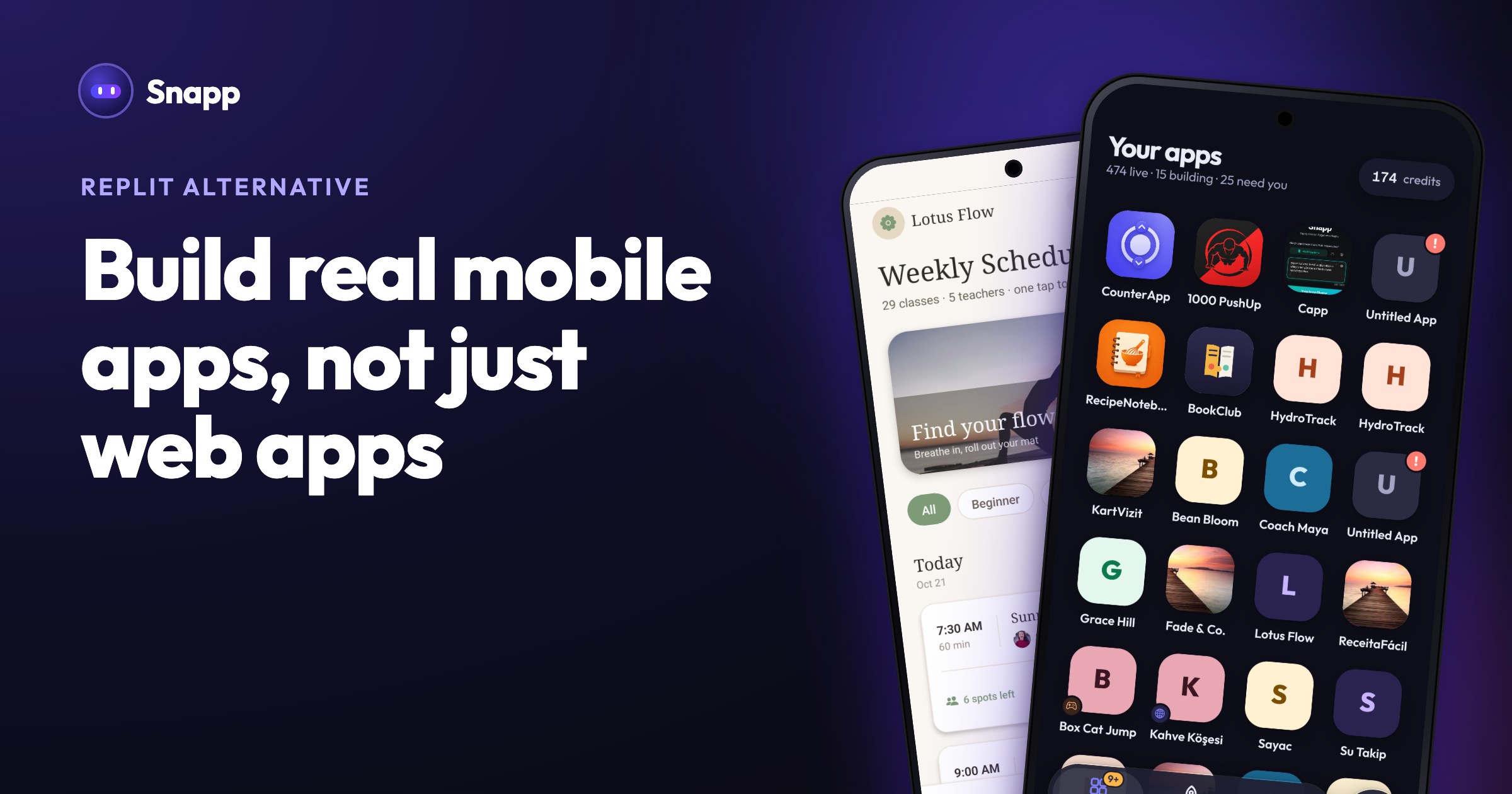
Looking for an alternative to Replit because you want a phone app in the App Store and Google Play? Replit is a general platform for building many kinds of software with an AI agent, and it can build mobile apps. Snapp does one job: it turns your description into an iPhone and Android app and publishes it to both stores for you.
Key facts (as of October 2026)
- Replit's paid plans are Core at $20 a month ($18 a month billed yearly) and Pro at $100 a month ($90 billed yearly), per replit.com/pricing. There is also a free Starter plan.
- Replit's own docs say: "Publishing to Google Play is not yet supported by Replit" (Native Mobile Apps). App Store publishing is supported through a guided flow.
- Snapp publishes to both Google Play and the App Store, into your own developer accounts, on the Starter plan ($24.99 a month) and up.
- Both stores charge their own fees: Google a US$25 one-time fee, Apple 99 USD per membership year.
- You pick Mobile app as the app type and describe it to Replit Agent. Replit builds iOS and Android apps from the same codebase.
- You can preview on your own phone with the free Expo Go app, or in an iOS Simulator or Android Emulator inside Replit. The simulator and emulator are for Core, Pro and Enterprise plans.
- For the App Store, Replit has a guided Launch flow that builds the app in the cloud, signs it and uploads it to App Store Connect for TestFlight. You then finish the listing in App Store Connect and submit it to Apple (Build a mobile app).
- For Android, the same page says you can build and preview, but publishing to Google Play is not yet supported.
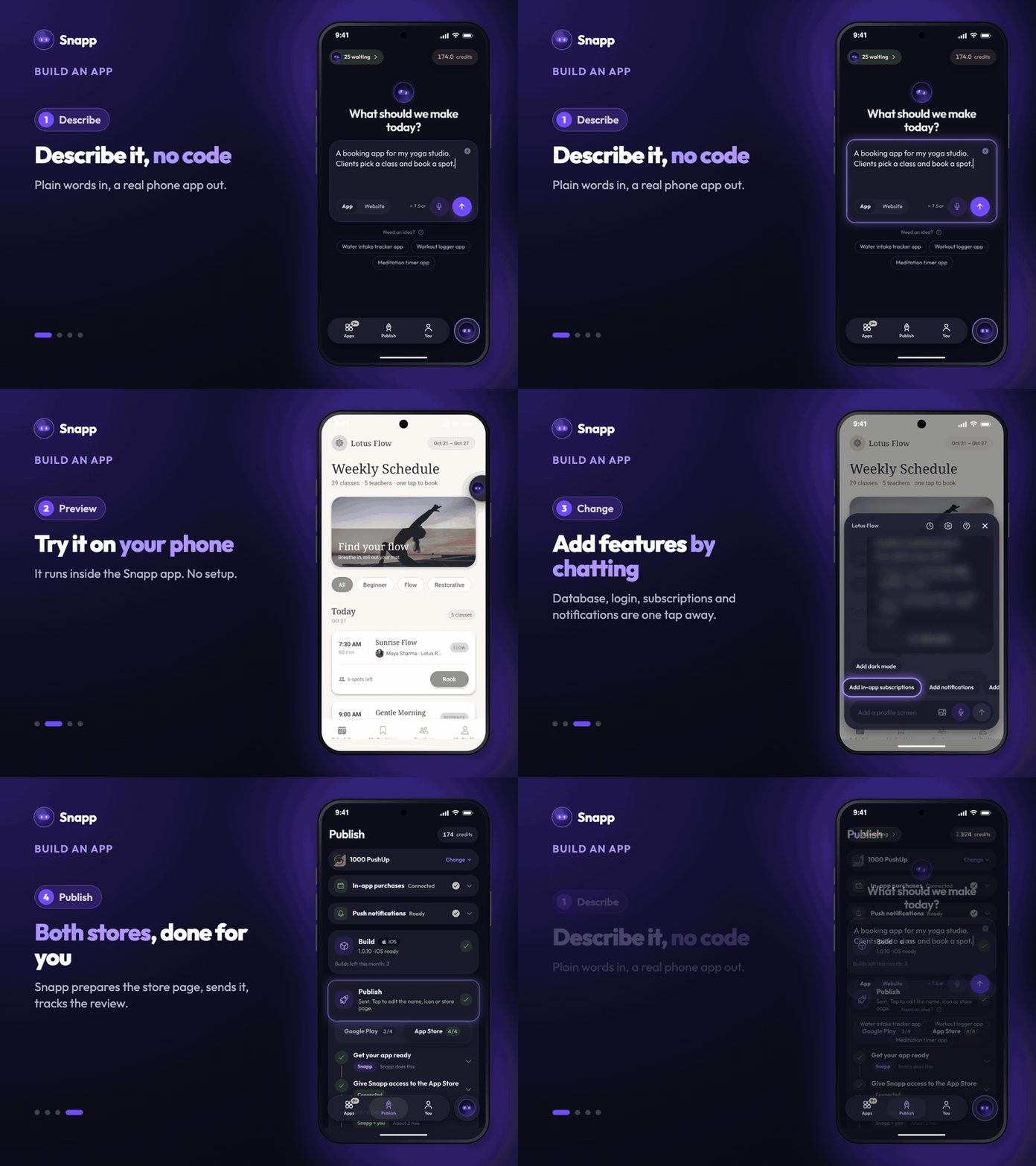
- Describe your app in plain words and change it by chatting. There is no project structure or build setup to manage.
- Every new app gets its own logo, which you can change in App name & icon.
- Small edits by hand in Design (colors and style) and Edit Text (wording) use no AI credits, and you can restore any earlier version from History for free.
- Open your app in the Snapp app and it runs right there. From the web editor, scan the QR code to open it on your phone.
- Tap Is my app ready? to see what still needs finishing.
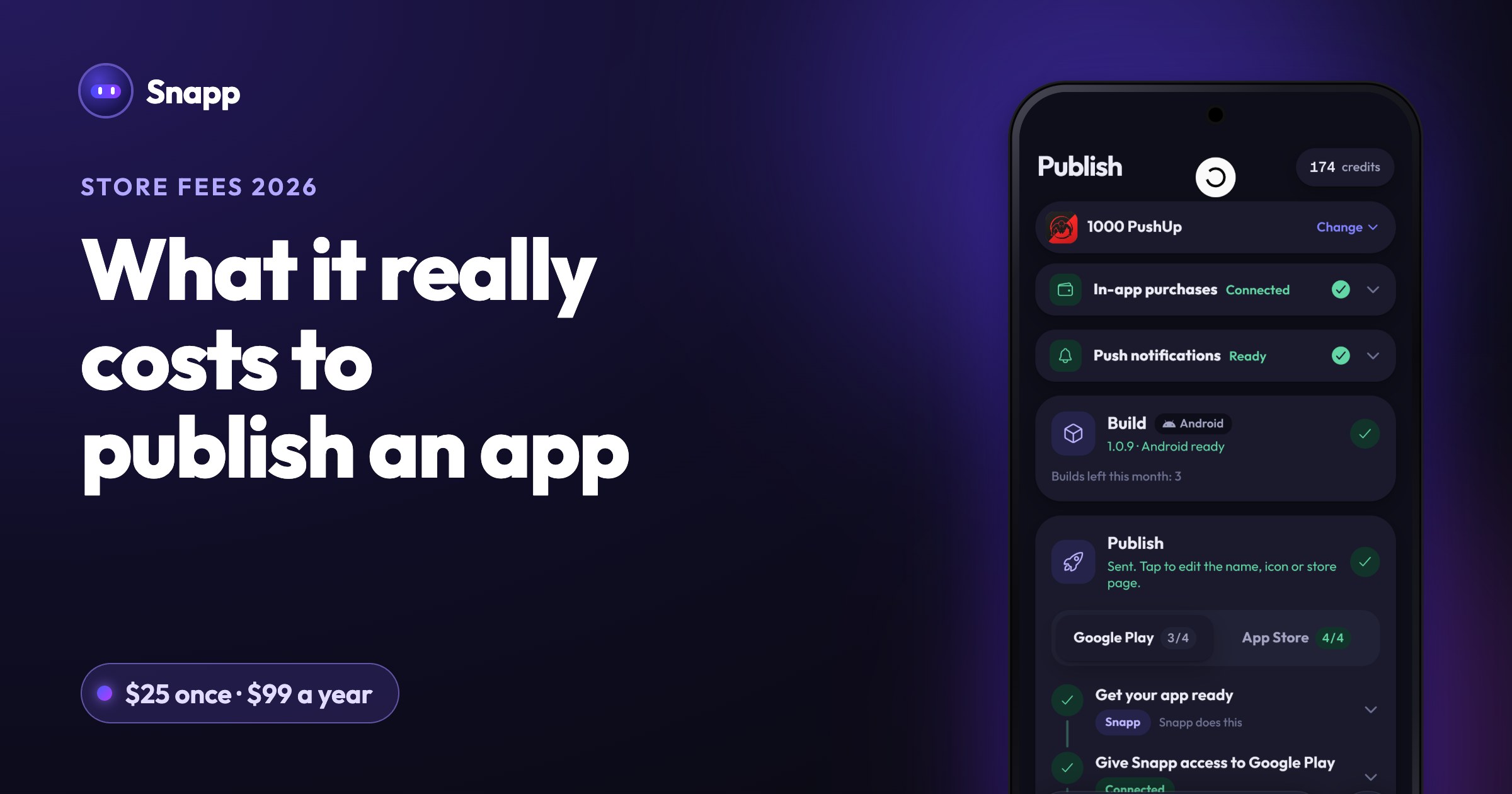
- On Publish, the Build card makes the store file. Then you give Snapp access once, by inviting an email into your Play Console or App Store Connect. No keys to make.
- Snapp prepares your store page (text, screenshots, privacy policy and answers to the stores' forms). You check it and approve.
- Snapp uploads the app, sends it to review and tells you when it is live. Reviews usually take 1 to 3 days.
- You need your own Apple and Google developer accounts, and a Starter plan or higher. No Mac is needed for the iPhone app.
- If you need a complex web product, a backend with custom servers, or anything beyond a phone app or website, Replit's wider toolset may fit better.
- If several people need to build in the same workspace at once, Replit has team plans for that.
- Snapp limits store builds per month (Starter 3, Popular 10, Pro 40). If you plan to ship many builds a month, check which plan you need.
- Snapp apps are published as iPhone apps; on an iPad they open at iPhone size.
- Starter: $24.99/month, 150 credits and 3 store builds a month
- Popular: $99.99/month, 600 credits and 10 store builds a month
- Pro: $499.99/month, 3,000 credits and 40 store builds a month
- Replit pricing
- Replit docs: Starter plan
- Replit docs: Replit Core
- Replit docs: AI billing
- Replit docs: Free Mode
- Replit docs: Native Mobile Apps
- Replit docs: Build a mobile app
- Google Play: developer account registration fee
- Apple Developer Program enrollment
The short answer
| If you want… | Better fit |
|---|---|
| One platform for web apps, mobile apps, data visualizations, slides and more | Replit |
| A team of up to 15 people building together | Replit (Pro) |
| An iPhone and Android app without touching code or build tools | Snapp |
| Someone to publish your app to Google Play and the App Store for you | Snapp |
What does Replit offer for mobile apps?
According to Replit's mobile docs, as of October 2026:
How much does Replit cost in 2026?
From replit.com/pricing and Replit's plan docs, as of October 2026:
| Plan | Price | What the official pages list |
|---|---|---|
| Starter | Free | Daily Agent credits up to a monthly cap, Lite build only, 1 published app that goes down after 30 days |
| Core | $20/month, or $18/month billed yearly | $20 towards more powerful models, up to 30 hours of chat on Free Mode, up to 5 builders |
| Pro | $100/month, or $90/month billed yearly | $100 towards the most powerful models, up to 15 collaborators, 10 parallel agents |
| Enterprise | Custom | SSO, SCIM, audit logs, dedicated support |
What does Snapp do?
Snapp is narrow on purpose: it is about getting mobile apps (and websites) built and shipped.
Build without code
Try it on your phone
Snapp publishes it for you
Built-in pieces for common app needs, each a chat shortcut: Add Database and Add User Login (your own Supabase project), Add in-app subscriptions (Apple and Google in-app purchases through your own free RevenueCat account), Add notifications, and Add Payment (Stripe) for physical goods and real-world services. Snapp Vault keeps your app's secret keys out of the app.
Snapp vs Replit at a glance
| Snapp | Replit | |
|---|---|---|
| Free plan | Yes: 15 credits for new accounts, topped up to 7.5 credits on up to 5 days a month | Yes (Starter): daily Agent credits up to a monthly cap |
| First paid plan | Starter, $24.99/month (US price) | Core, $20/month ($18 billed yearly) |
| Try it on your phone | Inside the Snapp app, or by QR code | Expo Go app, or simulator in Replit (Core and up) |
| App Store | Snapp publishes into your account | Guided Launch flow to App Store Connect, you finish the listing |
| Google Play | Snapp publishes into your account | "Not yet supported" per Replit's docs |
| Store page, screenshots, privacy policy | Snapp prepares them, you approve | You finish the listing in App Store Connect; Replit's docs have guides for generating screenshots and an icon |
| Other kinds of software | Mobile apps and websites | Web apps, mobile apps, data visualizations, slides and more |
Where Snapp is not the better choice
Be honest with yourself about what you are building:
How much does Snapp cost?
Snapp has a free plan: new accounts get 15 credits, and on up to 5 days a month Snapp tops your balance back up to 7.5 credits (enough for one new app) when you open it. A new app takes about 7.5 credits and a change about 3. Paid plans (US prices, the stores show local prices):
Every paid plan includes publishing to both stores, code export to GitHub and permanent share links. Estimate your month with the Snapp cost calculator.
Which one should you choose?
Choose Replit if you want one platform for many kinds of software, you are comfortable around code, or you work in a team.
Choose Snapp if your goal is a phone app in both stores, including Google Play, and you would rather spend your time on the app than on tooling. The step by step guide is here: Publish your app to the App Store and Google Play.
The easiest way to decide is to try the same idea on both and see which one gets you closer to what you had in mind.
Frequently asked questions
Can Replit publish to Google Play? As of October 2026, Replit's documentation says you can build and preview Android apps, but "Publishing to Google Play is not yet supported by Replit." App Store publishing is supported through its Launch flow. Check Replit's mobile docs for the latest status.
Is Replit free? Replit has a free Starter plan with daily Agent credits up to a monthly cap, Lite build and one published app that goes down after 30 days. Core costs $20 a month or $18 a month billed yearly, as of October 2026.
Do I need a Mac to publish an iPhone app with Snapp? No. Snapp builds the iPhone app for you. You need an Apple Developer Program membership, which costs 99 USD per membership year according to Apple.
Sources
Last updated: October 2026.
Snapp Team
Articles and content from the SNAPP team