Firebase Studio alternative: where to build your phone app after the shutdown
Firebase Studio closes on March 22, 2027 and new sign-ups already stopped. Here are the official dates, how to save your work, and where to build a phone app next.
If you are looking for a Firebase Studio alternative, you have until March 22, 2027: that is when Google shuts Firebase Studio down and permanently deletes the data left in it. Google points users to Google AI Studio and Google Antigravity, and if your goal is a real iPhone and Android app in the stores, an AI app builder that publishes for you is a third option. Here are the official dates and how to choose.
In short
- Google announced the Firebase Studio sunset on March 19, 2026 (Firebase blog).
- Since June 22, 2026, you cannot create new workspaces or sign up. Existing workspaces keep working until March 22, 2027 (Firebase docs).
- On March 22, 2027, Firebase Studio shuts down and remaining data is permanently deleted.
- Apps already deployed to Firebase keep running, and core Firebase products such as Firestore, Authentication and App Hosting are not affected.
- Google's recommended destinations are Google AI Studio and Google Antigravity.
- The Firebase Studio workspace (the place where you edited and previewed your app) closes on March 22, 2027. Code you leave there is deleted.
- Your live app and its Firebase services keep running. Your Firestore database, your users in Firebase Authentication and anything on App Hosting are not part of the sunset.
- Export to Google AI Studio with the built-in migration tool.
- Download a zip of your workspace.
- Sync to GitHub.
- Open the code in Google Antigravity after downloading it.
- Firebase docs: Firebase Studio sunset and project migration
- Firebase blog: Build full-stack apps faster with Google AI Studio and Firebase (March 19, 2026)
- Google blog: Google AI Studio at I/O 2026 (May 19, 2026)
- Google blog: New on Google Play (October 13, 2026)
- Google AI for Developers: Build Android apps in Google AI Studio
- Google Antigravity
- Play Console Help: developer account registration fee
- Apple Developer Program enrollment
When does Firebase Studio shut down?
| Date | What happens |
|---|---|
| March 19, 2026 | Sunset announced, migration tools start rolling out |
| June 22, 2026 | New workspace creation and new sign-ups turned off |
| March 22, 2027 | Firebase Studio shuts down, remaining data permanently deleted |
What happens to your apps and data?
Two different things are involved here, and only one of them is going away.
So the urgent job is saving your code, not your database.
How do you move a project out of Firebase Studio?
Google's migration page lists these ways to take your work with you (Firebase docs):
Keep a copy even if you plan to rebuild somewhere else.
Firebase Studio alternatives for a phone app
Google AI Studio
Google calls AI Studio the fastest path from a prompt to a full-stack app. At Google I/O on May 19, 2026, Google added building native Android apps in AI Studio, with an in-browser emulator, installing on your own phone, and publishing to Google Play's internal test track from a connected developer account (Google blog). Since October 13, 2026, people in select markets, including the US, who are 18 or older can install the Android apps they make in AI Studio privately on their own phone through Google Play, with a standard Google account (Google blog).
Good fit if: you want to stay with Google's tools and mostly build for Android or the web. Google's Android guide notes that publishing from AI Studio goes to the internal testing track, and a public release is managed in Play Console (Google AI for Developers).
Google Antigravity
Google describes Antigravity as its agentic development platform. It comes as a desktop app, a command line tool, an IDE and an SDK (antigravity.google). Google's migration page positions it for people who want an agent-first desktop environment with deeper control.
Good fit if: you are comfortable working with code, a project folder and build tools.
An AI app builder that publishes to the stores
If what you want at the end is an app anyone can download from Google Play and the App Store, look for a builder that also handles the store side: the build, the store page, the review and updates.
Which one should you pick?
| Your goal | Option to look at |
|---|---|
| Keep your existing code and keep editing it with AI in the browser | Google AI Studio |
| Work on the code yourself in a desktop tool | Google Antigravity |
| An Android app only on your own phone | Google AI Studio personal apps (where available) |
| A public iPhone and Android app in both stores, without code | An AI app builder that publishes, such as Snapp |
Where Snapp fits
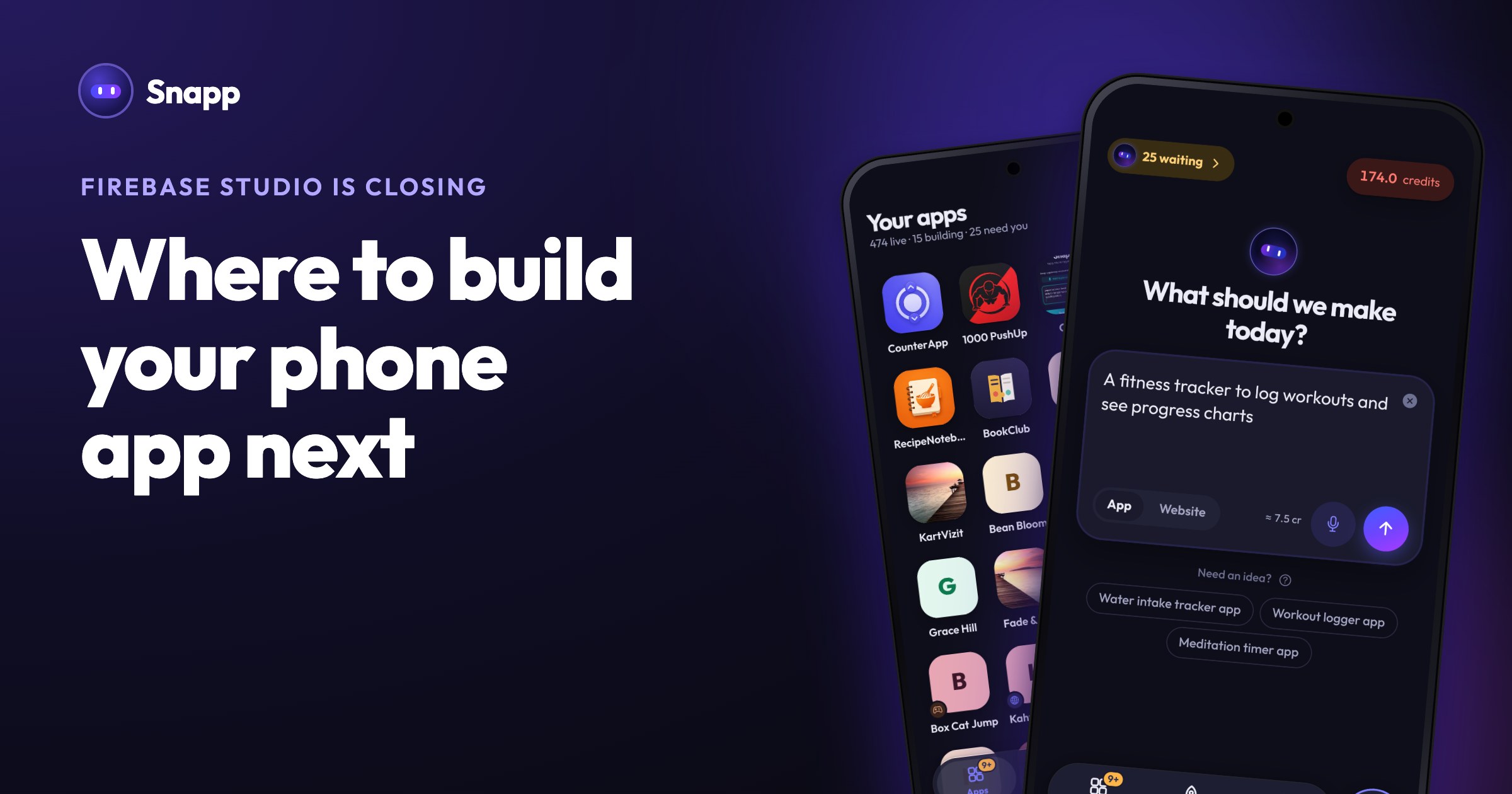
Snapp is an AI app builder: you describe your app in plain words and it builds a real mobile app for iPhone and Android. You start from a description rather than moving your Firebase Studio code over, which works well if you would rather rebuild than migrate.
When the app is ready, Snapp publishes it into your own Google Play and Apple developer accounts. You invite Snapp once, and it creates the store listing, writes the store text, takes screenshots, makes a privacy policy, builds the app and follows the review. You do not need a Mac for the iPhone version. Publishing needs a paid plan (Starter, $24.99 a month in the US as of October 2026), plus Google's one-time $25 developer fee and Apple's $99 yearly membership (Google Play Help, Apple Developer). New personal Google Play accounts must first run a closed test with 12 testers for 14 days; Snapp tells you when this applies.
Step by step: publish your app to the App Store and Google Play and how to build a mobile app without coding in 2026. You can try Snapp on the free plan at snappai.co.
Frequently asked questions
Will my app stop working when Firebase Studio shuts down?
No. Google says apps already deployed to Firebase keep running, and Firestore, Authentication and App Hosting are not affected. What closes is the Firebase Studio workspace and the code stored in it.
What is the deadline to move my code?
March 22, 2027. After that, Google permanently deletes the remaining data and it cannot be recovered. Download a zip or sync to GitHub well before then.
Can Google AI Studio publish my app publicly on Google Play?
According to Google's Android guide, AI Studio publishes to the internal testing track, and production releases are managed directly in Google Play Console. You need your own Google Play developer account for that.
Sources
Last updated: October 2026.
Snapp Team
Articles and content from the SNAPP team