Google AI Studio or an AI app builder for Android: which one should you use?
Google AI Studio builds native Android apps and, since October 13, 2026, installs them privately through Google Play. Here is how that compares with a builder that publishes your app to both stores.
Choose Google AI Studio for an Android app that is just for you, or for native code you plan to keep working on yourself. Use an AI app builder that publishes for you if you want a public app that anyone can download from Google Play, and from the App Store on iPhone. Both start from a prompt; the difference is what happens after the app works.
In short
- At Google I/O on May 19, 2026, Google added native Android app building to AI Studio, with an in-browser emulator and publishing to Google Play's internal test track (Google blog).
- Since October 13, 2026, people 18 and over in select markets, including the US, can install their AI Studio apps privately through Google Play with a standard Google account, no developer account needed (Google blog).
- Publishing from AI Studio goes to the internal testing track, for up to 100 testers. Production releases are managed directly in Google Play Console (Google AI for Developers).
- A public Google Play release needs a developer account (a one-time US$25 fee) and, for new personal accounts, a closed test with at least 12 testers for 14 days (Play Console Help).
- Preview it in a browser-based Android emulator.
- Install it on your own phone over USB from Chrome or Edge, with developer options and USB debugging turned on.
- Publish it to the internal testing track of your Google Play developer account, for up to 100 testers.
- Download the project as a ZIP file. Google says GitHub export is not yet available for Android projects.
- The app is only for you, and you live in a market where personal apps are available.
- You want a native Android code project to keep developing yourself or hand to a developer.
- You are comfortable finishing the public release, store page and forms in Play Console.
- You want people outside your circle to download your app from Google Play.
- You also want an iPhone version in the App Store, without a Mac.
- Your app uses secret keys (for example an AI provider key) or needs a database with user accounts.
- You would rather approve a store page than fill in store forms yourself.
- Google blog: Google AI Studio at I/O 2026 (May 19, 2026)
- Google blog: New on Google Play (October 13, 2026)
- Google AI for Developers: Build Android apps in Google AI Studio
- Play Console Help: Testing requirements for new personal developer accounts
- Play Console Help: Developer account registration fee
- Apple Developer Program enrollment
What can Google AI Studio do for Android apps?
According to Google's documentation, AI Studio's Android mode generates a native Android project in Kotlin with Jetpack Compose (Google's toolkit for Android screens) from your description (Google AI for Developers). You can:
Google also lists limits for Android projects, as of October 2026: they are client-side only, so features that need a server, such as secrets management, are not available; they support phones and tablets, not Wear OS or Android TV.
What are Google Play personal apps?
On October 13, 2026, Google announced that you can launch the Android apps you build in AI Studio on your own device through Google Play. You need only your standard Google account. Google says your creations "stay private, secure, and separate from the public store catalog", and that sharing with "a close circle of friends and family" is coming in the following months. To share an app with everyone, you move to a developer account, where apps go through the standard review (Google blog).
This is a good fit for a tool only you will use: a personal habit tracker, a family chore list, a calculator for your own job.
What does an AI app builder do differently?
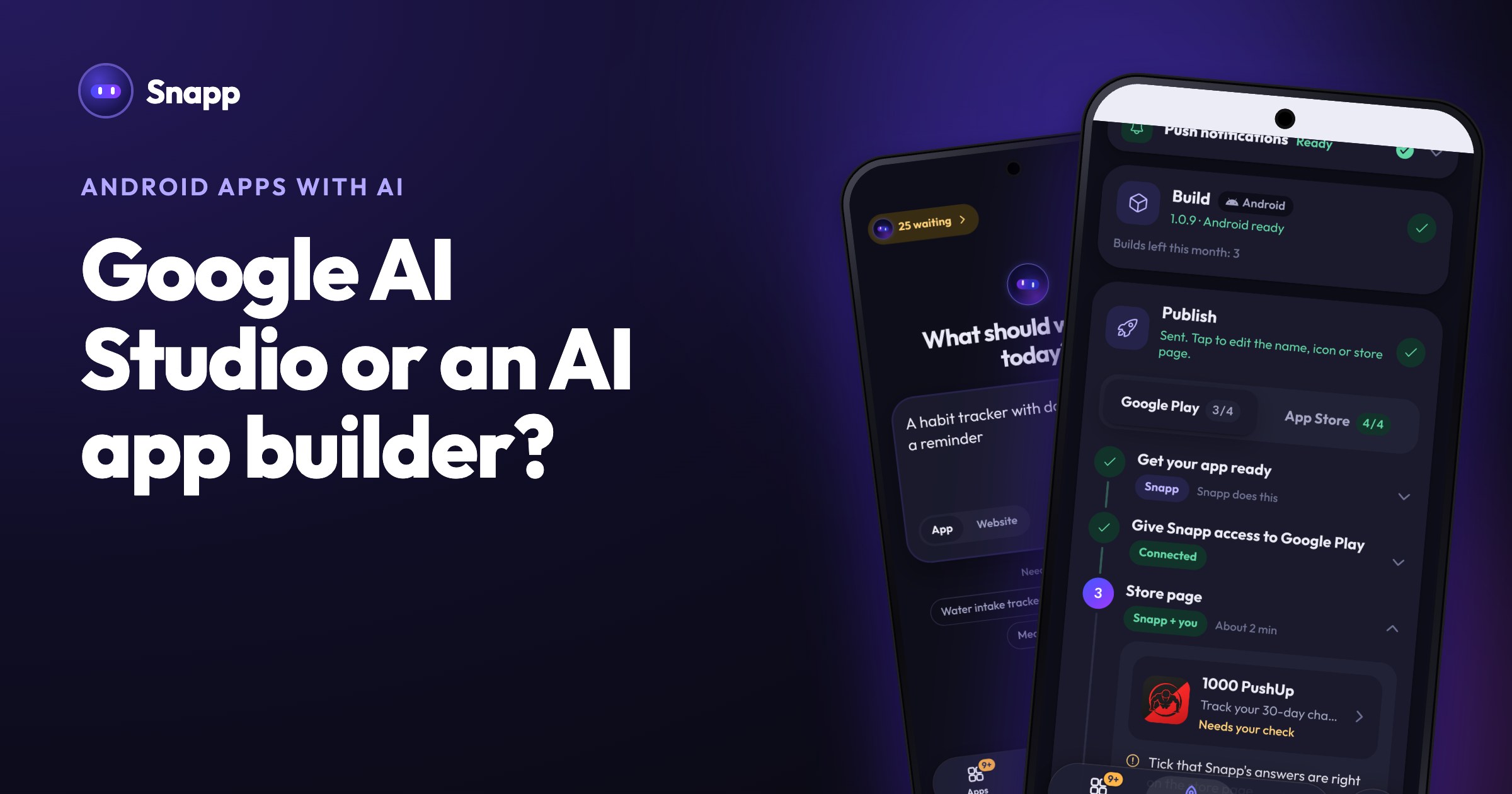
An AI app builder like Snapp is aimed at a different end point: a public app in both stores. With Snapp you describe your app in plain words, try it on your phone while you build, and Snapp then publishes it into your own Google Play and Apple developer accounts. It creates the store listing, writes the store text, takes screenshots, makes a privacy policy, fills in the store forms, builds the app and follows the review. You do not need a Mac for the iPhone version.
Google AI Studio vs an AI app builder: side by side
Facts as of October 2026, from each product's official pages.
| Google AI Studio (Android) | Snapp | |
|---|---|---|
| What you describe | An Android app, in a prompt | An iPhone and Android app, in plain words |
| What you get | A native Android project (Kotlin, Jetpack Compose) | A mobile app for iPhone and Android, without handling code |
| Preview | Browser emulator, or your phone over USB | In the Snapp app on your phone, or a QR code from the web editor |
| Private install on your own phone | Personal apps through Google Play (18+, select markets) | An APK build for your own Android phone (paid plans), or install as a web app from the browser |
| Testers | Internal testing track, up to 100 testers | Snapp tells you when the 12 tester closed test applies; you invite the testers |
| Public release on Google Play | Managed by you in Play Console | Snapp releases it and follows Google's review |
| iPhone and App Store | Not covered by Google's Android guide | Snapp builds the iPhone app and publishes it to the App Store |
| Store page, screenshots, privacy policy for a public release | Done by you in Play Console | Prepared by Snapp, approved by you |
| Secret keys | Secrets management not available for Android projects | Snapp Vault keeps secret keys out of the app |
| Database and login | Firebase integration can be turned on (see Google's docs) | Your own Supabase project, with email, Google and Apple sign-in |
| Taking the code | ZIP download | Copy to your GitHub repository (paid plans) |
| Cost | See Google's pages | Free plan to build and preview; publishing from Starter, $24.99 a month (US price) |
Which one should you use?
Choose Google AI Studio if:
Choose an AI app builder that publishes, such as Snapp, if:
Where Snapp fits
Snapp is for the second group. You build and preview on the free plan, and publishing to Google Play and the App Store starts with the Starter plan (3 store builds a month). The app is published under your own developer account, so it stays yours. If your Google Play account is a new personal one, Google's closed test with 12 testers for 14 days still applies; Snapp tells you when it does, and you invite the testers.
Step by step: publish your Android app to Google Play and create a Google Play developer account. More on personal apps: Google Play private apps from AI Studio. Try Snapp at snappai.co.
Frequently asked questions
Can Google AI Studio publish my app publicly on Google Play?
Google's documentation says publishing from AI Studio goes to the internal testing track only, and production releases must be managed directly in Google Play Console. You need your own Google Play developer account for both.
Do I need a developer account to install my AI Studio app on my phone?
Not for personal apps. Since October 13, 2026, a standard Google account is enough in select markets, including the US, for users 18 and over. The app stays private to you.
Can I build an iPhone app with Google AI Studio?
Google's Android guide covers Android phones and tablets. Check Google's AI Studio documentation for its current options outside Android. Snapp builds both the iPhone and the Android version from one description.
Do I still need 12 testers if I publish with Snapp?
If your Google Play developer account is a new personal account, yes: that is Google's rule for those accounts, whatever tool you use. Snapp tells you when it applies, and Snapp users find testers for each other in the Snapp community (a WhatsApp group: tap Join Community in your app's options in Snapp, or Community at the bottom of snappai.co).
Sources
Last updated: October 2026.
Snapp Team
Articles and content from the SNAPP team