Rork alternatives for Android apps in 2026: AI app builders compared
Rork builds Android apps on its paid plans. If you want another option for Google Play, here are 5 Rork alternatives for Android, with official prices, what each publishes and who it suits.
Rork alternatives for Android are easier to judge once you know what Rork itself does on Android. As of October 2026, Rork builds native Android apps on its paid plans and sends releases to Google Play. If you want a different price, a different way of working or more help with the store, here are five AI app builders that also get apps onto Google Play.
Key facts (as of October 2026)
- Rork's Free plan is for designing only; building and publishing need Rork Pro ($20 a month) or Rork Max (from $200 a month), per Rork's pricing docs.
- Rork's Android docs say it cannot create the first app listing in Play Console; you create that listing once (Rork Android docs).
- Google charges a US$25 one-time fee for a Play developer account, whichever tool you use.
- New personal Google Play accounts (created after November 13, 2023) must run a closed test with at least 12 testers for 14 days before going public (Google Play Console Help).
- An Android app is Android only. For iPhone you add a separate iPhone app to the same project (two codebases).
- Rork cannot create the first app listing in Play Console.
- Custom testing tracks are not supported yet, and there is no rollback.
- The cloud emulator costs 0.1 build credits per minute while it runs.
- Pricing: Free plan (15 credits for new accounts, topped up to 7.5 credits on up to 5 days a month); Starter $24.99/month with 150 credits and 3 store builds; Popular $99.99/month; Pro $499.99/month. US prices; Google Play shows your local price.
- Games: Snapp builds 2D, single-player games and can publish them like any other app (Build games with Snapp).
- Good for: people who want one app for Android and iPhone and want the store work done for them.
- Weaker at: complex web products, and 3D or multiplayer games.
- Pricing: Free (2 projects, 5 AI generation requests per lifetime); Basic $39/month; Growth $80/month for the first seat; Business $150/month for the first seat. Annual billing saves about 25%.
- Good for: people who want to place every element by hand and keep full control of the layout.
- Pricing: Free (5 AI prompts a month, one free app build, 500 records per app); Builder $65/month (2 published apps, $624 billed yearly); Business $200/month (5 published apps).
- Good for: database-driven business apps where you like seeing every screen on one canvas.
- Pricing: Free (1M tokens a month, 300K a day); Pro $18/month billed yearly with 10M tokens a month (Bolt pricing).
- Good for: people comfortable with a terminal who want to handle the build and store steps themselves.
- Pricing: Free (25 message credits a month); Starter $16, Builder $40, Pro $80 and Elite $160 a month billed yearly; yearly billing saves 20% (Base44 pricing).
- Good for: web apps that you also want in the stores, where store changes can reach users without a new store version.
- Rork docs: pricing and plans
- Rork docs: Android apps
- Rork docs: games
- FlutterFlow pricing
- Adalo pricing
- Bolt pricing
- Bolt help center: Expo for mobile apps
- Base44 pricing
- Base44 docs: submitting to app stores
- Wix press release on Base44
- Google Play: developer account registration fee
- Google Play: app testing requirements for new personal accounts
What does Rork do for Android?
According to Rork's Android docs, Rork writes Android apps in Kotlin, runs them on a cloud Android emulator next to the chat, signs the App Bundle for you and sends releases to Google Play. You can also download an APK to test on your own phone. A few limits Rork lists itself:
For games, Rork's docs say "Android games are not a documented path today" (Rork games docs).
Rork pricing: Free (design only, 5 design credits a day, up to 35 a month in major markets and 5 a month elsewhere); Pro $20/month with 100 credits; Max from $200/month with 1,000 credits, up to $1,800/month for 10,000 credits.
Rork alternatives for Android at a glance
Official list prices in US dollars, as of October 2026. Taxes may apply.
| Tool | How you build | Google Play publishing | Free plan | First plan that publishes |
|---|---|---|---|---|
| Rork | Chat with AI | Rork sends releases; you create the first listing | Design only | Pro, $20/month |
| Snapp | Chat with AI | Snapp creates the listing and publishes into your account | Build and preview | Starter, $24.99/month |
| FlutterFlow | Visual editor with AI help | One-click store deployment | 2 projects | Basic, $39/month |
| Adalo | Visual canvas with an AI assistant | Publish to the stores | Test apps, 5 AI prompts a month | Builder, $65/month |
| Bolt | Chat with AI | You run Expo's tools on your own computer | 1M tokens a month | See note below |
| Base44 | Chat with AI | Base44 generates store files; you submit | 25 message credits a month | Builder, $40/month billed yearly |
1. Snapp
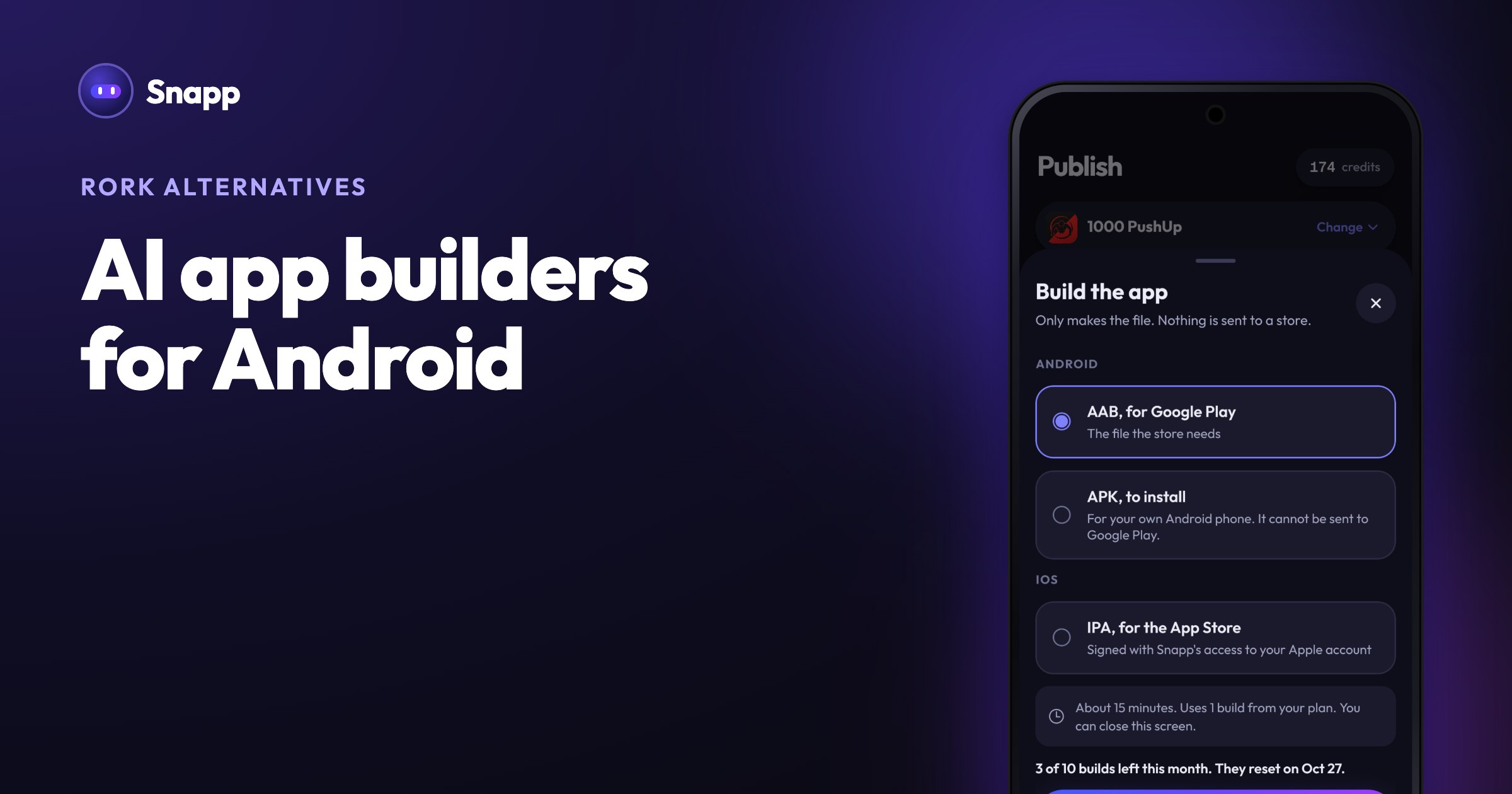
Snapp turns a description into an Android and iPhone app and publishes it for you. You invite Snapp once into your Play Console; Snapp then creates the store listing, writes the store text, takes screenshots, makes a privacy policy, fills the store forms (content rating, data safety and more), builds the app and follows the review. On paid plans you can also download an APK to install on your own phone. The Snapp app itself is on Google Play, so you can build and test from an Android phone.
2. FlutterFlow
FlutterFlow is a visual builder for mobile, web and desktop apps with AI generation. Its pricing page lists APK download, code download and one-click store deployment from the Basic plan (FlutterFlow pricing).
3. Adalo
Adalo is a visual builder with an AI assistant called Ada. Its pricing page says it builds "native iOS and Android apps" and publishes to the Apple App Store and Google Play from the Builder plan (Adalo pricing).
4. Bolt
Bolt builds web and mobile apps from a prompt. Its help center says mobile apps can be published to Google Play Beta and the Google Play Store, using Expo's command-line tools on a computer with Node.js and Git installed (Bolt Expo docs).
5. Base44
Base44 is owned by Wix (Wix press release). Its docs say the mobile app "runs your published Base44 app inside a secure web view", and that downloading the store files needs the Builder plan or higher. You submit the app in your own Google Play Console (Base44 store docs).
What should you check before choosing?
1. Who creates the Play Console listing? Some tools hand you a file, some create the listing for you. Ask before you pay.
2. Can you sell in the app? Google requires Google Play Billing for digital content sold in an app, as Base44's docs also explain. Base44's docs say its apps do not support Google Play Billing yet. Snapp adds Apple and Google in-app purchases through your own free RevenueCat account.
3. How many builds a month? Each Snapp store build uses one build from your plan (Starter 3, Popular 10, Pro 40). Other tools count usage in credits or tokens.
4. The 12 testers rule. If your Google Play account is a new personal account, plan for a 14-day closed test with 12 testers. Snapp tells you when this applies, and Snapp users find testers for each other in the Snapp community (a WhatsApp group: tap Join Community in your app's options in Snapp, or Community at the bottom of snappai.co). Read Google Play's 12 testers rule explained.
Where Snapp fits
If Android is your main target and you would rather not learn Play Console, Snapp is built for that path: describe the app, test it on your phone, tap Is my app ready?, then publish. The full walkthrough is in Publish your Android app to Google Play, and you need your own Google Play developer account. Try it free at snappai.co.
Frequently asked questions
Does Rork support Android? Yes. As of October 2026, Rork's docs say it builds native Android apps in Kotlin on any paid plan and sends releases to Google Play. The Free plan can design an Android app but not build one.
Is there a free Rork alternative for Android? Several tools have free plans for building and testing, including Snapp, FlutterFlow, Adalo, Bolt and Base44. Publishing to Google Play needs a paid plan on most of them, plus Google's US$25 one-time developer fee.
Can I make an Android app from my phone? Yes, with tools that have an Android app. Snapp's app is on Google Play, and your app runs inside it while you build.
Do I need Android Studio? Not with Snapp: it builds the Android app for you. Rork's docs say it builds and signs the app bundle for you too. Bolt's store path uses command-line tools on a computer; for other tools, check their docs.
Sources
Last updated: October 2026.
Snapp Team
Articles and content from the SNAPP team