How to Make an App by Yourself in 2026 (No Coding, Free to Start)
A beginner's guide to making an app by yourself without coding: seven steps from idea to Google Play and the App Store, what is free, what it costs and the mistakes to avoid.
Yes, you can make an app by yourself in 2026 without writing code: describe it in plain words to an AI app builder, try it on your phone, change it by chatting and publish it under your own developer account. Building and testing can be free. Putting it in the stores costs Google's one-time $25 fee, Apple's $99 a year and a paid Snapp plan from $24.99 a month (US prices, as of October 2026).
In short
- Seven steps: pick an idea, create an account, describe the app, try it on your phone, improve it, check it, publish.
- Free to start: Snapp's Free plan gives new accounts 15 credits and tops your balance back up to 7.5 credits on up to 5 days a month. A new app takes about 7.5 credits.
- Store fees: Google Play $25 once (Google), Apple Developer Program $99 a year (Apple).
- One timing rule: new personal Google Play accounts must run a closed test with 12 testers for 14 days before going public (Google).
- AI app builders: you describe the app in plain words, the AI builds the screens and the logic, and you change it by chatting.
- Visual builders: you drag screens and components into place and connect them by hand. More control, more to learn.
- Shortcuts in the chat: Add Database, Add User Login, Add in-app subscriptions, Add notifications and Add Payment (Stripe).
- Something broken? Tap the bug button in the chat. Snapp attaches a screenshot of your app; pick what is wrong and tap Send to AI and fix.
- Small edits for free: Visual Edit, Design and Edit Text use no AI credits. Restoring an earlier version from History is free.
- A database and login: Connect Supabase, email login, Google and Apple login, and the data panel to see your records.
- Payments: Stripe payment links for physical goods and real-world services; in-app purchases and subscriptions for digital extras (ways to earn from your app).
- AI features: create an AI app, with your keys kept out of the app by Snapp Vault.
- Notifications: tap Add notifications; after you publish, send messages from your app's Settings > Notifications.
- Games: make a mobile game with AI.
- Your code: export to GitHub on paid plans.
- Starting too big. "An Instagram clone with stories, reels and a marketplace" is a year of work. "A photo sharing app with a feed and comments" is a first version.
- Adding the database last. Connect it before features that save data.
- Polishing before anyone uses it. Share a basic version first.
- Google Play developer registration fee
- Google Play testing requirements for new personal accounts
- Apple Developer Program: how it works
- Snapp pricing
Can you really make an app by yourself with no coding?
Yes. There are two kinds of tools:
Before you choose a tool, check one thing: can it build a real phone app and publish it to Google Play and the App Store, or does it only make websites?
Step 1: Pick an idea you can finish
Your first app should do one thing well. Good first apps: a habit tracker, a budget tracker, a recipe box, a class schedule, a simple game. Start with three to five screens.
Need ideas? See app ideas for students or an app for your business.
Step 2: Create your account
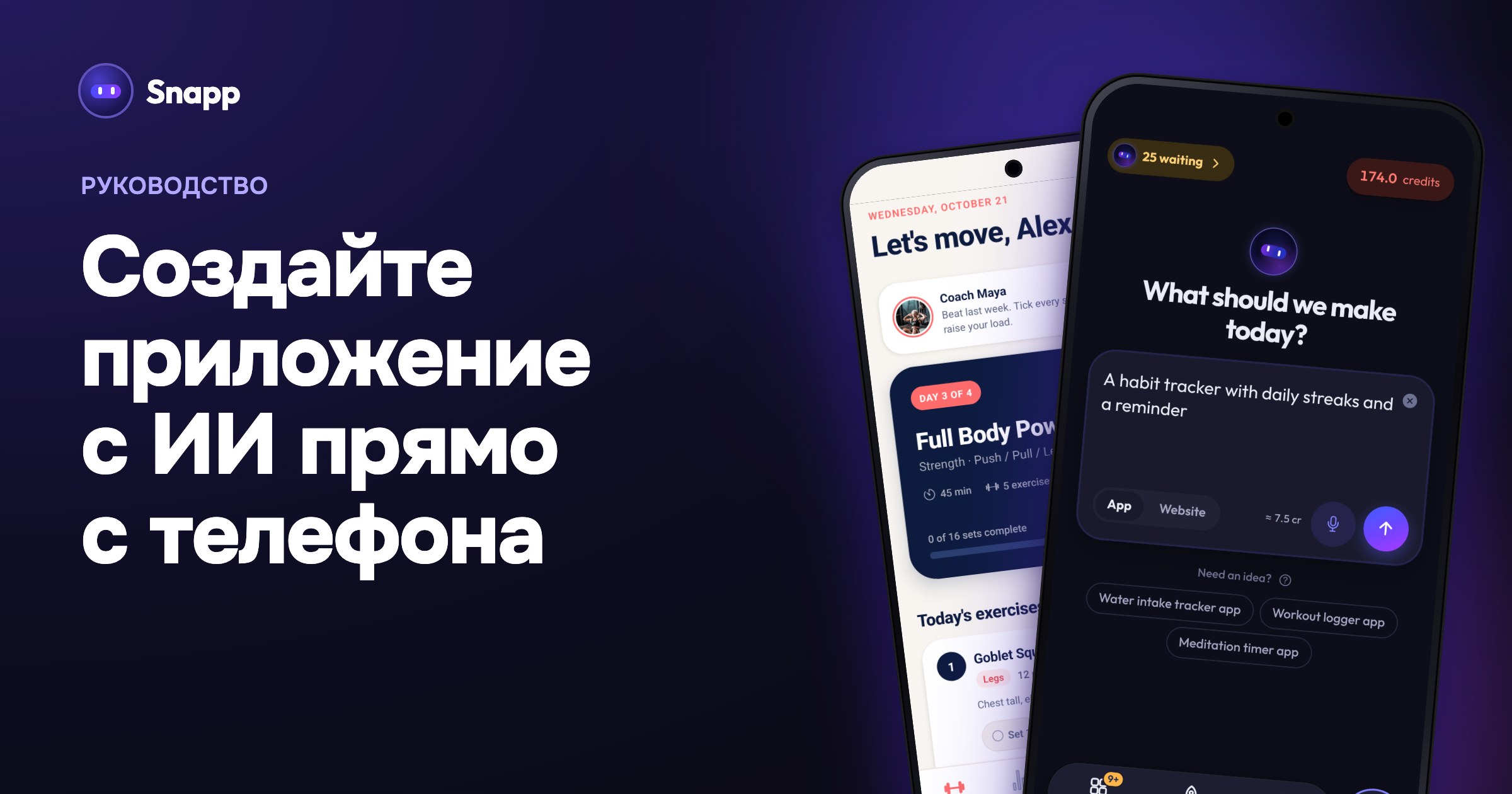
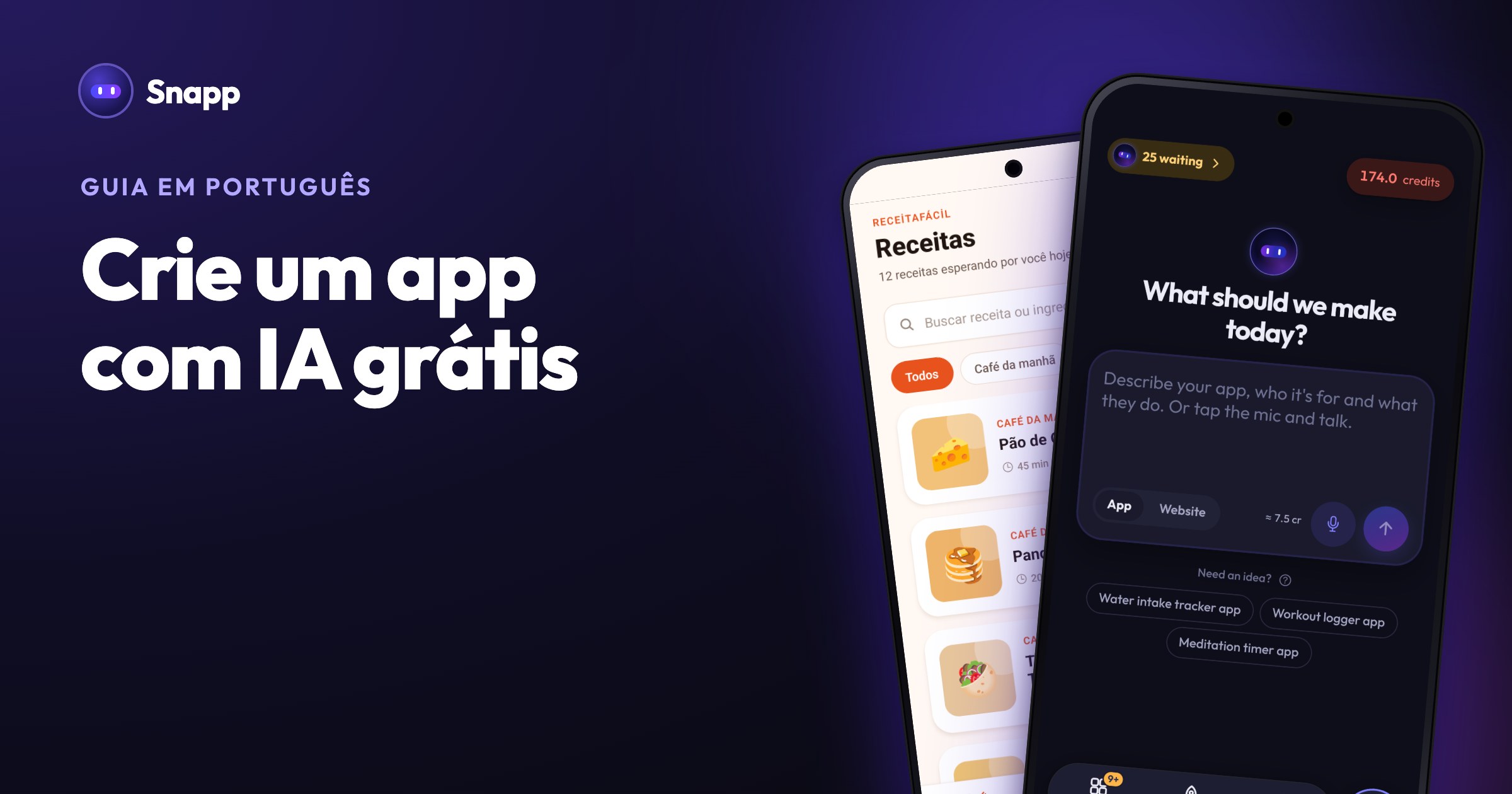
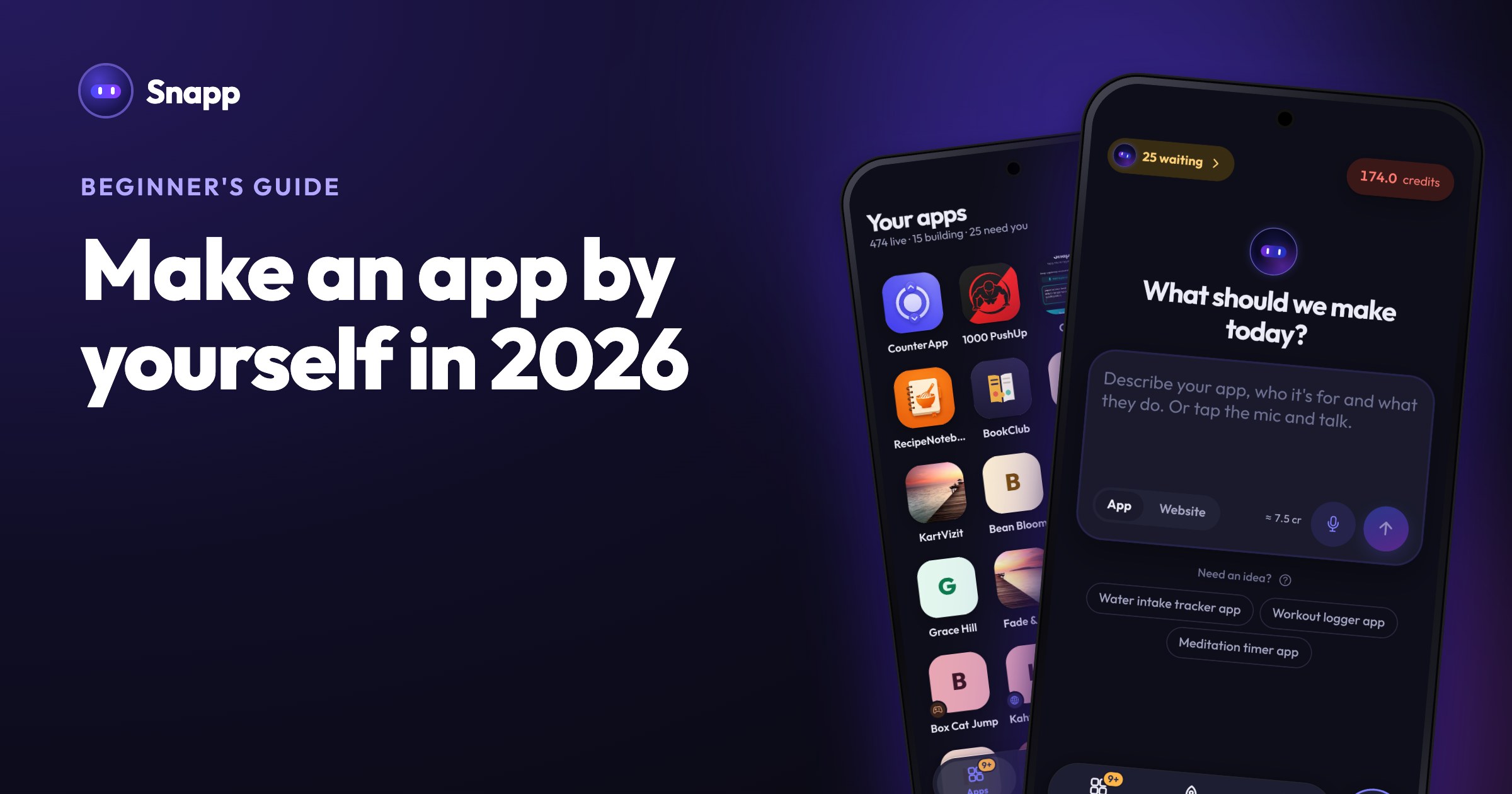
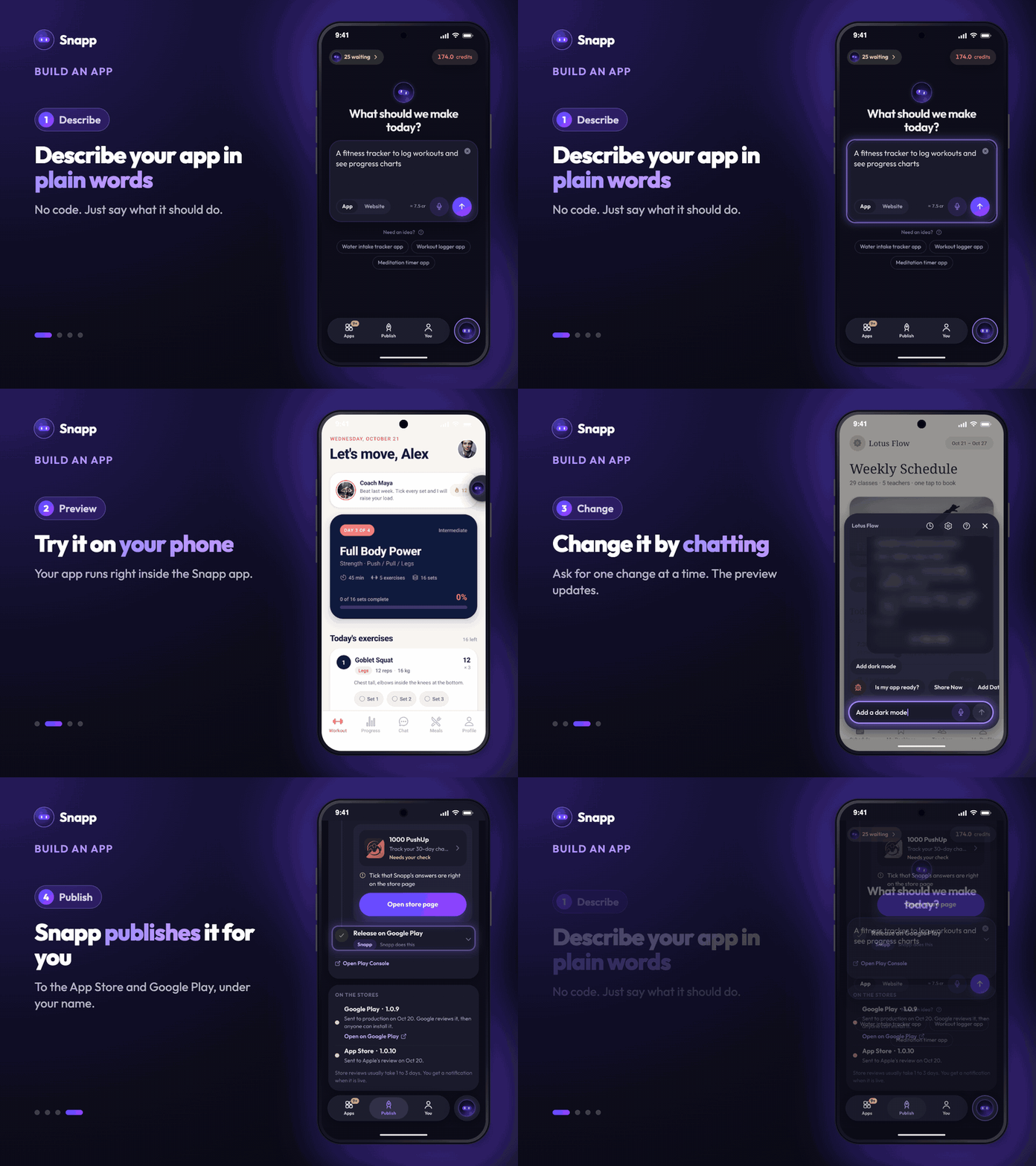
Go to snappai.co, or get the Snapp app from Google Play or the App Store, and sign up for free. You land on What should we make today?
Step 3: Describe your app
Say what kind of app it is first, then its main actions:
"A fitness tracking app. I log workouts with exercise, sets, reps and weight, see my progress on a chart, and plan meals with calories."
Snapp builds the screens, the navigation, the look and a logo for your app (change it any time in App name & icon).
Will your app save data or have user accounts? Tap Add Database first and connect your own Supabase project, then ask for features that save data. Tap Add User Login for sign up and log in. If you skip this, the app is built with sample content and has to be rebuilt later. More: How to write a good prompt.
Step 4: Try it on your phone
In the Snapp app, your app runs right there on your phone. In the web editor, click the QR icon at the top right and scan it with your phone. Test every button on a real phone.
Step 5: Improve it, one change at a time
Ask for one change per message: "Make the home screen more colorful", "Add a dark mode".
A change takes about 3 credits. If a change needs more credits than you have, Snapp tells you before it starts.
Step 6: Check it is ready
Tap Is my app ready? in the chat. You get a score and two lists: Fix before publishing (things that could get the app rejected, like buttons that do nothing) and Worth fixing. Tap Build it or Remove from app on each item. Details: Is my app ready?
Step 7: Publish to Google Play and the App Store
You need your own developer accounts, and your app is published under them. Guides: Google Play account, Apple account. You do not need a Mac: Snapp builds the iPhone app for you (more).
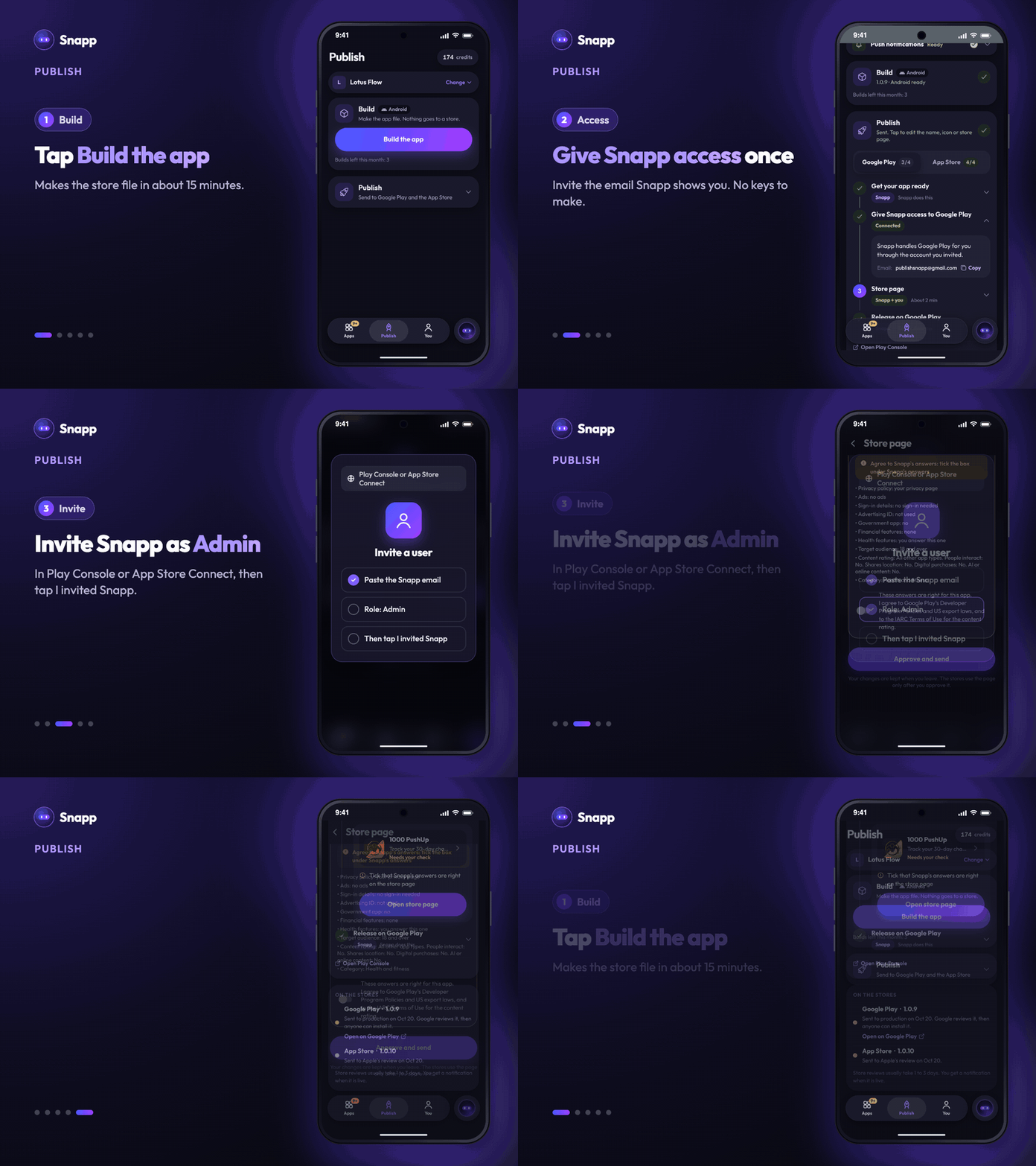
Open Publish in Snapp:
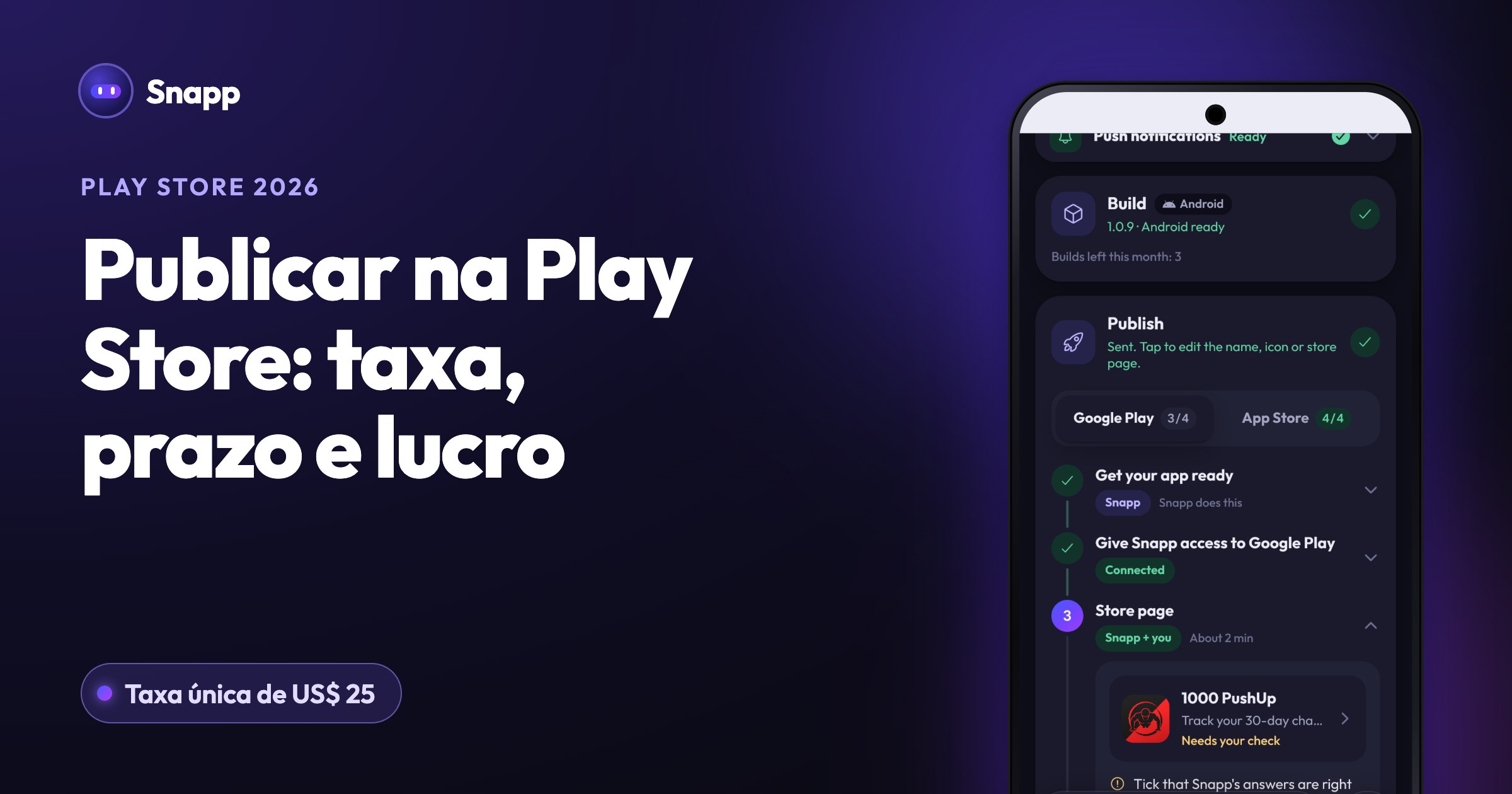
1. Build: tap Build the app. It takes about 15 minutes and you can close the screen. Each build uses one build from your plan: Starter 3 a month, Popular 10, Pro 40.
2. Get your app ready: Snapp checks your app, its store name and its icon.
3. Give Snapp access: once per store account, invite the email Snapp shows into your Play Console or App Store Connect, then tap I invited Snapp.
4. Store page: tap Prepare. Snapp writes your store text, takes screenshots, makes your privacy policy and answers the stores' forms. Check it and tap Approve.
5. Release: Snapp uploads the app and sends it to review, then tells you by notification and email when the store decides.
Reviews usually take 1 to 3 days. If you have a new personal Google Play account, the 12 testers for 14 days rule comes first; Snapp tells you when it applies, and you find the testers yourself (the rule explained). Step by step: Google Play, App Store, after you release.
How to make an app easy and free: what costs what
| What | Free plan | Paid plans (from Starter) |
|---|---|---|
| Build and change apps | Yes, with free credits | Yes, 150 to 3,000 credits a month |
| Try it on your phone | Yes | Yes |
| Share link | Live 24 hours from your last share | Permanent |
| Install from the browser (PWA) | Yes | Yes |
| Publish to Google Play and the App Store | No | Yes |
| Copy the code to your GitHub | No | Yes |
Cost breakdown: from $0 to a published app
US prices as of October 2026 (Snapp pricing); stores show local prices.
| Path | Snapp | Stores | First year |
|---|---|---|---|
| Try only | Free | None | $0 |
| Android only, one month of Starter | $24.99 | Google $25 | $49.99 |
| Both stores, one month of Starter | $24.99 | $25 + $99 | $148.99 |
| Both stores, Starter yearly | $249.99 | $25 + $99 | $373.99 |
| Both stores, one month of Popular | $99.99 | $25 + $99 | $223.99 |
What can you add without code?
Common mistakes to avoid
Should you learn to code?
Not for your first app. Learn to code if you want development as a career or need something very performance heavy, like video editing. Many people do both: build with Snapp, copy the code to GitHub and bring in a developer for one feature.
Frequently asked questions
How long does it take to make an app by myself? The first version can be on your phone the same day. Developer account checks can take a few days, and store reviews usually take 1 to 3 days.
Can I make an app for free? You can build, test and install it from the browser for free. Publishing to the stores needs a paid Snapp plan and the stores' fees.
Do I need a Mac to publish on the App Store? No. Snapp builds the iPhone app for you. You need an Apple Developer Program membership.
Is the app mine? Yes. It is published under your own developer accounts, and on paid plans you can copy the code to your own GitHub.
Sources
Last updated: October 2026.
SNAPP Team
Articles and content from the SNAPP team