How to Create an Apple Developer Account
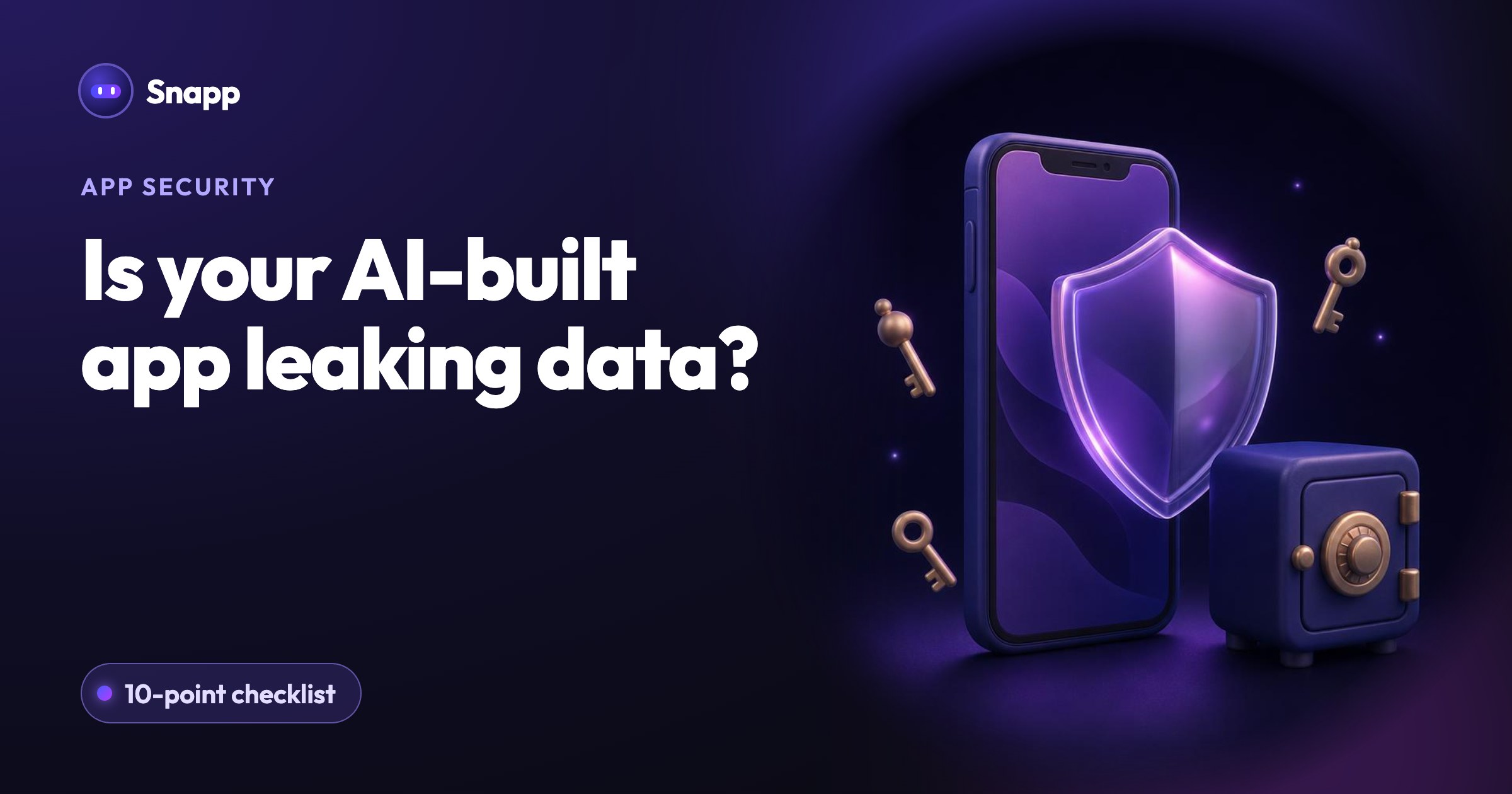
To publish on the App Store you need the Apple Developer Program (99 USD a year). Here is how to enroll and connect it to Snapp.
How to Create an Apple Developer Account
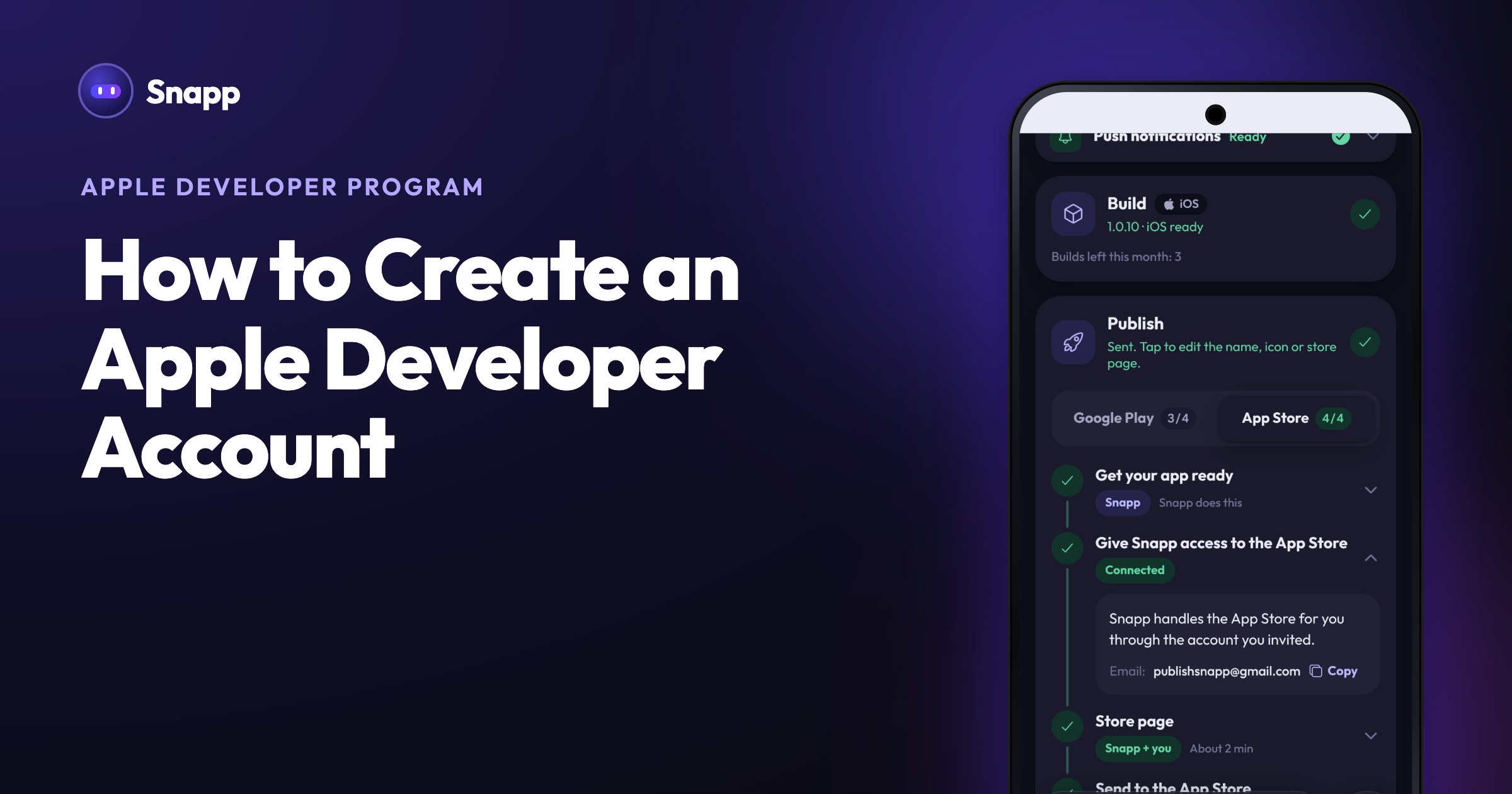
To publish an app on the App Store, you need to join the Apple Developer Program. It costs 99 USD a year (Apple shows the price in your local currency). Your apps are published under your membership, so they stay yours. Here is how to set it up.
Before you start
- An Apple Account with two-factor authentication turned on.
- A payment method for the yearly fee.
- Your legal name (for individuals) or your company details (for organizations).
- Publish your app to the App Store with Snapp
- What is OTA? How updates reach your published app
- After you release: reviews, updates and builds
Step by step
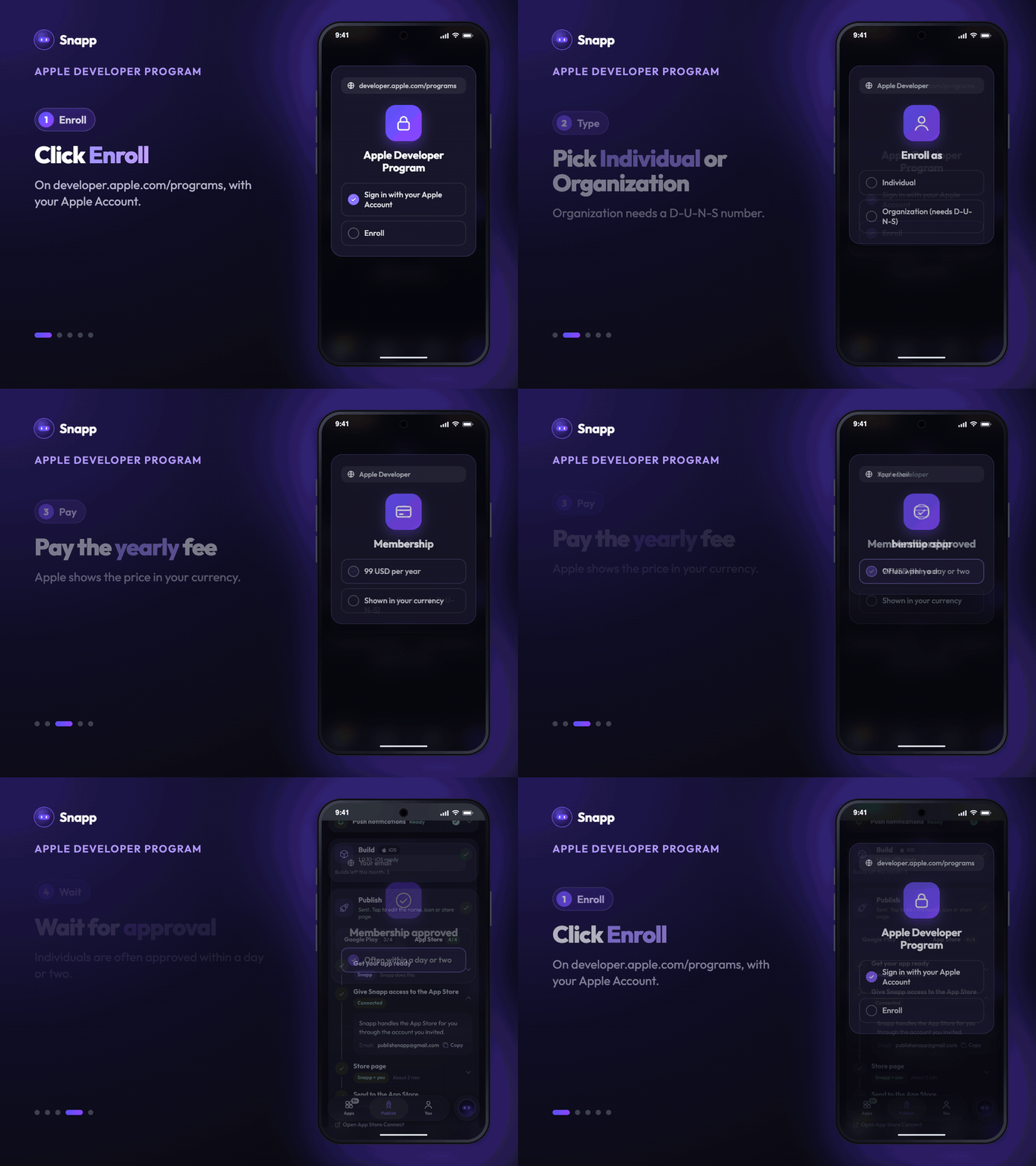
1. Go to developer.apple.com/programs and click Enroll. 2. Sign in with your Apple Account. 3. Choose your entity type: - Individual: you enroll under your own name. - Organization: you enroll under a company. You need a D-U-N-S number and the legal authority to sign for the company. 4. Review your details and accept the agreement. 5. Pay the yearly membership fee. 6. Wait for approval. Individual accounts are often approved within a day or two. Organizations can take longer because Apple checks the company.
Connect it to Snapp
You do not need to create your app or an App Store page in App Store Connect. Snapp does that for you. You only invite Snapp once.
1. In Snapp, open the Publish tab, pick your app and select the App Store tab on the Publish card. 2. Open step 2, Give Snapp access to the App Store. Copy the email shown there. 3. In App Store Connect, open Users and Access, press +, type any first and last name, enter that email, pick the Admin role and press Next, then Invite. 4. Open Integrations, then App Store Connect API, and copy the Issuer ID. If you see Request Access, press it first. 5. Paste the Issuer ID in Snapp and press I invited Snapp. When the step shows Connected, you are done.
Individual accounts have one extra step. Apple lets only you make the key that uploads apps on an individual account. In App Store Connect, under Integrations, make a key with Admin access and download it. Then tap Upload the key file in Snapp. Snapp shows you each step.
The full walkthrough is in Publish your app to the App Store with Snapp.
Common questions
Is it really yearly? Yes. Apple's membership renews every year. Keep it active: when it lapses, Apple does not allow new versions of your apps.
Individual or Organization? Individual is quickest and fine for solo makers. It needs one extra step in Snapp (uploading a key file). Choose Organization to show a company name as the seller. It needs a D-U-N-S number.
Do I need a Mac? No. Snapp builds and signs your iPhone app for you. You only need the developer account.
What's next
Snapp Team
Articles and content from the SNAPP team