What Is OTA? How Updates Reach Your Published App
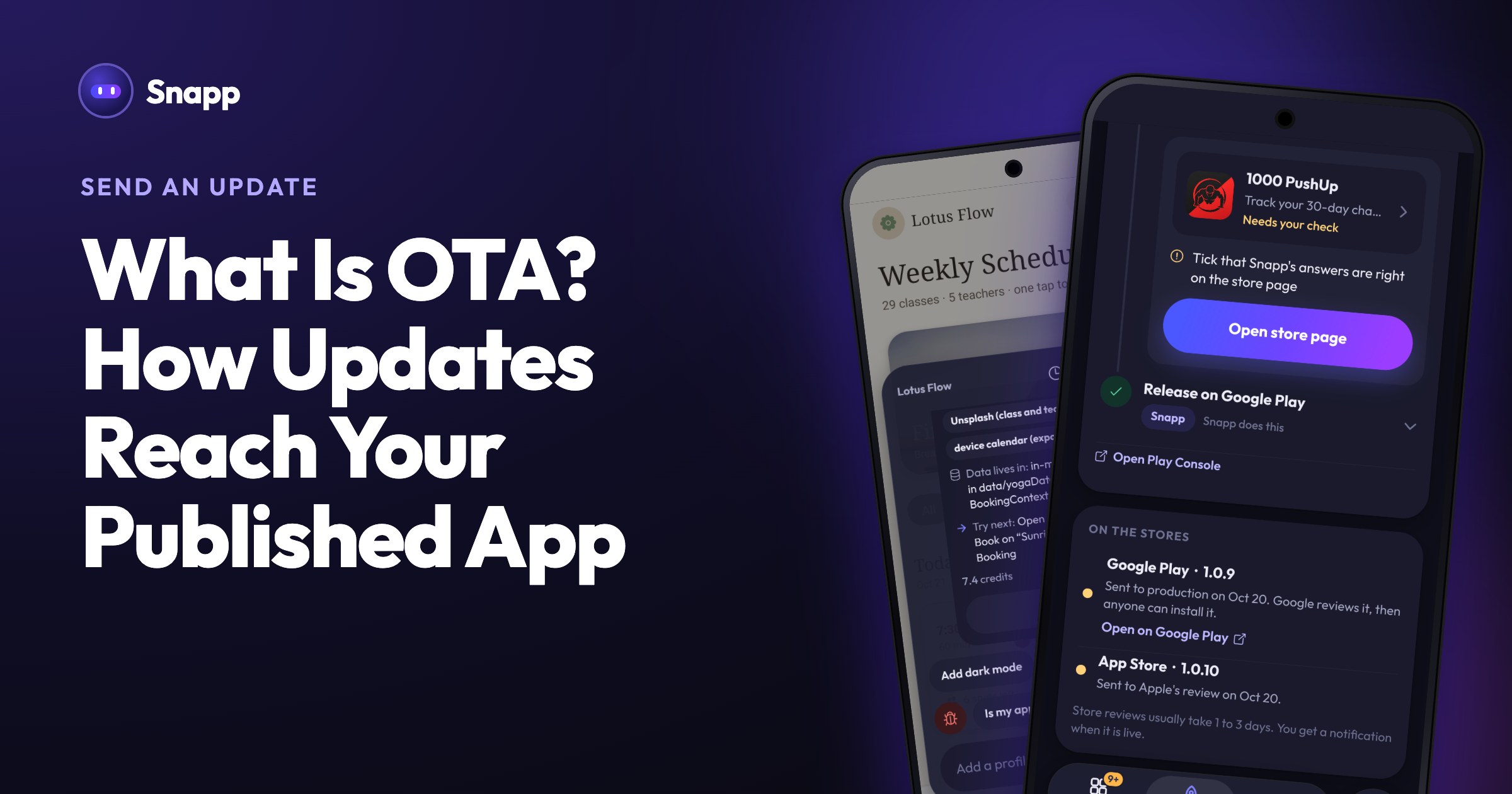
What OTA means, and how updates to your published Snapp app reach your users: build again, send the update, and the store reviews it.
What Is OTA? How Updates Reach Your Published App
Once your app is live, you will keep improving it: fix a typo, change a color, add a screen. Here is what OTA means, and how your changes reach the people who installed your app from Snapp.
OTA in one sentence
OTA (over the air) means sending new screens and text straight to an app that is already installed, without a new version in the store. Some app tools use it for small changes.
How Snapp sends an update
In Snapp, every change to your app goes out as a new version through the store. That way Google and Apple review exactly what your users get, and the same steps work for every kind of change: a new screen, a new permission, a new icon or name.
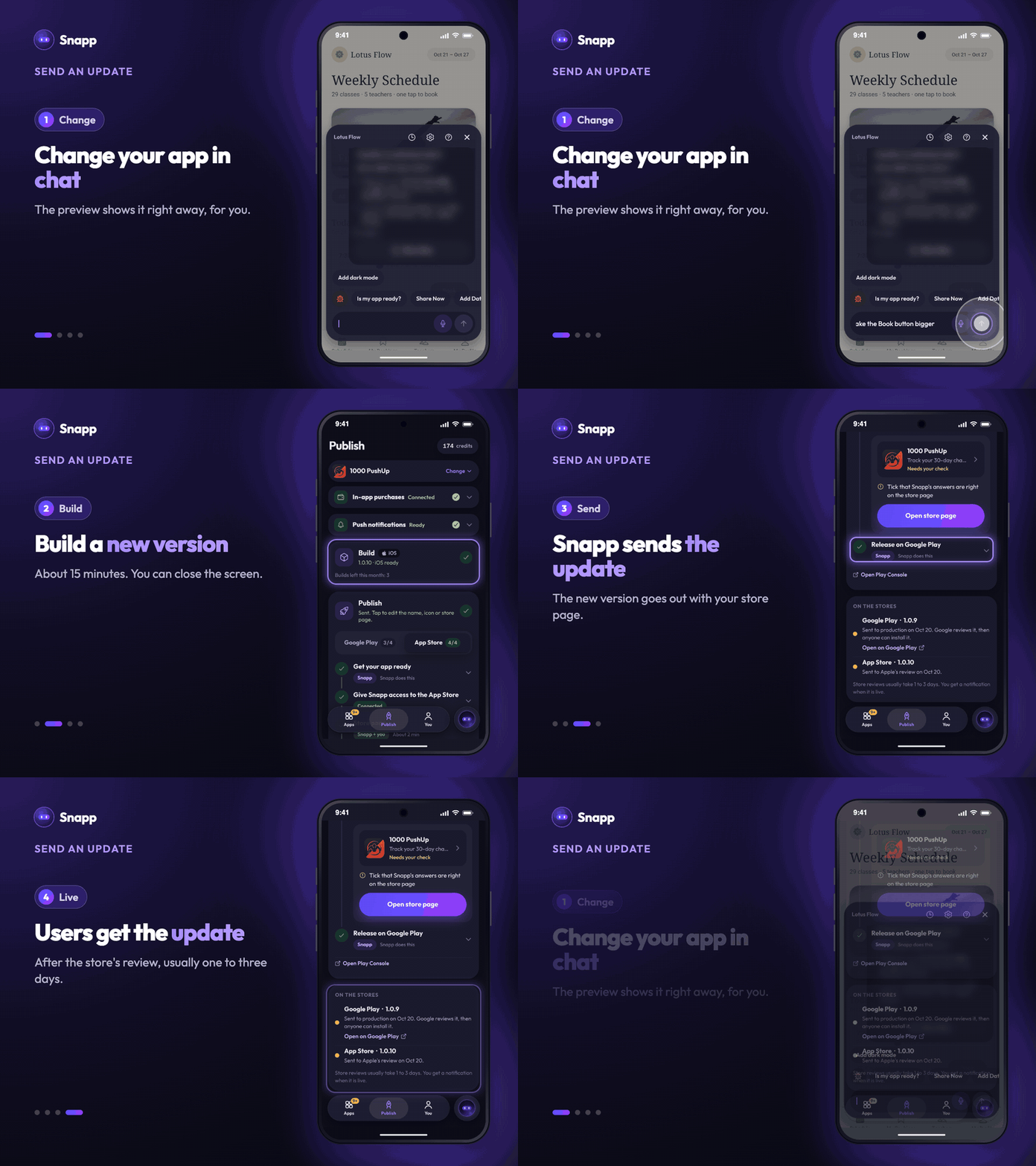
1. Change your app in the chat. When you open the Publish tab, the Build card shows Your app changed after build and a Build again button. 2. Tap Build again, pick the file for the store and press Start build. It takes about 15 minutes, and you can close the screen. 3. On the Publish card, tap Send update. The button shows the new version. Snapp sends it with your store page. 4. The store reviews it, usually in one to three days. Your users then get it like any other app update from Google Play or the App Store.
Each new build uses one build from your plan. Sending a build you already made does not use another one.
Changes that need no build
- Only the store page changed (text or screenshots): tap Send store page.
- Only the answers about your app changed (for example the data it collects): tap Update the answers.
- A website you built with Snapp: websites do not go to a store. Every change is live as soon as you make it.
- After you release: reviews, updates and builds
- Publish your app to Google Play with Snapp
- Publish your app to the App Store with Snapp
While you work, your changes show up in the preview right away. That is for you only: your users get them with the next version you send.
Common questions
Do my users have to do anything? No. They get the new version the same way they get updates for any other app from Google Play or the App Store.
How long until my users see a change? About 15 minutes for the build, plus the store's review, which usually takes one to three days.
I used to see "Send instant update". Where did it go? Publishing now goes through the Publish tab, which sends every app update as a new version through the store.
What's next
Snapp Team
Articles and content from the SNAPP team