How to make a booking app for your salon or barbershop
Build your own salon or barbershop booking app without code: what clients need, what to tell the AI, where bookings are stored, how to take deposits, and how to get it into the stores.
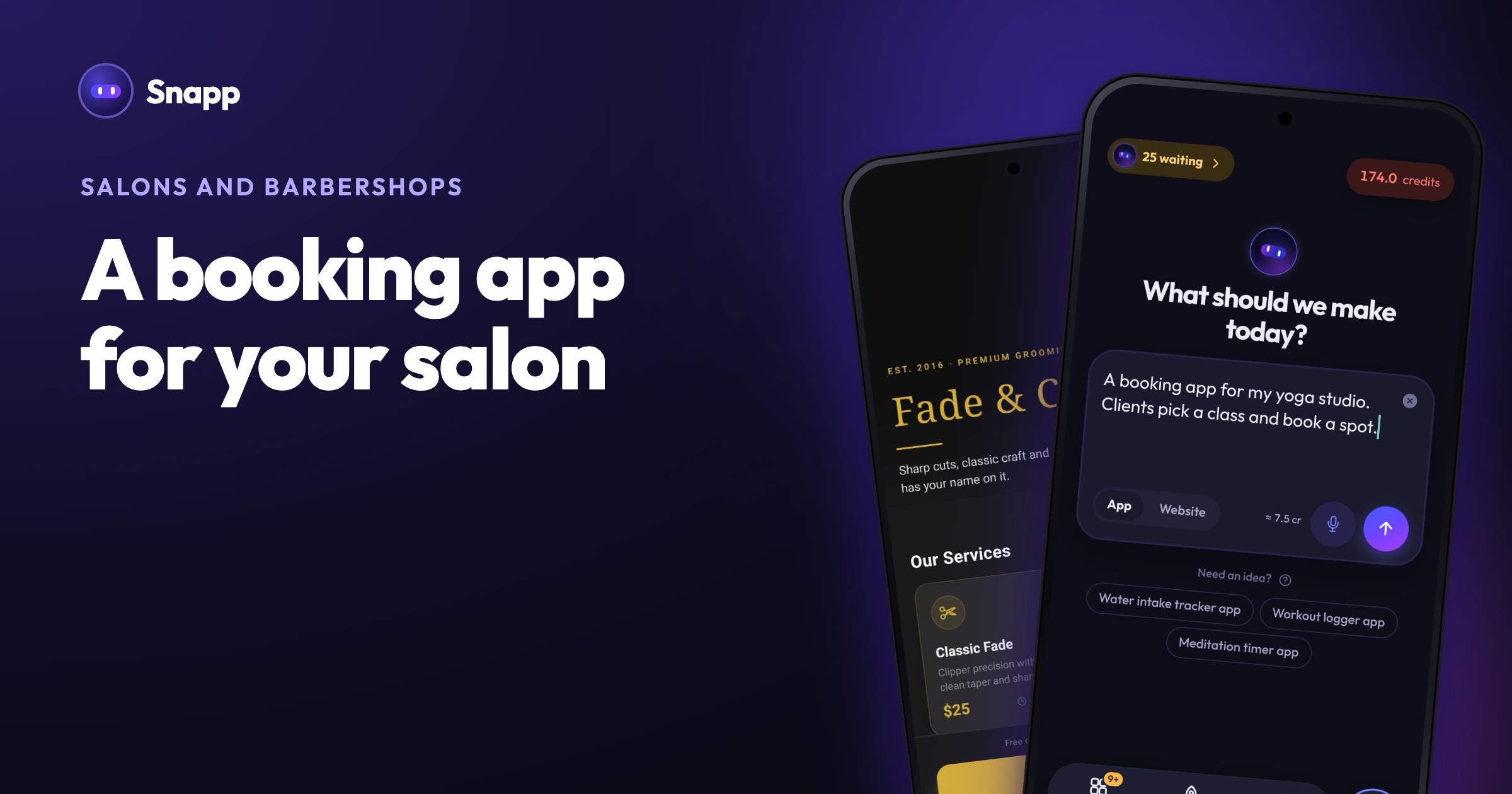
To make a booking app for your salon or barbershop, describe it in plain words to an AI app builder, connect a database for the bookings, add login for your staff, and publish it to Google Play and the App Store. You do not need to code. This guide shows what clients expect in a salon booking app, what to tell the AI, and the rules for taking payments and sending reminders.
Key facts
- For haircuts and other services used outside the app, Apple requires a payment method other than in-app purchase, such as a card payment (App Review Guideline 3.1.3(e)). A Stripe payment link fits this.
- Apple says push notifications must not be required for the app to work, and promotions need the customer's opt-in (Guideline 4.5.4).
- Store fees: Google Play charges a US$25 one-time fee; the Apple Developer Program is 99 USD a year.
- On Snapp, you can build and test for free; publishing needs the Starter plan ($24.99 a month, US price as of October 2026).
- Services and prices: cut, color, beard trim, with length and price.
- Choose a stylist: optional, if you have more than one person.
- Pick a time slot: only free times are shown, and a slot can be booked once.
- My bookings: see, move or cancel an appointment.
- Reminders: a notification the evening before, so fewer people forget.
- Loyalty card: for example, every 10th visit free.
- Your work: a few photos of cuts and colors, plus address and opening hours.
- Today's schedule for each stylist.
- Block time for breaks and days off.
- Mark a visit done, which adds a stamp to the client's loyalty card.
- A notification when a new booking comes in.
- "A time slot can only be booked once. Show booked slots as unavailable."
- "Add a staff screen, only for signed-in staff, that shows today's bookings for each barber."
- "Add a loyalty card: each finished visit adds a stamp, and the 10th visit is free."
- "Remind the client the evening before their appointment."
- Reminders scheduled on the phone: the app sets a reminder on the client's phone when they book, for example the evening before. These need no account and work in every published Snapp app. Tap Add notifications in the chat, or ask for it in your own words.
- Notifications you send: from your app's Settings, then Notifications, you can write a message and send it to everyone, to a topic or to one user, now or later. For example: "Two free slots on Friday afternoon." Your app can also notify one person when something happens, like you getting a new booking.
- Apple App Review Guidelines (3.1.3(e) and 4.5.4)
- Google Play: developer registration fee
- Google Play: testing requirements for new personal accounts
- Apple Developer Program enrollment
- Supabase pricing
- Stripe pricing
What should a salon booking app do?
Start with what your clients actually do, then add what you need behind the counter.
For clients:
For you and your staff:
Keep the first version small: services, time slots and my bookings. Add the rest one change at a time.
How do I describe a salon booking app to the AI?
Say what kind of app it is first, then the main actions. A good first message:
"A booking app for my barbershop: clients pick a service and a barber, see free time slots for the next two weeks and book one. They can see and cancel their bookings."
Then add one feature per message:
Name the screen you mean ("on the Book screen...") and describe what you want to see, not how to build it. Our guide on how to write a good prompt has more examples.
Where are the bookings stored?
Bookings need a real database, or every client would only see their own phone's data. In Snapp, your app's data lives in your own Supabase project, so you own it.
1. Before you ask for booking features, tap Add Database in the chat shortcuts and connect Supabase. If you skip this, the app is built with sample content and has to be rebuilt later.
2. Tap Add User Login so clients and staff can create accounts with email and password. You can add Google and Apple sign-in too.
3. Tell Snapp who sees what: "Clients only see their own bookings. Signed-in staff see all bookings."
4. Test with two accounts in the preview: book a slot with one, then check that the other cannot book the same slot.
To look at or fix bookings yourself, open the Data Panel: search any table, edit or delete rows, see who signed up on the Users tab, and download a table as CSV. See view and manage your app data.
Supabase's Free plan is $0 and includes a 500 MB database and 50,000 monthly active users (as of October 2026). Free projects pause after a week without activity, which a busy salon app is unlikely to hit.
How do appointment reminders work?
There are two kinds, and a salon app can use both:
People are asked for permission only when they turn notifications on. Because promotions need an opt-in under Apple's rules, add a clear switch such as "Tell me about free slots and offers". Each Snapp plan includes a monthly number of notifications per app: Free 1,000, Starter 10,000, Popular 50,000, Pro 250,000. For Android, you connect your Google account once on the Publish screen; iPhone uses the Apple account you publish with.
Can clients pay a deposit in the app?
Yes, with Stripe. Some salons ask for a deposit when someone books, and others take the full price up front.
1. Create a Payment Link in your Stripe Dashboard for the deposit or the service.
2. In Snapp, open Environment (or Keys and secrets on the web) and tap Add Stripe Payment Link.
3. Tap Add Payment (Stripe) in the chat, or ask: "Add a 'Pay deposit' button on the booking screen."
Clients pay on Stripe's own page, so card details never touch your app, and the money goes to your Stripe account. Stripe has no monthly fee and charges per payment (pricing). Do not use in-app purchases for haircuts: Apple's rule 3.1.3(e) says services used outside the app must be paid another way. Full steps: accept payments with Stripe.
How do I get my salon app into the stores?
You need your own Google Play developer account and, for iPhone, an Apple Developer Program membership. The app is published under your name.
1. Tap Is my app ready? in the chat and fix anything under Fix before publishing.
2. Open the Publish tab and build the app file for each store. Each build uses one build from your plan (Starter includes 3 a month).
3. Invite Snapp once into your Play Console or App Store Connect. You never make a key.
4. Tap Prepare on the store page. Snapp writes the store text, takes screenshots, makes a privacy policy and answers the store forms. Check it and tap Approve.
5. Release. Reviews usually take 1 to 3 days, and Snapp tells you when the store decides.
A new personal Google Play account must first run a closed test with 12 testers for 14 days. Snapp tells you when this applies; your regular clients are a natural group of testers. Step by step: publish to the App Store and Google Play.
Where Snapp fits
Snapp builds the app from your description, runs it on your phone while you build, and publishes it into your own store accounts from the Starter plan up. No Mac needed. Secret keys you add are kept out of the app by Snapp Vault. You can also share a link, or let clients install it on their home screen as a PWA, before the store version is live.
Describe your salon app at snappai.co and try the first version for free.
Frequently asked questions
Can clients book without creating an account?
You can build it that way, but bookings tied to an account are easier to manage: clients see their own bookings, and you know who booked. Email and password sign-up takes a few seconds.
Can the app stop double bookings?
Ask for it directly: "a time slot can only be booked once". Then test it with two accounts in the preview before you publish.
Can I use in-app purchases for a membership?
If the membership pays for real visits to your salon, use Stripe, because Apple requires a payment method other than in-app purchase for services used outside the app. In-app purchases are for digital things used inside the app.
What does it cost to run?
Starter is $24.99 a month (US price as of October 2026), plus the store fees. Supabase and Stripe have no monthly fee at the start. See our breakdown of what it costs to make an app yourself.
Sources
Last updated: October 2026.
Snapp Team
Articles and content from the SNAPP team