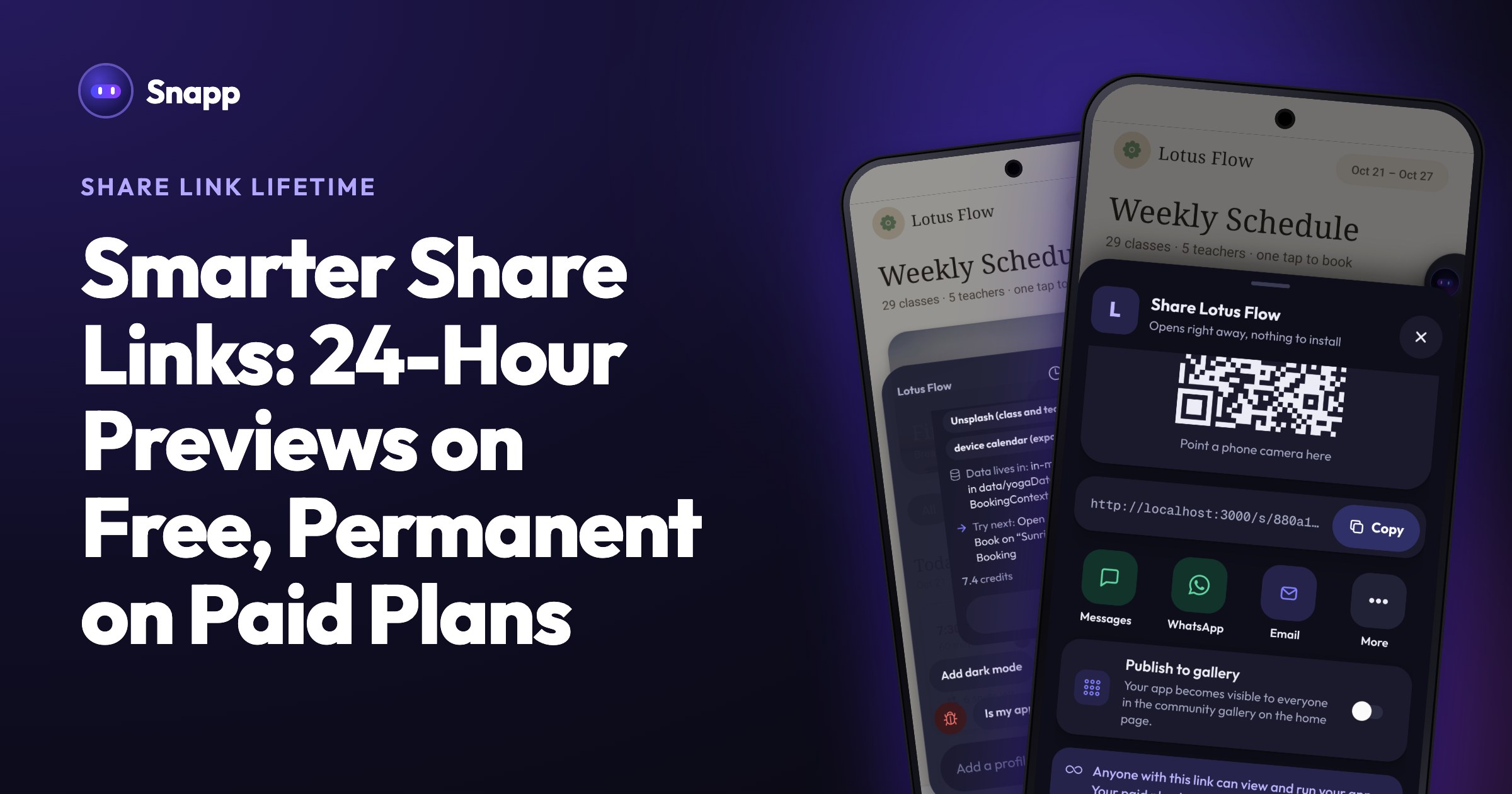
Smarter Share Links: 24-Hour Previews on Free, Permanent on Paid Plans
Your Snapp projects are private by default. Free share links stay live for 24 hours; any paid plan keeps them permanent and unlocks the community gallery.
When you build something in Snapp, you want to show it off: send the link to a client, drop it in your community, or put it in front of a friend for quick feedback. We made that flow cleaner, more private and more predictable.
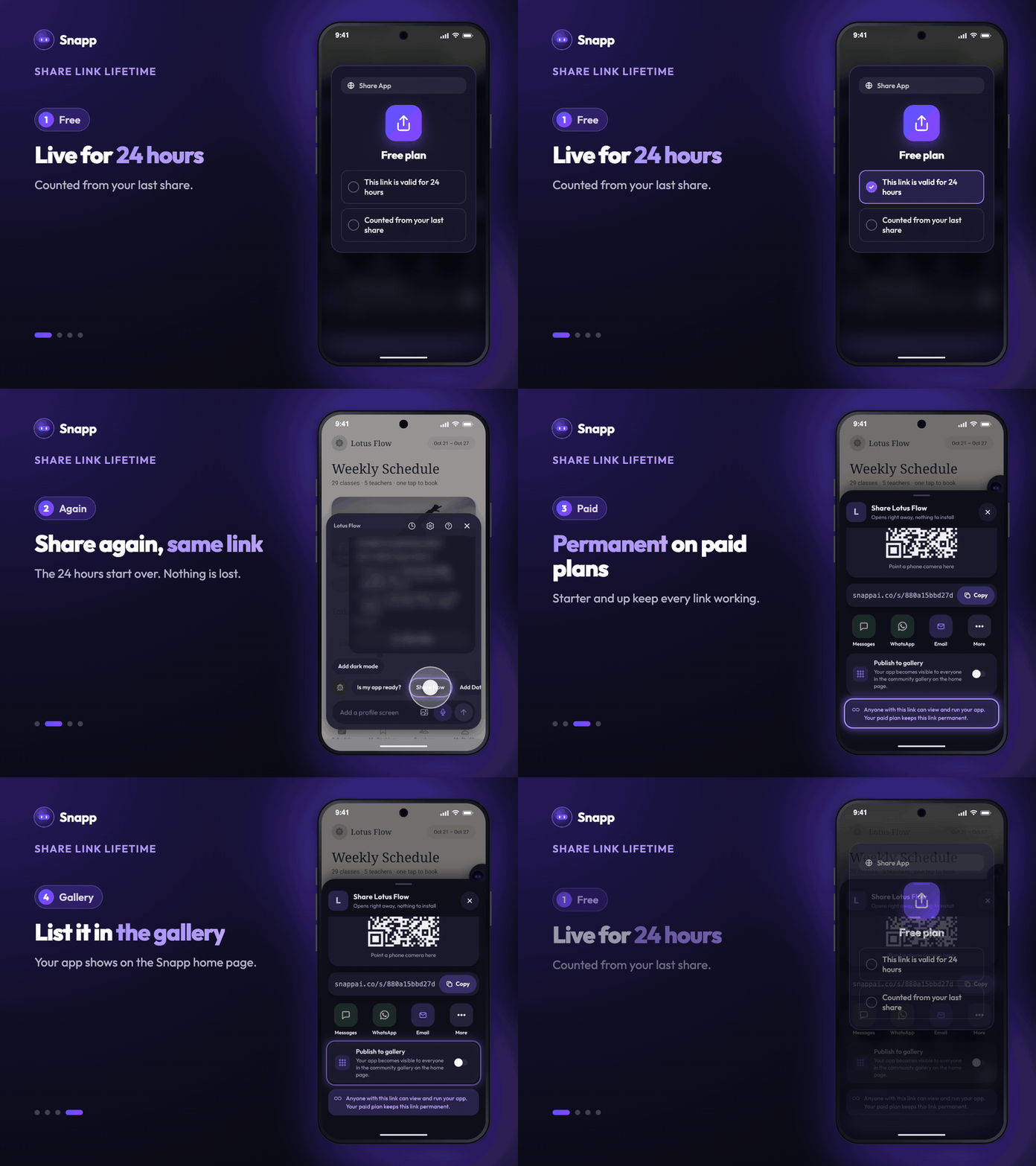
Here's what changed with share and preview links.
Your projects are private by default
Your work is yours. Every project you build is private by default. Nobody else can open it until you share it, and nothing shows up in a public place unless you choose to put it there. Public pages don't show your name or email.
Share links have a lifetime
A share link is made for a moment: showing a prototype, collecting feedback, sending a demo. So on the Free plan, a share link stays live for 24 hours from your last share. That's plenty of time to walk a client or your community through your app, and it keeps old links from floating around the web.
Need a link that never expires? Any paid plan, from Starter up, makes your links permanent.
| Capability | Free | Paid plans (Starter and up) |
|---|---|---|
| Share / preview link | Live for 24 hours | Permanent |
| Publish to the community gallery | Not available | Included |
| Your projects | Private by default | Private by default |
An expired link says so
When someone opens a link that has expired, they don't land on a blank page. They see that the link has expired and are asked to get a fresh one from you. Snapp also lets you know, so you can share again in one tap.
The community gallery is for paid plans
The gallery on our home page shows apps that builders choose to share with the world. To keep it high quality and always live, publishing to the gallery is available on Starter and higher plans. Turn on Publish to gallery in the share sheet to add your app. Because paid links are permanent, gallery apps never turn into dead links.
Before your app goes into the gallery, Snapp checks it. If there are unfinished parts, you see Check before you share with the list, so you can fix them first or tap Share anyway.
Why we did this
Two reasons, both about trust. First, privacy: you decide what is public, and building in Snapp should never mean showing your work by accident. Second, longevity: a link you send to a paying client should still work next week.
Want permanent links and a spot in the gallery? Pick a plan right from the app, and keep building.
Savas
Articles and content from the SNAPP team