Stripe or in-app purchases? What your app can use in 2026 (US, EU, rest of the world)
Digital things used inside your app usually need Apple or Google in-app purchases. Physical goods and services need a provider like Stripe. The US and EU now allow web links, with different fees.
Stripe or in-app purchases? If your app sells something digital that people use inside the app (a subscription, premium features, coins), Apple and Google generally require their own in-app purchases. If it sells physical goods or real-world services (a delivery, a haircut, a class), you must use a payment provider like Stripe instead. In the US and the EU you can now also link people to a web checkout for digital things, with different rules and fees in each.
This article explains the stores' published rules as of October 22, 2026. It is not legal advice. Rules differ by country and change often, so check the linked pages before you decide.
Key facts
- Digital goods: Apple says "If you want to unlock features or functionality within your app... you must use in-app purchase" (Guideline 3.1.1). Google's rule is similar (Google).
- Physical goods and services: Apple requires other payment methods (Guideline 3.1.3(e)); Google says its billing "must not be used" (Google).
- US (Apple): apps on the US storefront may include buttons and links to other ways to pay. As of October 2026, Apple charges no commission on those purchases while a court sets what it may charge (MacObserver).
- EU (Apple), from October 1, 2026: 26% on in-app purchases (15% for most small developers), 20% for other payment systems in the app, 15% for links to the web (Apple).
- Supreme Court: agreed on June 30, 2026 to hear Apple's appeal in the Epic case; Epic's brief is due November 13, 2026 (Supreme Court docket 25-1311).
- In April 2025 a US District Court found Apple in contempt for charging 27% on link-out purchases. In December 2025 the Ninth Circuit upheld the contempt finding but sent the question of a reasonable commission back to the district court (Ninth Circuit opinion).
- On August 13, 2026 Apple proposed 15% for most apps, 10% for some programs and subscription renewals, and 5% for Small Business Program apps. Until the judge rules, no commission applies (MacObserver).
- On June 30, 2026 the Supreme Court agreed to hear Apple's appeal, limited to one question about the contempt finding. No argument date was on the docket as of October 22, 2026.
- Japan: Apple made changes under Japan's new competition law in December 2025, including other payment options next to in-app purchase (Apple).
- South Korea and India: Google allows an alternative billing system next to Google Play's billing (Google).
- Other storefronts: Apple offers link entitlements in specific regions only (Guideline 3.1.1(a)).
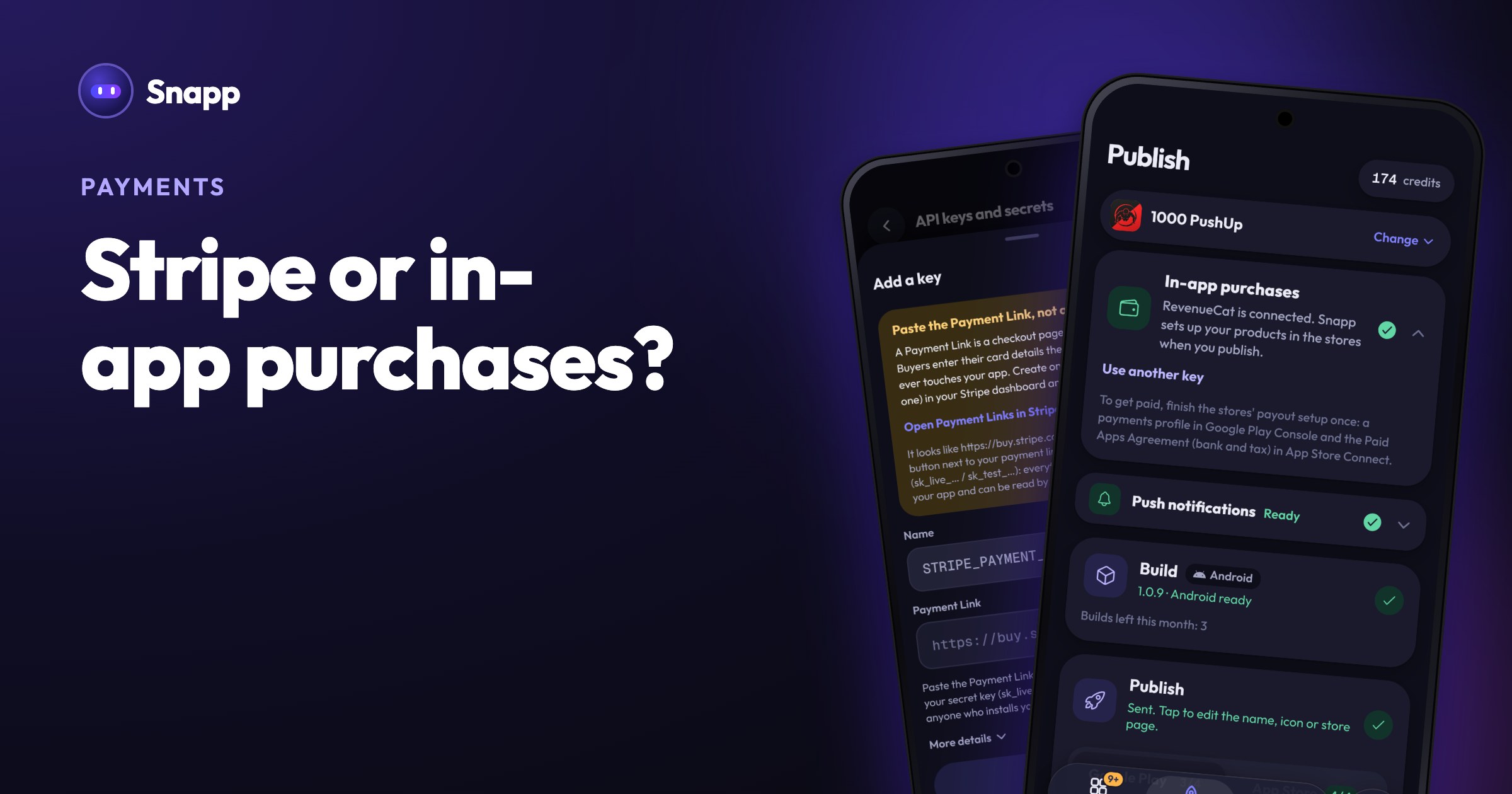
- In-app purchases for digital things: subscriptions, premium unlocks and coins. Tap Add in-app subscriptions in the chat, or ask for it in your own words. You test in the preview with test purchases (nothing is charged). Before you publish, connect a free RevenueCat account in the In-app purchases card on Publish. When you publish, Snapp creates the products in Google Play and the App Store. The money goes to your own developer account. See sell subscriptions and premium features.
- Stripe Payment Links for physical goods and real-world services. Create a Payment Link in Stripe, add it with Add Stripe Payment Link, and ask Snapp for a checkout button. Buyers pay on Stripe's own page, so card data never touches your app. See accept payments with Stripe.
- App Review Guidelines: 3.1 Payments (Apple)
- Apple announces changes for apps in the European Union (Apple, August 18, 2026)
- Apple announces changes to iOS in Japan (Apple, December 2025)
- Payments policy (Google Play)
- Google Play's policies for developers serving users in the US (Google)
- Service fees (Google Play)
- Expanded billing choice and lower fees on Google Play (Android Developers Blog, June 24, 2026)
- Supreme Court docket 25-1311, Apple Inc. v. Epic Games, Inc.
- Epic Games v. Apple, Ninth Circuit opinion, December 11, 2025
- Apple asked a judge to let it charge up to 15% on US link-out sales (MacObserver, September 2026)
- Stripe pricing
The basic rule: digital or physical?
| What your app sells | What to use |
|---|---|
| Monthly or yearly premium subscription | Apple and Google in-app purchases |
| Coins, credits, extra lives | In-app purchases |
| Unlocking the full version or an ad-free mode | In-app purchases |
| A physical product shipped to the buyer | Stripe or another payment provider |
| A booking, a class, a haircut, a delivery | Stripe or another payment provider |
| Tickets for a live event | Stripe or another payment provider |
Selling on your own website, outside any store app? Then the app store rules do not apply, and Stripe works as usual.
Can I use Stripe instead of Apple in-app purchase?
For physical goods and services: yes, and you have to. For digital goods inside your app: it depends on where your users are.
United States
Apple. After the Epic Games case, Apple's guidelines say apps on the United States storefront may include "buttons, external links, or other calls to action" to other purchasing methods, without a special entitlement (Guideline 3.1.1(a)).
The fee for those purchases is still open:
Google. Google may not require Google Play Billing for US users, and developers can link to outside offers or add another billing system through Google's US programs, launched on December 9, 2025. Developers in those programs report transactions and pay Google's service fees from October 1, 2026 (December 1, 2026 for some external link reporting) (Google).
European Union
Apple, from October 1, 2026 (Apple):
| How you charge EU users | Apple's commission |
|---|---|
| Apple in-app purchase | 26%, or 15% for most developers (Small Business Program and some others) |
| Your own payment system inside the app | 20% (10% for eligible programs) |
| Link out to your website (for example Stripe) | 15% (10% for eligible programs) |
Google. In the EEA, developers can offer an alternative billing system in the app or send users to offers outside the app, under program rules (Google). Since June 30, 2026 Google charges a service fee (10% on the first US$1 million a year) and adds a 5% billing fee only when Google Play's billing is used (Android Developers Blog).
Rest of the world
In most other countries, digital goods sold inside an app still go through Apple's and Google's in-app purchases, and apps may not point users to other ways to pay. Some countries have their own rules:
If your users are spread across many countries, in-app purchases are the option that works everywhere.
Stripe vs in-app purchases: pros and cons
| In-app purchases | Stripe link or web checkout | |
|---|---|---|
| Allowed for digital goods | Everywhere | US, EU and a few other cases |
| Allowed for physical goods | No | Yes |
| Store commission | Usually 15% for small developers, up to 30% | None for physical goods; for digital goods it depends on the region (see above) |
| Payment fee | Included in the store's share | Stripe's own fee (Stripe pricing) |
| Checkout | Inside the app, with the user's store account | A web page, the user enters card details |
| Refunds and receipts | Handled by Apple and Google | Handled by you in Stripe |
How it works in Snapp
Snapp supports both, and uses each for what the stores allow everywhere:
An app that uses a Stripe link for digital goods inside a mobile app can be rejected, so Snapp's guides point digital sales to in-app purchases. To make sure people know who paid, add login first.
Frequently asked questions
Can I use Stripe for subscriptions in my app? For a subscription that unlocks features inside a mobile app, Apple and Google generally require in-app purchases. In the US, and in the EU with Apple's fees, you may link to a web checkout instead. For a real-world service like a monthly class, Stripe is the right tool.
Is it true Apple takes no commission on web purchases in the US? As of October 2026, yes for purchases made through links from US storefront apps, because a court is still deciding what Apple may charge. Apple has asked for up to 15%. Plan for that changing.
Which is cheaper, Stripe or in-app purchases? Where both are allowed, a web checkout often has a lower store fee, but the buyer has to leave the app and type card details. In-app purchases cost more per sale but work in every country and use the payment method already in the buyer's store account.
Do I need a company to use in-app purchases? No. You need a developer account and the stores' payout setup: a payments profile in Google Play Console and the Paid Apps Agreement in App Store Connect.
Is this legal advice? No. It is a summary of the stores' public rules as of October 2026. For your situation, check the official pages or ask a lawyer.
Building an app that sells something? Start at snappai.co.
Sources
Last updated: October 2026.
Snapp Team
Articles and content from the SNAPP team