Supabase "permission denied for table" (42501) after October 30, 2026: the safe fix
Supabase no longer opens new tables to its Data API automatically. Here is what error 42501 means, the SQL that fixes it, and the shortcuts that leave your data open to everyone.
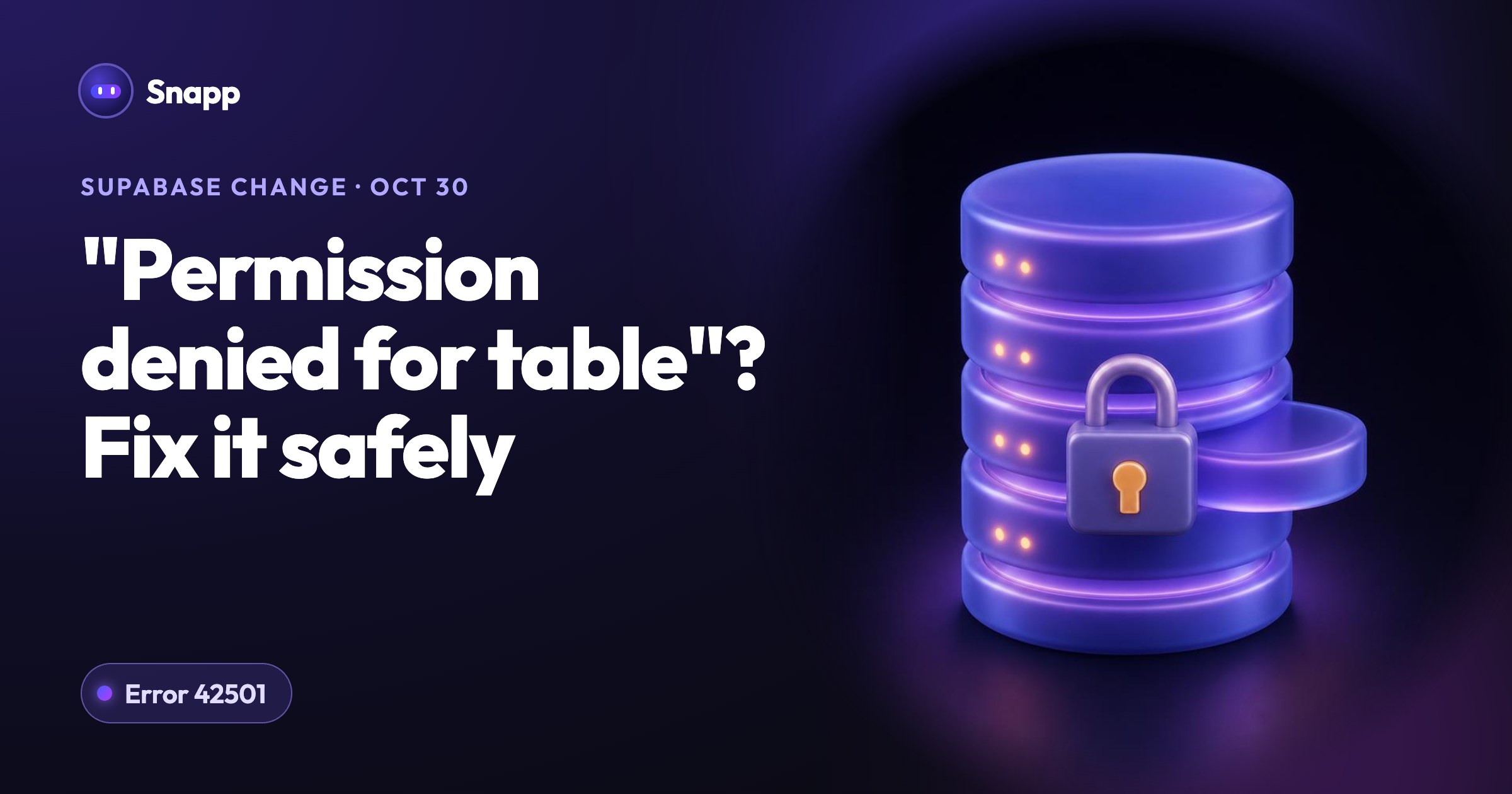
If your app suddenly shows "permission denied for table" (Postgres error code 42501) when it reads or saves data in Supabase, the table is missing a grant. From October 30, 2026, Supabase no longer gives new tables in the public schema automatic access through its Data API on existing projects, so every table created after that date needs an explicit GRANT. The safe fix is to grant only what each kind of user needs and keep Row Level Security switched on.
In short
- Supabase announced the change on April 28, 2026. It became the default for new projects on May 30, 2026 and applies to all existing projects on October 30, 2026 (Supabase changelog).
- Tables you already have keep their current grants. The error appears on tables created after the change.
- Only the Data API is affected: the supabase-js client, REST and GraphQL calls. Direct Postgres connections are not affected (Supabase discussion #45329).
- A grant and Row Level Security do different jobs. The grant lets a role reach the table at all. Row Level Security (RLS) decides which rows that role can see or change.
- Never fix the error by opening every table to everyone. Grant per table, per role, and add RLS policies.
What changed on October 30, 2026?
Until now, when you created a table in the public schema, Supabase automatically gave select, insert, update and delete rights on it to three database roles: anon, authenticated and service_role. Your app could reach the new table right away, and RLS was the only thing deciding what each user could see.
After the change, a new table is not reachable through the Data API until you grant access to it.
| Before | After | |
|---|---|---|
| You create a table | Reachable by the API right away | Not reachable by the API |
| Grants | Automatic | You add them yourself |
| Row Level Security and policies | Unchanged | Unchanged |
| Tables you already had | Reachable | Still reachable, grants kept |
storage, auth and realtime schemas, and it covers sequences as well as tables.What does "permission denied for table" (42501) mean?
When a grant is missing, the Supabase API answers with an error like this one (from Supabase's announcement):
{
  "code": "42501",
  "message": "permission denied for table your_table",
  "hint": "Grant the required privileges to the current role with: GRANT SELECT ON public.your_table TO anon;"
}
It means the role your app used is not allowed to touch that table at all. Three roles matter:
Be careful with the hint in the error. It suggests granting to anon, which is right for public data like a product catalog, and wrong for private data like messages or orders.
How to fix error 42501 safely
Run these steps in the SQL Editor of your Supabase project. Replace notes with your table name.
1. Decide who needs the table. Ask one question: should people who are not signed in see this data? A list of menu items, yes. Notes, orders, messages or profiles, almost always no.
2. Grant only what is needed. For a table that only signed-in users use:
grant select, insert, update, delete on public.notes to authenticated;
grant select, insert, update, delete on public.notes to service_role;
Leave out the service_role line if no server code of yours uses this table.
3. Turn on Row Level Security. Without it, every signed-in user could read every row.
alter table public.notes enable row level security;4. Add policies so each user only reaches their own rows. This assumes the table has a user_id column that stores who owns each row:
create policy "Users can read their own notes"
on public.notes for select
to authenticated
using ((select auth.uid()) = user_id);create policy "Users can add their own notes"
on public.notes for insert
to authenticated
with check ((select auth.uid()) = user_id);
create policy "Users can update their own notes"
on public.notes for update
to authenticated
using ((select auth.uid()) = user_id)
with check ((select auth.uid()) = user_id);
create policy "Users can delete their own notes"
on public.notes for delete
to authenticated
using ((select auth.uid()) = user_id);
5. Test it. Open your app signed in as one user, then as another, and check that neither sees the other's data. Then open it signed out.
A table that should be public
For data that anyone may read but only your team may change, such as a catalog, grant read access only:
grant select on public.menu_items to anon, authenticated;
alter table public.menu_items enable row level security;create policy "Anyone can read the menu"
  on public.menu_items for select
  to anon, authenticated
  using (true);
There is no insert, update or delete grant for anon here, so visitors can look but cannot change anything.
"permission denied for sequence"
If inserts now fail with a similar error about a sequence (common when the id column is a serial number), grant use of that one sequence to the role that inserts:
grant usage, select on sequence public.notes_id_seq to authenticated;Which quick fixes should you avoid?
Some fixes shared online make the error go away by opening your data to the whole internet. Avoid these:
grant all on all tables in schema public to anon. This gives anyone with your app's public key full rights on every table, including tables you create later if you also change the defaults.disable row level security). Supabase's own checker warns that without RLS, anyone with your project URL can read, edit and delete all data in the table (Supabase advisor 0013).using (true) on private data. That policy means "every row, for everyone it applies to".service_role or secret key in the app so the error disappears. That key skips every policy, and anyone who downloads your app can pull it out.How do you check your project?
See which roles can reach a table:
select grantee, privilege_type
from information_schema.role_table_grants
where table_schema = 'public' and table_name = 'notes';
Find tables in public that still have RLS turned off:
select relname as table_name
from pg_class
where relnamespace = 'public'::regnamespace
  and relkind = 'r'
  and not relrowsecurity;
You can also open Advisors in the Supabase dashboard. The Security Advisor flags public tables without RLS (Supabase Advisors docs).
Using Supabase with an app built with Snapp
Apps built with Snapp can use your own Supabase project as their database. You connect it once, and the project, its tables and its settings stay in your Supabase account. That also means the checks in this post apply to it, especially for any table you create yourself in the SQL Editor. See how to connect Supabase to your app and how to view and manage your app data. To add sign-in, so your tables can tell users apart, see add login and authentication.
Want to build an app on your own database without writing code? Try it at snappai.co.
Frequently asked questions
Will my existing tables stop working on October 30, 2026?
No. Supabase says existing tables keep their current grants and stay reachable. The change affects tables created after it applies to your project.
Does this affect my app if it connects to Postgres directly?
No. The change is about the Data API (supabase-js, REST and GraphQL). Connections with a database connection string, an ORM or psql are not affected.
I enabled RLS but still get 42501. Why?
RLS and grants are separate. RLS filters rows only after the role is allowed to reach the table. If the grant is missing, you get 42501 before any policy runs. Add the grant, then keep the policy.
Is it safe to grant select to anon?
Only for data you are happy for anyone to read, and only with RLS on and a policy that limits what anon sees. For anything personal, grant to authenticated and add policies tied to auth.uid().
Sources
Last updated: October 2026.
Snapp Team
Articles and content from the SNAPP team