Can ChatGPT build an app now? What it can do, and what it still can't
ChatGPT can write app code and, since October 7, 2026, answers with buttons, charts and small tools. Here is what it can do for your app, and what still stands between that code and a real app in the stores.
Can ChatGPT build an app? It can write the code for one, help you plan the screens and fix errors, and since October 7, 2026 it can even answer with interactive buttons, charts and small calculators inside the chat. What it does not do is turn that into a real app installed on your phone or listed on Google Play and the App Store. Those last steps are still on you, or on a tool built for them.
Key facts
- October 7, 2026: OpenAI began rolling out GPT-6 with "Intelligent UI" in ChatGPT, starting with paid plans; Free and Go users followed the next day (TechCrunch).
- What Intelligent UI is: answers that include "tappable buttons, a customized calculator for a specific task, interactive charts, editable graphs" inside the conversation (TechCrunch).
- What it is not: an app you can install. Those tools live inside ChatGPT.
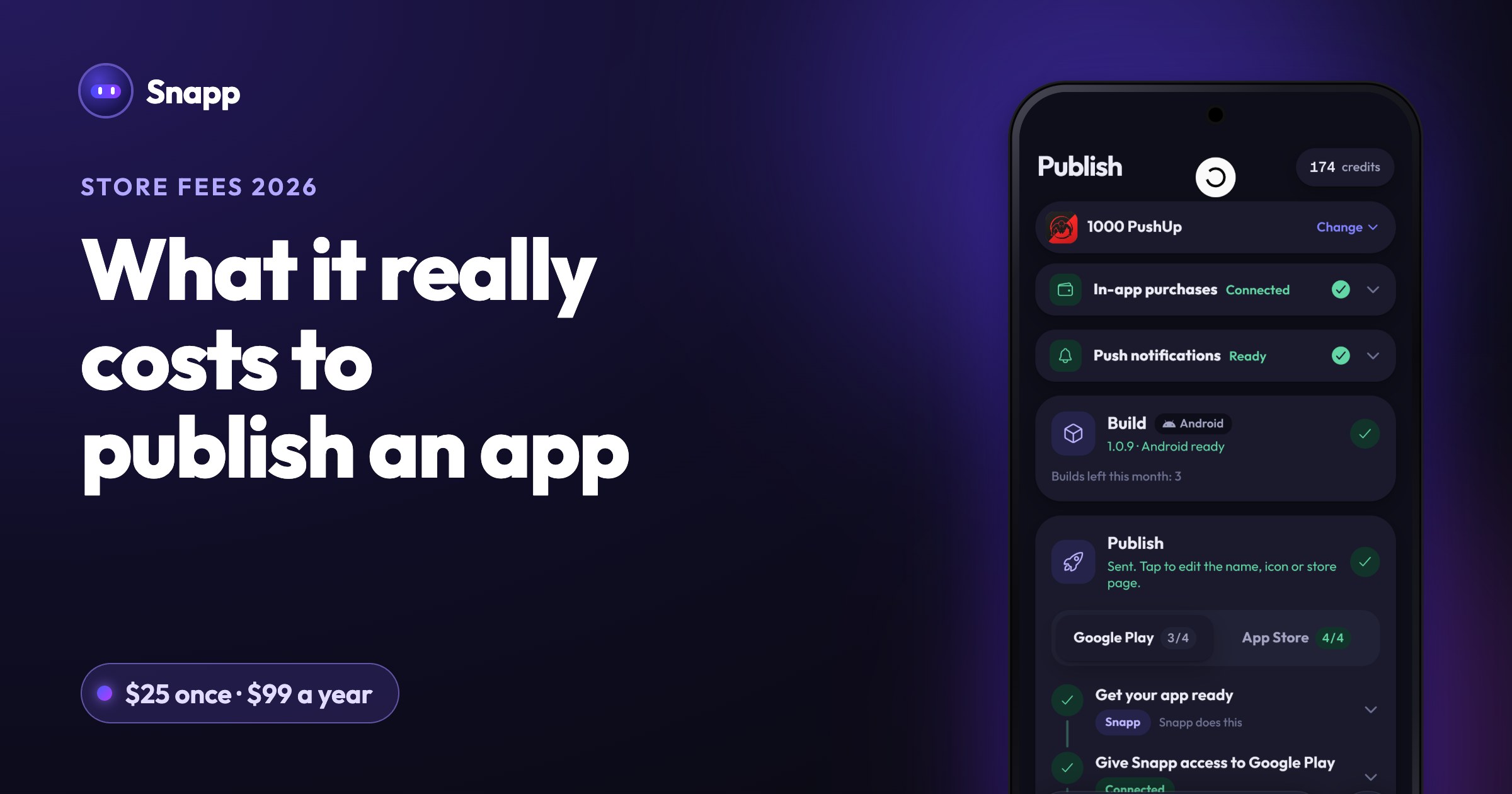
- To publish your own app you still need a Google Play developer account (US$25 once) and, for iPhone, Apple's Developer Program (99 USD a year), as of October 2026 (Google, Apple).
- Apps in ChatGPT. Since October 2025, companies can build apps that run inside ChatGPT (TechCrunch). Those are apps for ChatGPT, not phone apps.
- Codex. OpenAI's coding agent for developers. Since May 14, 2026 you can follow and approve its work from the ChatGPT phone app, but the work itself runs on a computer or a remote environment (TechCrunch).
- Shape the idea. Who is it for, what are the three screens that matter, what can wait.
- Write code. Screens, logic, small features. ChatGPT's canvas can also preview simple web code in the chat (OpenAI).
- Explain errors. Paste an error message and it usually explains what went wrong.
- Draft text. App descriptions, onboarding text, button labels.
- Run it on your phone as an app. Code in a chat is not an installed app. Someone has to set up a project, add the right tools and build it.
- Make the store file. Google Play needs an Android App Bundle (AAB) for new apps (Google). The App Store needs a signed iPhone build. ChatGPT does not produce these files for you.
- Keep your data somewhere. Logins, saved data and payments need a real backend service. ChatGPT can write the code that talks to one, but you have to set it up and connect it.
- Create your store listing. Name, icon, screenshots, description, privacy policy, content rating and the stores' data forms.
- Handle review. Google and Apple review apps before they go public. If they reject it, you need to understand why and fix it.
- Keep it working. New phone versions and new store rules mean updates. On Google Play, new apps and updates must target Android 16 (API level 36) from August 31, 2026 (Google).
- ChatGPT is getting a lot more visual, with the launch of a new interface (TechCrunch, October 7, 2026)
- GPT-6 and Intelligent UI for everyone (OpenAI)
- OpenAI launches apps inside of ChatGPT (TechCrunch, October 6, 2025)
- OpenAI says Codex is coming to your phone (TechCrunch, May 14, 2026)
- Canvas update: HTML rendering (OpenAI on X)
- About Android App Bundles (Google)
- Target API level requirements for Google Play apps (Google)
- Testing requirements for new personal developer accounts (Google)
- Play Console registration fee (Google)
- Apple Developer Program enrollment (Apple)
What is ChatGPT's new visual interface?
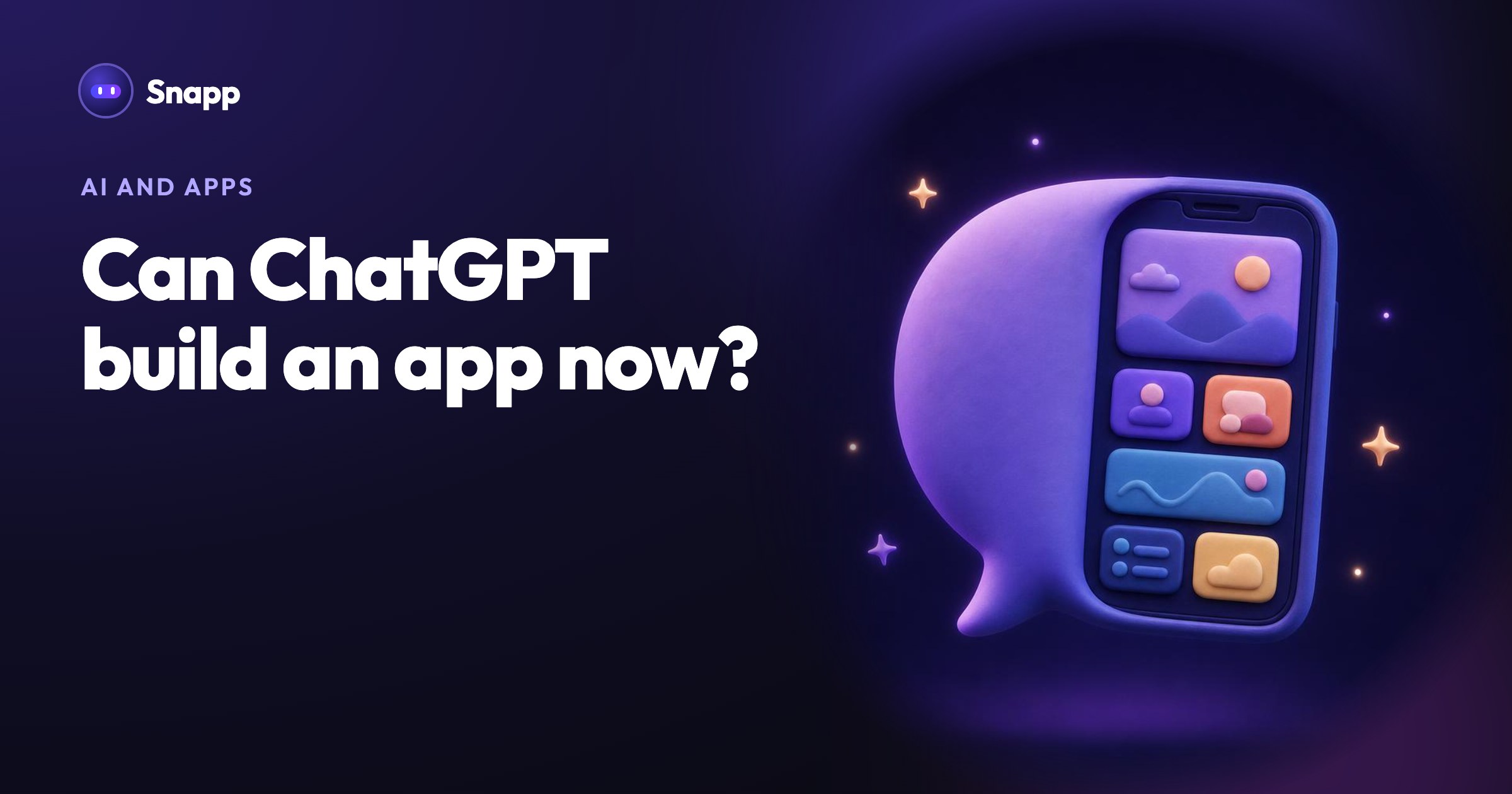
OpenAI calls it Intelligent UI. Instead of only text, ChatGPT can now answer with visuals you can interact with: a savings calculator, a map for a hike, a chart you can change. TechCrunch reports you can turn the amount of visuals down if you prefer plain text.
This is useful, and it can feel like ChatGPT is making little apps for you. But these tools exist inside your chat. You cannot put one on your home screen, give it to customers or publish it in a store.
Two other things often get mixed up with it:
What can ChatGPT do for your app?
Quite a lot, if you know what to ask:
What can't ChatGPT do yet?
Here is the gap between "I have code" and "my app is on Google Play":
Can AI make an app for me?
Yes, but it depends on the kind of AI tool. A chat assistant and an AI app builder do different jobs.
| Chat assistant (like ChatGPT) | AI app builder | |
|---|---|---|
| What you get | Code and advice in a chat | A working app you can open and test |
| Runs on your phone | Only after you build it yourself | Yes, in a preview |
| Data and logins | You set them up and connect them | Built into the tool, with a database you connect |
| Store publishing | You do it yourself | Some builders publish for you |
| Fixing errors | You copy errors back into the chat | You describe the problem in the builder |
The steps between ChatGPT's code and a real app
If you do it yourself, this is the usual path:
1. Set up a mobile project on a computer and install the developer tools.
2. Paste in the code, fix what does not fit together and run it on a phone.
3. Add a database and login if your app saves anything.
4. Open a Google Play developer account and an Apple Developer Program membership. New personal Google Play accounts must run a closed test with 12 testers for 14 days before going public (Google).
5. Build signed store files, write the listing, make screenshots and a privacy policy, and fill in the stores' forms.
6. Submit for review, answer any questions, and ship updates.
Already have something from ChatGPT or another tool? Read how to get a ChatGPT or Lovable app on Google Play.
Where Snapp fits
Snapp is an AI app builder. You describe your app in plain words and Snapp builds a real mobile app for iPhone and Android, or a website. You test it on your phone right away, and change it by chatting or by editing directly with Visual Edit. You can connect a Supabase database, add Google and Apple login, push notifications, Stripe payment links or in-app purchases.
When it is ready, Snapp publishes it into your own Google Play and Apple developer accounts (Starter plan and up). It creates the store listing, writes the store text, takes screenshots, makes a privacy policy, fills in the store forms, builds the app and follows the review. You do not need a Mac. You can start on the free plan. See how to build a mobile app without coding and how to write a good prompt.
Frequently asked questions
Can ChatGPT publish my app to the App Store or Google Play? No. ChatGPT can help you write the code and the store text, but it does not create store files, developer accounts or listings, and it does not submit your app for review.
Is ChatGPT's Intelligent UI a way to make apps? Not phone apps. It makes answers interactive inside ChatGPT, with buttons, charts and small tools. You cannot install those on your phone or publish them.
Can AI create an app for me without coding? Yes, with an AI app builder. You describe what you want, test the app, and ask for changes in plain words. Some builders, like Snapp, also publish it to the stores.
How much does it cost to put an app in the stores? As of October 2026, Google Play charges US$25 once and Apple 99 USD a year. See how much it costs to publish an app in 2026 for store commissions too.
Do I need to know how to code to finish a ChatGPT app? To turn ChatGPT's code into a store app yourself, yes, at least the basics of mobile development. If you do not want that, describe the app in an app builder instead.
Have an app idea? Describe it at snappai.co and test it on your phone.
Sources
Last updated: October 2026.
Snapp Team
Articles and content from the SNAPP team