You built an app with ChatGPT or Lovable. Here's how to get it on Google Play
ChatGPT gives you code and Lovable builds web apps. Google Play needs a signed Android app with a listing, privacy policy and policy forms. Here is the gap, your four realistic options, and the steps.
To get an app you made with ChatGPT or Lovable onto Google Play, you need a signed Android app file, a Google Play developer account, a store listing with a privacy policy, the store's policy forms, and Google's approval. Neither tool does those steps for you: ChatGPT gives you code, and Lovable builds web apps. Your realistic options are to install it as a web app, wrap it, rebuild it as an Android project yourself, or rebuild the idea in a builder that publishes to the store.
Key facts
- Lovable builds web apps. Lovable says it builds "full-stack web applications" and not native apps, and suggests a home screen web app or wrapping your published URL "with a tool such as Capacitor outside Lovable" (Lovable).
- Google Play's file format: new apps must be published as an Android App Bundle (AAB) since August 2021 (Google).
- Account: US$25 one-time fee, as of October 2026 (Google).
- New personal accounts: a closed test with at least 12 testers for 14 days before going public (Google).
- Target version: new apps must target Android 16 (API level 36) from August 31, 2026 (Google).
- Lovable FAQ (Lovable)
- About Android App Bundles (Google)
- Sign your app: Play App Signing (Google)
- Play Console registration fee (Google)
- Testing requirements for new personal developer accounts (Google)
- Target API level requirements (Google)
- Data safety section (Google)
- Content ratings (Google)
- Publish your app: review times (Google)
- Functionality, content, and user experience policy (Google)
- App Review Guidelines 4.2 Minimum Functionality (Apple)
Why isn't my ChatGPT or Lovable app a Play Store app yet?
Because a store app is a package, not just code or a website. Here is what you probably have, and what Google Play asks for.
| You have | Google Play needs |
|---|---|
| Code in a chat (ChatGPT) or a web app at a URL (Lovable) | An Android app built from that code |
| Nothing to install | An AAB file, signed through Play App Signing (Google) |
| A name | A unique package name, an icon, screenshots and a store description |
| Maybe a privacy page | A privacy policy link and a completed Data safety form, even if you collect no data (Google) |
| Nothing | A content rating questionnaire (Google) |
| Nothing | A developer account, testing, and Google's review |
Option 1: Install it as a web app (no store)
The fastest path. Open the web app in Chrome on Android and choose "Add to Home screen". It gets an icon and opens full screen. Lovable lists this as one of its two paths.
Good for: testing, personal use, sharing a link. Not good for: being found on Google Play.
Option 2: Wrap the web app
A wrapper is a small Android app that shows your website inside it. Lovable mentions Capacitor as an example tool you use outside Lovable.
What it takes: a computer with Android developer tools, some setup, building and signing the AAB, and then every store step below.
The risk: if the app is only your website in a frame, it may be rejected for low functionality. Add app features that make sense on a phone, and make sure it works well offline or on slow connections.
Option 3: Turn ChatGPT's code into an Android project yourself
If ChatGPT wrote mobile code for you, you can build it with Android's developer tools on a computer. Expect to set up the project, fix code that does not fit together, add a database and login if needed, and keep it updated for new Android versions.
Good for: people who want to learn development. Not good for: getting a working app out this week if you have never coded.
Option 4: Rebuild the idea in a builder that publishes
Instead of converting what you have, describe the same app again in an AI app builder that makes real mobile apps and handles the store. Your earlier work is not wasted: your feature list, screen names and texts make a very good description.
This is where Snapp fits. See the section below.
How to publish on Google Play (any option)
1. Create a Google Play developer account: US$25 once, plus an identity check.
2. Build a signed AAB of your app. See APK vs AAB for the difference.
3. Create the app in Play Console and fill in the store listing: name, icon, screenshots, description.
4. Add a privacy policy link, complete the Data safety form, the content rating questionnaire and the other app content questions.
5. Upload the AAB to internal testing and try it on a real phone.
6. If your account is a new personal account, run a closed test with 12 testers for 14 days, then apply for production access.
7. Send the app to production review. When Google approves it, it is live.
How Snapp rebuilds and publishes it
Snapp is an AI app builder. It builds a real mobile app (Android and iPhone) from your description, or from your published web app's link: Snapp looks at the site and rebuilds it as a phone app, not a wrapper.
1. Describe your app in Snapp in plain words. Reuse what you wrote for ChatGPT or Lovable: who it is for, the main screens, what users can do. Tips: how to write a good prompt.
2. Test it on your phone in the preview and change it by chatting. Connect a Supabase database and add login if your app saves data.
3. Run Is my app ready? to see unfinished pages and buttons before you publish.
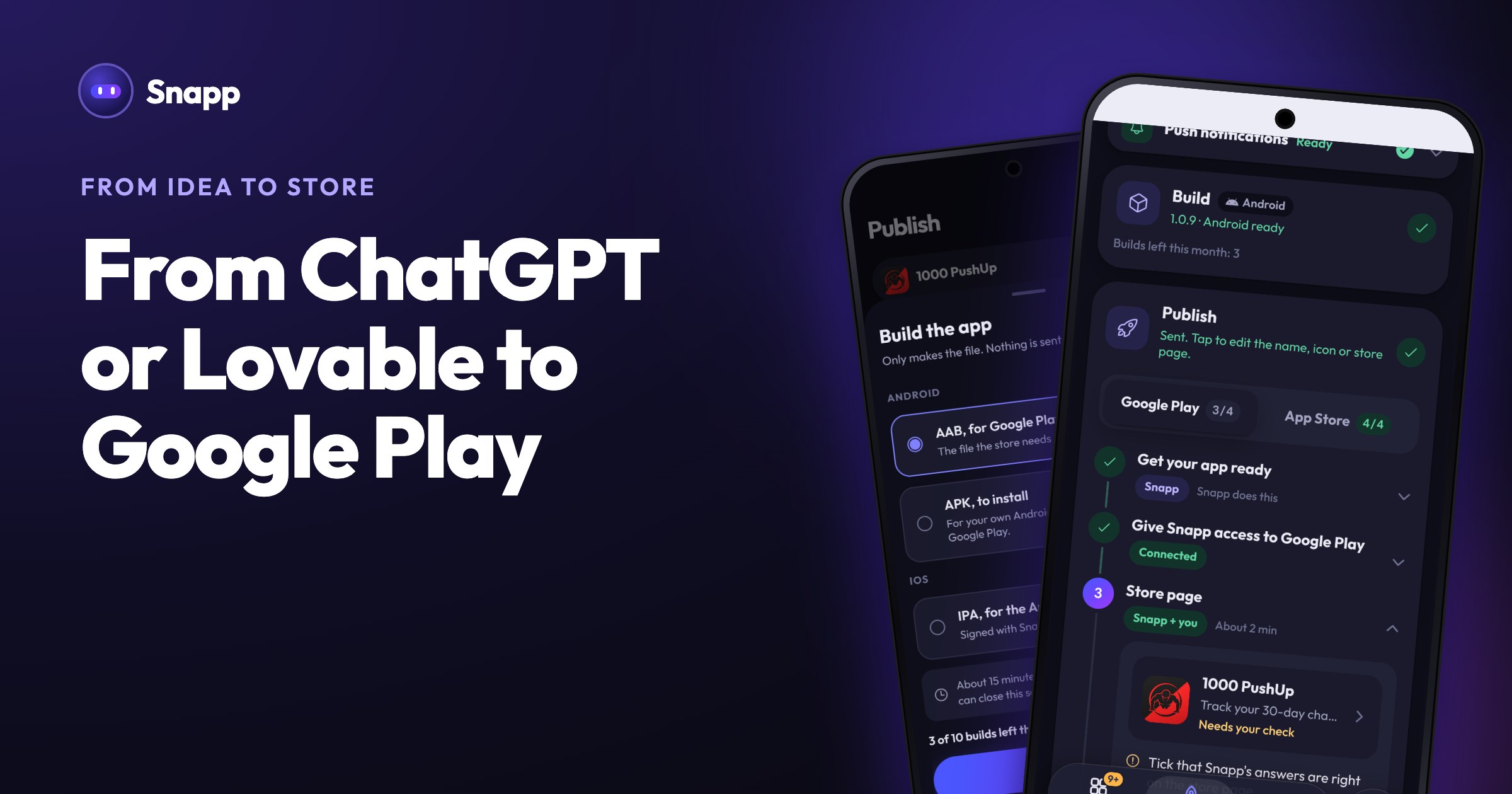
4. Open Publish. Invite Snapp once into your own Play Console. Snapp creates the app in your account, writes the store text, takes screenshots, makes the privacy policy and answers the store forms for you to check and approve.
5. Build the AAB on the Build card (about 15 minutes) and release. Snapp uploads it to internal testing and, when you are ready, sends it to Google's review. It tells you if Google asks for the closed test first. Snapp does not recruit testers.
Publishing needs a paid plan (Starter and up), and each store build uses one build from your plan. The same app can go to the App Store too, without a Mac. Full walkthrough: publish your app to Google Play with Snapp.
Frequently asked questions
Can I upload my Lovable app straight to Google Play? No. Lovable publishes to a web address. Google Play needs an Android app file (AAB), so you have to wrap or rebuild it first, as Lovable's own FAQ explains.
Can ChatGPT publish my app for me? No. ChatGPT can write code and store text, but it does not build the app file, create your developer account or submit the app. More in can ChatGPT build an app?
Will Google reject a wrapped website? It can. Google's policy rejects apps without "adequate utility as mobile apps". A wrapper with real app features has a better chance than a plain website in a frame.
Can Snapp turn my existing website into an app? Yes. Paste your website's link into Snapp. Snapp reviews the site and builds a real mobile app from it, with screens made for the phone instead of your website in a frame. See turn your website into an app.
How long until my app is live on Google Play? Google does not promise a fixed time. It says some reviews can take "up to seven days or longer in exceptional cases" (Google). A new personal account adds at least 14 days for the closed test before you can apply for production.
Have the idea already? Describe it at snappai.co and test it on your phone today.
Sources
Last updated: October 2026.
Snapp Team
Articles and content from the SNAPP team