New apps now come with real pictures, matching fonts and their own logo
Every new app Snapp builds now has real pictures inside, fonts that fit the style you chose and a logo drawn in the app's own colors. Here is what you will see and how to change any of it.
Since November 22, 2026, every new app Snapp builds comes with three things that make it look finished from the start: real pictures inside the app, fonts that fit the style you chose, and a logo drawn in the app's own colors. This is on for everyone. You do not need to ask for it or turn anything on.
Key facts
- Available since: November 22, 2026, for everyone.
- Real pictures: for example, a photo for each sample item in your app.
- Fonts: chosen to fit the style of your app.
- Logo: drawn in your app's own colors.
- You stay in control: change any of it by chatting, by hand with Visual Edit, or by uploading your own logo.
What is new
Real pictures inside your app
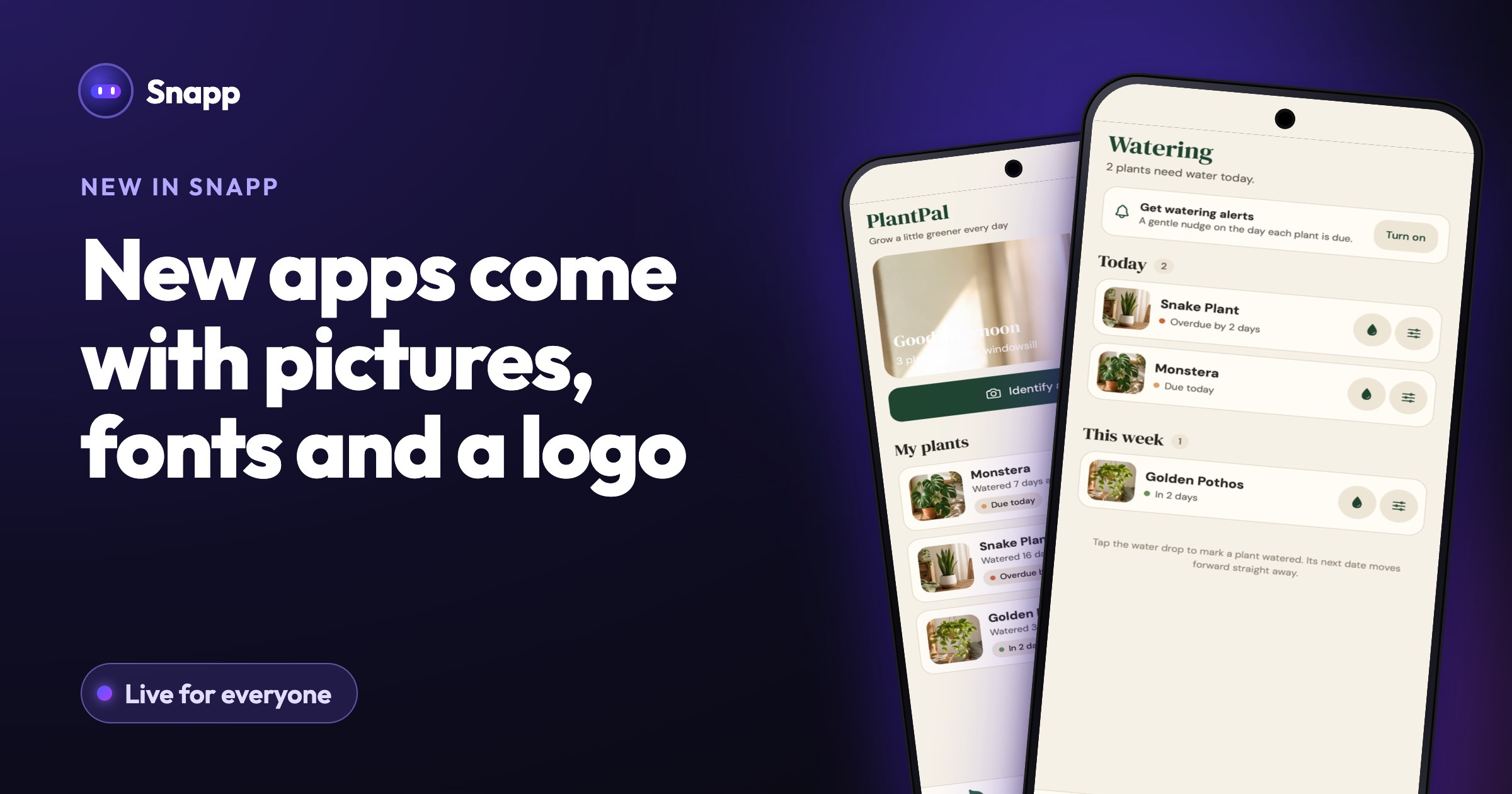
Many apps show a list of things: dishes on a menu, products in a shop, workouts, places, classes. Without pictures, a list like that looks empty. Now new apps come with real pictures inside, for example a photo for each sample item. A recipe app opens with photos of the dishes. A shop app shows its sample products as pictures, not as empty frames.
Fonts that fit the style
When you describe your app, you also set its mood: calm, playful, bold, elegant. New apps now get fonts that fit the style you chose, so a kids' game and a law firm's booking app no longer look alike.
A logo in your app's own colors
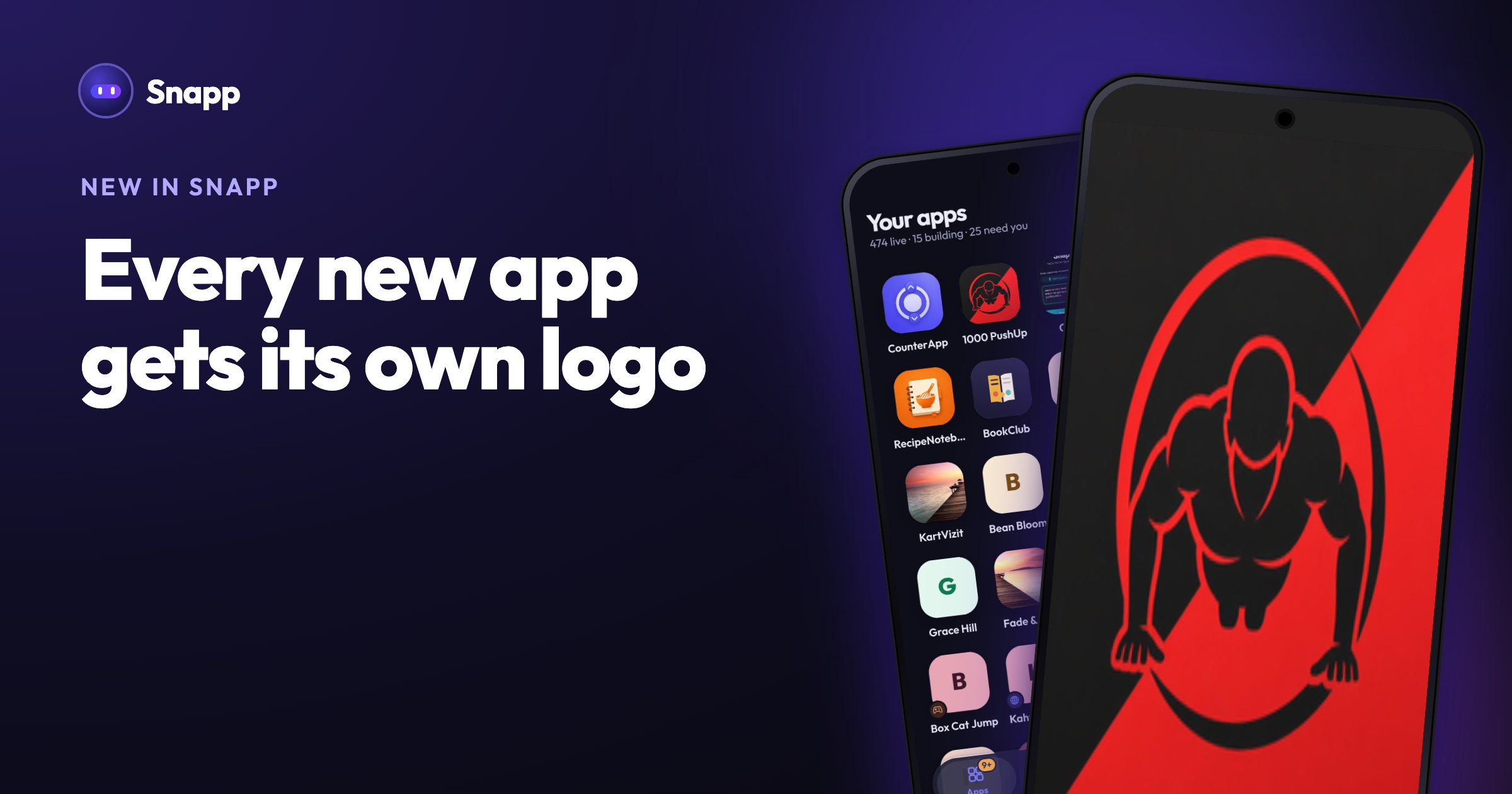
Snapp already draws a logo for every new app. Now that logo is drawn in your app's own colors, so the icon on the home screen and the screens inside the app look like one product.
Why this matters
Your first version looks finished. The first time you open a new app, you see something that looks like a real product, not a draft. That makes it easier to judge the idea, and easier to show it to a friend, a client or a co-founder.
Your store screenshots look better. Screenshots are one of the first things people see on your store page. Real pictures and fitting fonts mean your screenshots show a full, finished-looking app instead of empty boxes. See your store page with Snapp for what goes on the listing.
You spend your time on what makes your app different. Instead of starting by asking for photos and nicer fonts, you can go straight to the features that matter.
How to change a picture
The sample pictures are a starting point. If one does not fit, tell Snapp in the chat what you want instead. Be specific about where and what, for example:
On the menu screen, use a photo of a cappuccino in a white cup
for the "Cappuccino" item instead of the current picture.
Ask for one change per message. A short, clear request is the easiest one to get right. Our guide on how to write a good prompt has more examples.
How to change a font
If you want a different feel, describe it in the chat:
Use a rounder, friendlier font for all headings.
Keep the body text easy to read.
For smaller touches, use Visual Edit. It lets you change text, colors and sizes by hand, right on your app's screens, and it uses no credits. It is the quickest way to make a heading bigger or a button color a bit darker without waiting.
How to change the logo
If you already have a logo, upload your own in your app's settings. The steps are in Every new app gets its own logo. A square image works best.
Good to know
Frequently asked questions
Do I need to turn this on? No. Since November 22, 2026, every new app comes with real pictures, fonts that fit its style and a logo in its own colors.
Can I replace a picture I do not like? Yes. Tell Snapp in the chat which picture to change and what you want instead.
Can I change the font without using credits? Visual Edit lets you change text, colors and sizes by hand with no credits. For a different font family, ask in the chat.
Can I use my own logo? Yes. Upload it in your app's settings. A square image works best.
Does this change my older apps? No. It applies to new apps created since November 22, 2026.
Try it now: describe a new app at snappai.co and see it arrive with pictures, fonts and its own logo.
Last updated: November 2026.
Snapp Team
Articles and content from the SNAPP team