Complete Your App Store Listing & Submit for Review
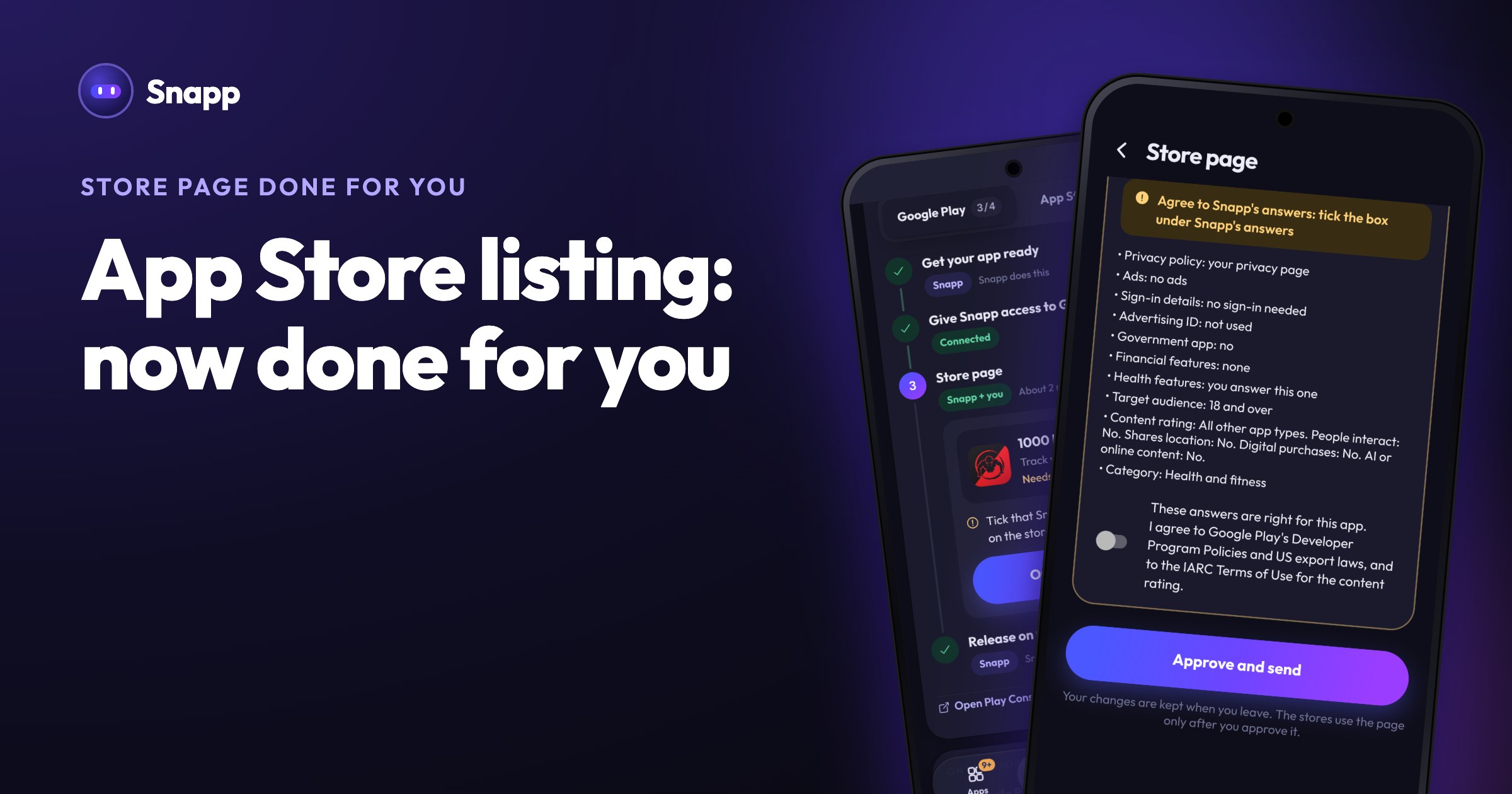
Snapp submits your iOS build to App Store Connect. Here is the one-time part you finish yourself — the store listing, App Privacy, selecting the build, and Submit for Review.
Complete Your App Store Listing & Submit for Review
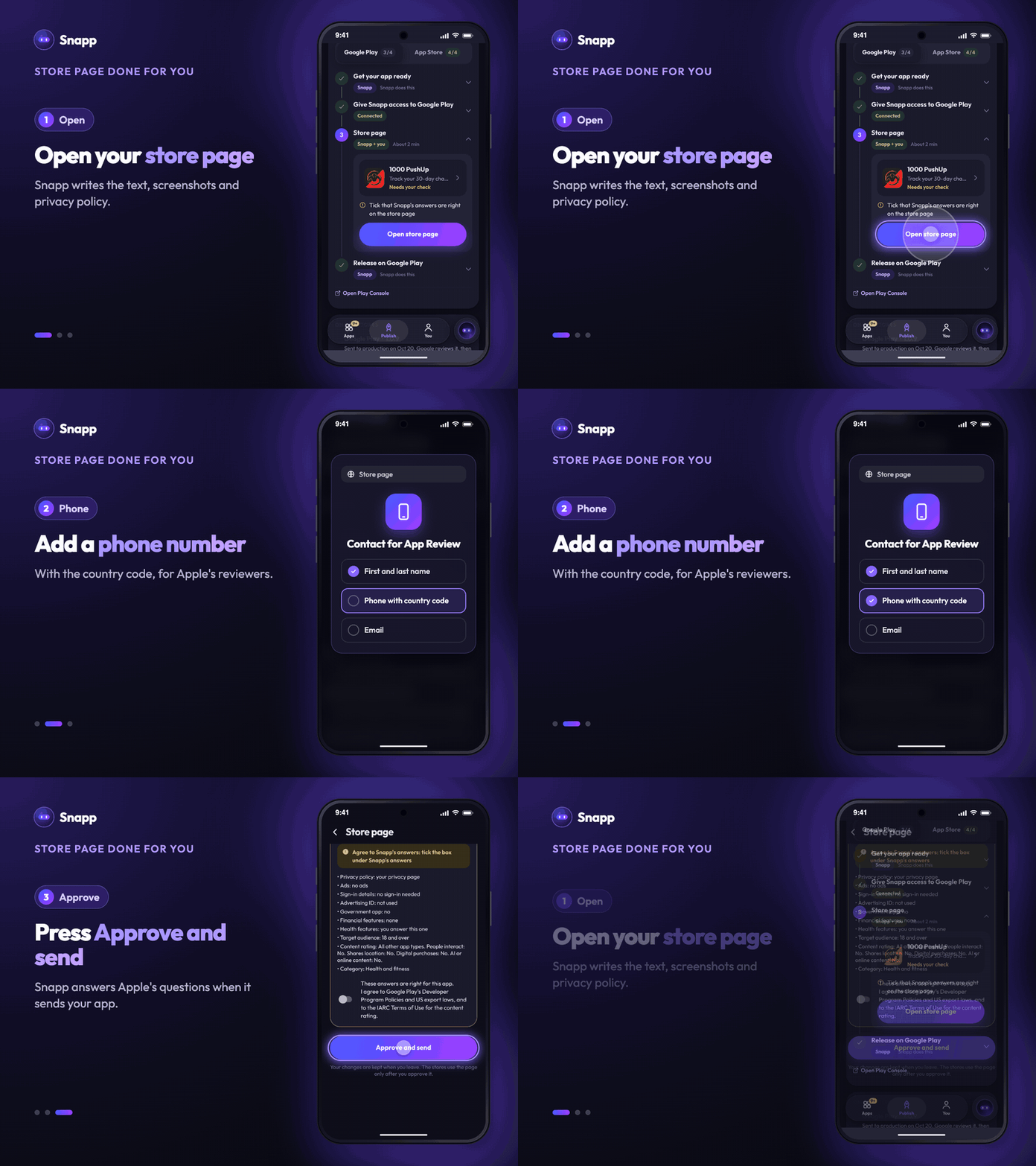
Snapp builds and submits your iOS app to App Store Connect for you. After that, there's a short one-time part only you can do: fill in your store listing and tap Submit for Review. Here's exactly how.
> First time here? Start with → How to publish your iOS app to the App Store
---
Step 1 — Wait for the build to process
After Snapp submits, Apple processes your build for a few minutes (sometimes up to an hour). In App Store Connect → your app → TestFlight, you'll see the build go from "Processing" to ready. You can move on while it processes.
---
Step 2 — Fill in your store listing
Open your app → App Store tab → your version, and complete:
- Name & subtitle
- Description and keywords
- Screenshots (at least one 6.9" iPhone set, or 6.5" — use the sizes Apple shows)
- Support URL and (optional) marketing URL
- Category and age rating
- Pricing (free or paid) under the Pricing section
- Publish your iOS app to the App Store
- After launch: What is OTA? Instant updates
---
Step 3 — Fill in App Privacy (required)
Under App Privacy, answer the data-collection questionnaire — what data your app collects, if any. Apple won't let you submit without this. If your app collects nothing, say so. You'll also need a privacy policy URL.
---
Step 4 — Select your build
In your version page, scroll to Build → + → pick the build Snapp submitted (it appears once processing finishes). Snapp already declares that your app uses no custom encryption, so you normally won't be asked the export compliance question.
---
Step 5 — Submit for Review
Tap Add for Review → Submit for Review. That's it.
Apple review usually takes 1–2 days. When it's approved, your app goes live automatically (or you can choose to release it manually).
---
Common questions
Where do I find the build? App Store Connect → your app → TestFlight (while processing), then it's selectable under the version's Build section.
Why can't I submit yet? Usually a missing required field — App Privacy, a screenshot, or the privacy policy URL. App Store Connect flags what's missing in red.
Can I test it first? Yes — the same build is in TestFlight. Add yourself as a tester to try it before the public release.
---
What's next
Snapp Team
SNAPP ekibinden yazılar ve içerikler